Early Founder Access — Limited-Time Launch Pricing
AI Visual Mastery
Create Cinematic AI Visuals That Don’t Look AI-Generated. Beginner-friendly. Built with real cinematic standards.
Watch how it works
Built from 21+ years of real film production experience — translated into clear, beginner-friendly workflows.
Make AI visuals look physically believable and cinematic
Simple workflows designed to get professional-looking results fast — even if you’re new.
Full control over style, lighting, depth, motion, and quality — without random results or gimmicks.
Get lifetime access + future updates for $158 today.
Regular price: $448. Limited-time founder offer.
Rated by early access students

“Breaks down complex AI into a process that actually makes sense.”— Mike A
“Helped me use AI tools with real control and intention.” — Steph G.
“Practical workflows I could apply immediately.” — Carla R.
What You’ll Be Able to Create
Real examples built using the same step-by-step workflows taught inside AI Visual Mastery.
Create Cinematic AI Scenes
Build visually believable, cinematic scenes with control over lighting, motion, and realism — so your visuals feel intentional, not random.
AI Ads & Creative Concepts
Create polished ad visuals and creative concepts built for attention, messaging, and strong visual impact across platforms.
Cinematic Prompting Without Guesswork
Learn to control camera movement, lighting, multi-Shot prompting, composition, depth, and cinematic realism — so your prompts create intentional, polished visuals instead of random results.
Seamless AI Transitions
Create clean, dynamic transitions that connect shots smoothly while staying readable, cinematic, and visually consistent.
Cinematic VFX & Impossible Shots
Create stylized, high-end visuals and impossible shots that still feel cinematic, controlled, and production-ready.
Character Consistency
Build repeatable characters that stay visually consistent across scenes while maintaining a polished, professional look.
AI Creator Bonus Pack
Extra bonus training to help you create stronger social content, expand your AI skill set, and unlock more real-world creator opportunities.
Clone Yourself for Photo & Motion
Create realistic AI clones and background replacements from photo to motion — ideal for tutorials, presentations, branded content, and creator workflows.
Viral Videos & Shorts
Create high-impact short-form content for Reels, Shorts, TikTok, and more — with workflows designed for speed, clarity, and strong visual attention.
AI Avatars for Social Content
Create believable AI personas, creator-style content, and branded social visuals with consistency, realism, and platform-ready quality.
Thumbnails That Stop the Scroll
Create bold, cinematic thumbnails with strong click appeal — without relying on expensive designers or messy workflows.
Why Most AI Courses Still Lead to Random Results
If you’ve taken other AI courses and your visuals still look random, this explains why.
Most AI Courses
Focus on tool buttons
Outputs feel random
Trend-chasing instead of learning visual fundamentals
Fragmented tutorial-style learning
Short-lived tactics
Still looks AI-generated
AI Visual Mastery
Focus on visual control
Outputs are intentional, repeatable, and controllable
Cinematic, polished visuals
Structured workflows
Long-term usable systems
Doesn’t look obviously AI-generated
This Isn’t About Learning More Tools — It’s About Visual Control.
Most AI visuals still look random because creators never learn how to control quality, motion, realism, and consistency.
Control visuals instead of generating randomness
Create cinematic results without expensive gear
Use repeatable workflows instead of chasing trends
Built around the few tools that actually deliver real results





Most AI content fails not because of ideas — but because it lacks control, realism, and visual quality. That’s where AI Visual Mastery begins.
Everything Starts With a Strong Image
Learn how to create cinematic, production-ready AI images — even if you’re starting from scratch.
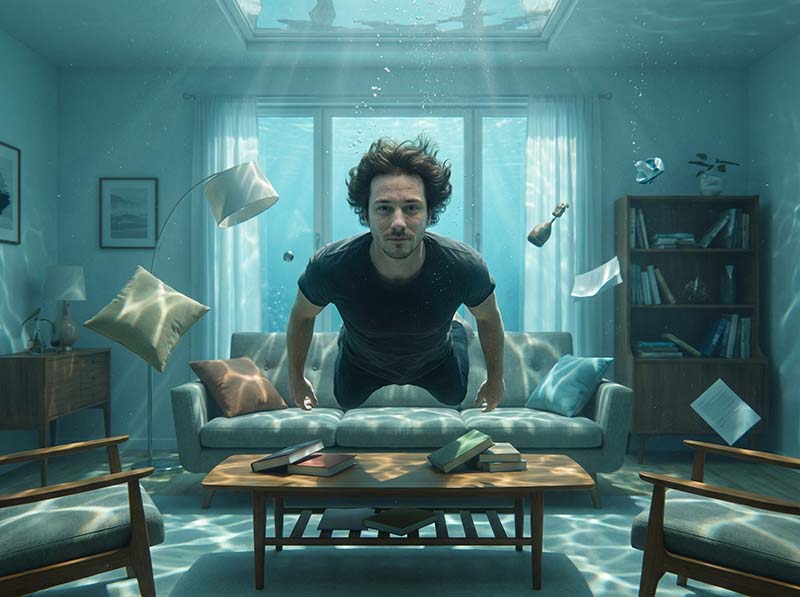
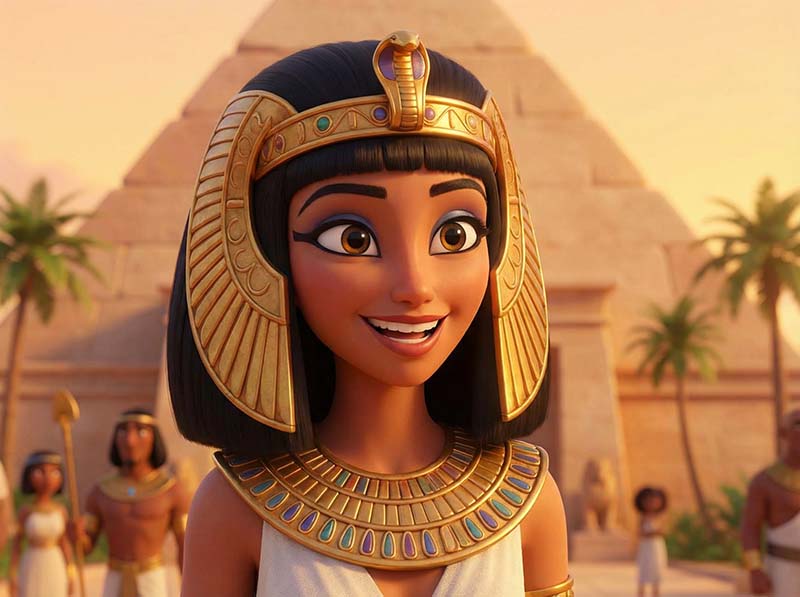

Create cinematic images without expensive gear
No need to master complex tools before you start
Learn light, depth, and realism the filmmaker way
Turn ideas into motion-ready visuals
Start with structure, not guesswork


AI Visual Mastery
Course Curriculum
You don’t just learn tools — you learn how to think visually with AI.
Founder Pricing for the First 50 Students
AI Fundamentals (Clarity Over Hype)
Understand AI capabilities & limits
Evaluate tools like a professional
Avoid hype tools and dead ends
Learn what actually matters for visual realism
Choose the right tools for AI photos and videos
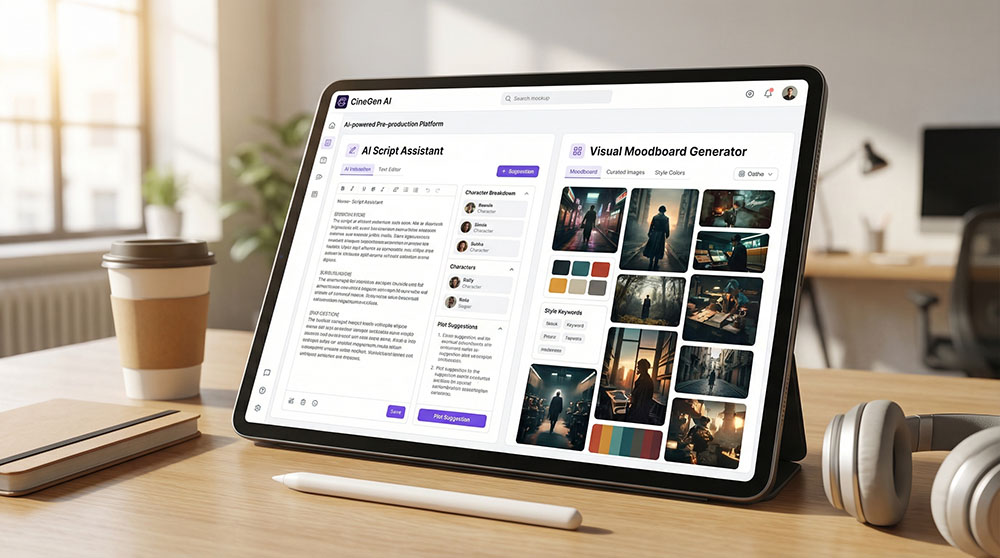
Pre-Production for Cinematic & Commercial Projects
Introduction to Pre-Production
Concept Development & Scriptwriting
Storyboarding & Visual Planning
Production Planning & Logistics
Deliverables & Approvals
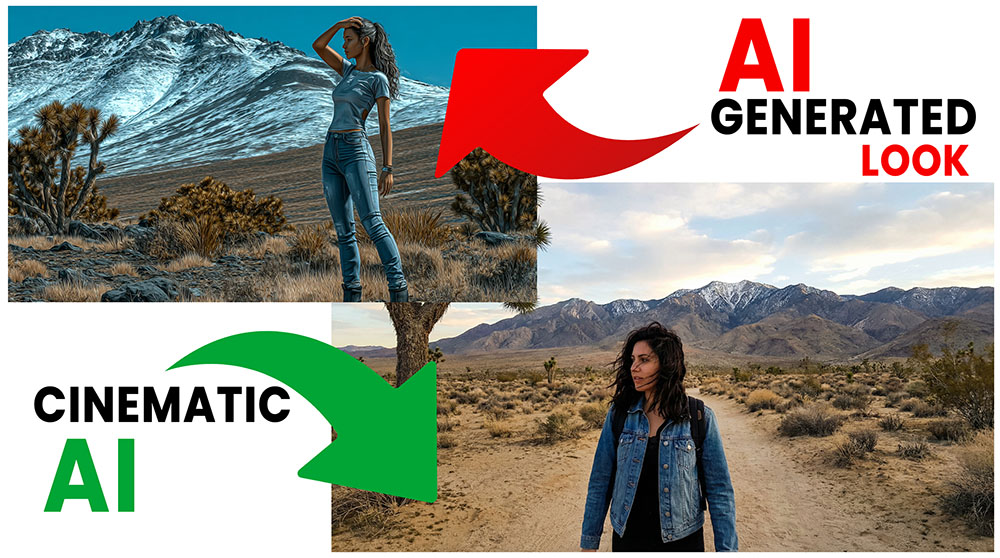
Visual Taste & Cinematic Decision-Making
How to tell instantly if a shot looks cinematic or fake
Common AI mistakes that scream “AI-generated”
How to simplify visuals for stronger realism
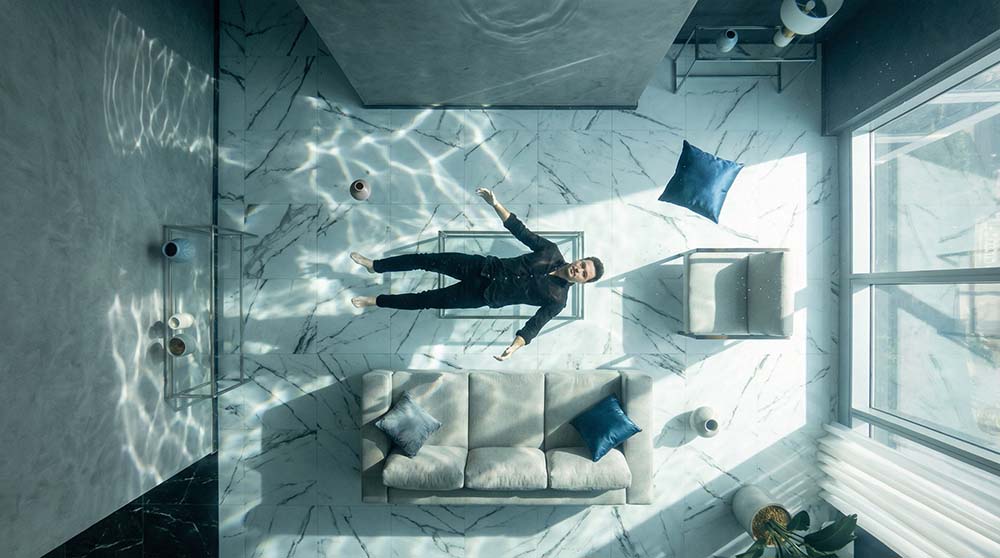
Structured Prompting For Cinematic Image Control
Control lighting, shadows, and depth for
true photorealism
Build cinematic compositions with real film principles
Eliminate the “AI look” through texture and realism control
Prepare images structurally for smooth motion conversion
Structured Video Prompting for Cinematic Control
Control camera movement, framing, continuity
NEW Control multi-Shot prompting
Reduce morphing and randomness
Make AI outputs intentional and repeatable
Prompt & Visual Fixes: AI Consistency & Control.
True Cinematic AI Filmmaking
Real-world film language
Lighting logic, camera realism
Scenes that feel indistinguishable from live-action
Taste, restraint, cinematic discipline
High-Converting Ads with AI
Crafting Ad Visuals that Sell
AI-powered creative testing
High-impact visuals for business use
How to edit your Ads professionally
Hollywood-Level AI VFX & Impossible Visuals (Advanced)
Impossible shots that still feel believable
Stylized VFX with narrative logic
Trend-driven visuals without looking cheap
“This can’t be filmed” moments
AI Transitions & Motion Control
Create smooth, cinematic AI transitions
Control pacing and visual flow across scenes
Enhance short or long content with clean motion FX
Prompt Templates included to save you time.
Stylized Character Design & Cinematic Animation Look
Apply cinematic lighting principles to stylized 3D characters
Create emotionally expressive faces and believable proportions
Control color harmony for high-end animated visuals
Prepare characters for animation and cinematic sequences
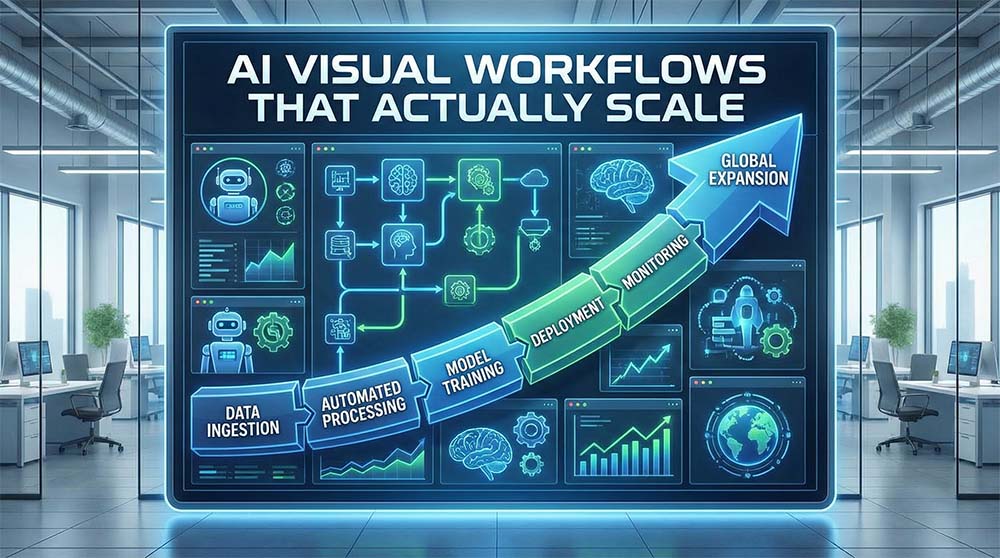
AI Visual Workflows That Actually Scale
How to reuse visuals without repetition
Building repeatable content systems
Avoiding burnout while increasing output
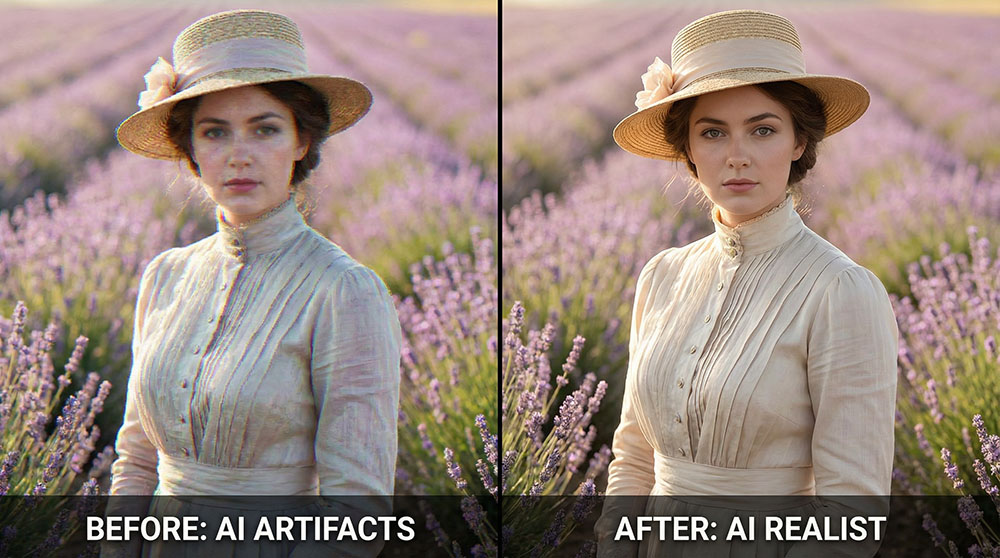
Fixing & Polishing AI Visuals
Included In The Video Starter Training Packs (Free Bonuses)
Edit professionally any AI project
Color grade your AI Project
Fixing small AI artifacts quickly
Cleaning motion, faces, and transitions
When to stop tweaking and move on
Why Not Just Learn This on YouTube?
You can — but most free tutorials are scattered and tool-focused. One shows a trick. Another shows a feature. AI changes fast, and confusion follows. Very few teach you how to build cinematic, consistent work from start to finish.
AI Visual Mastery gives you a structured, production-ready system — not random experiments, outdated hacks, or disconnected tutorials.
Lifetime access
Future updates included
Beginner-friendly, production-ready
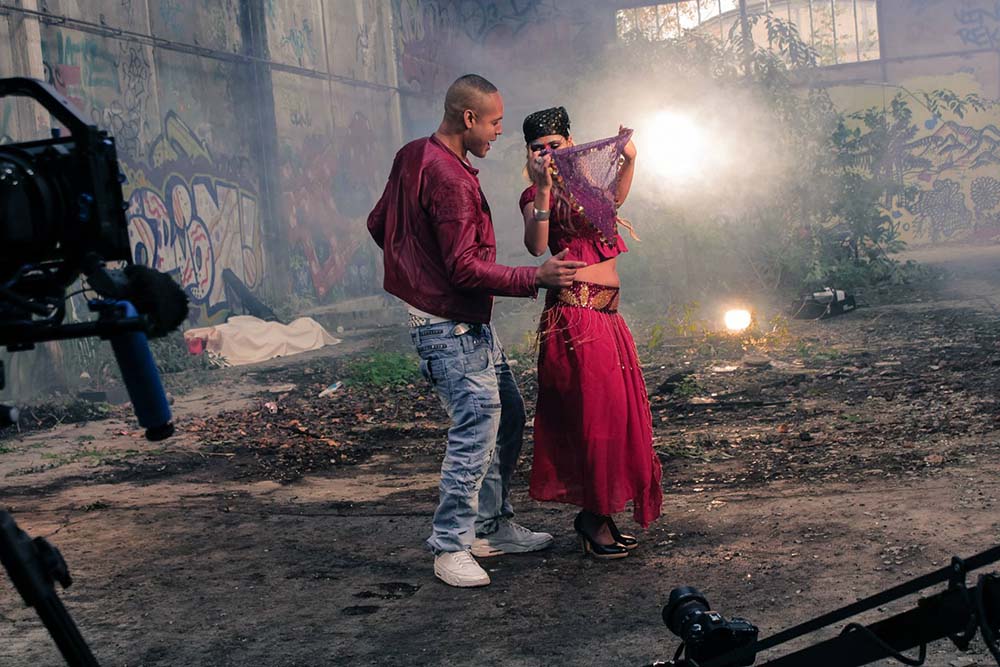
Trusted by Real Filmmakers, Not Just AI Creators
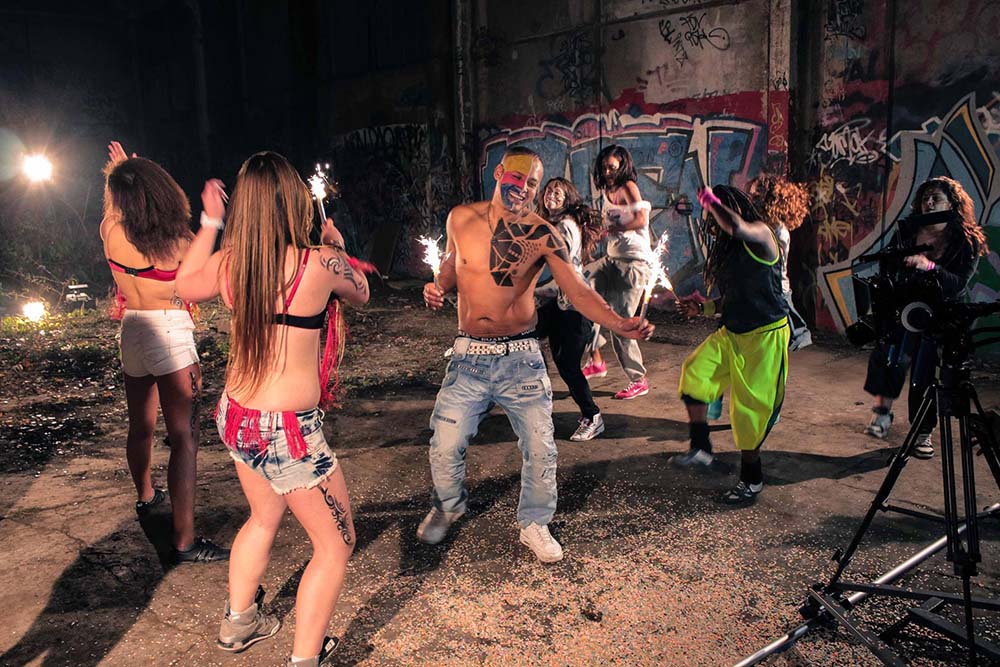
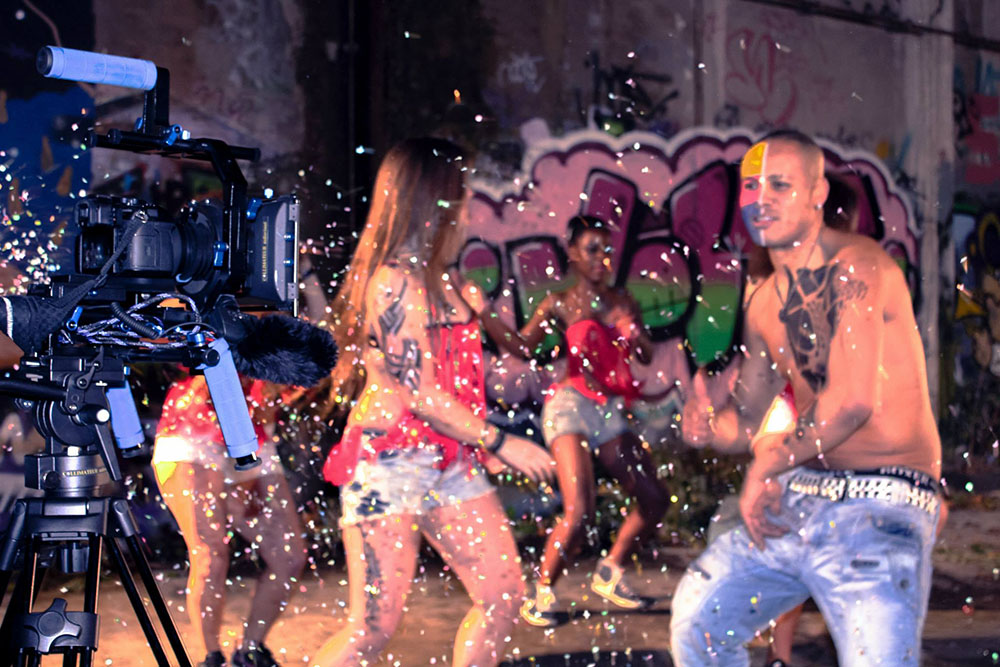
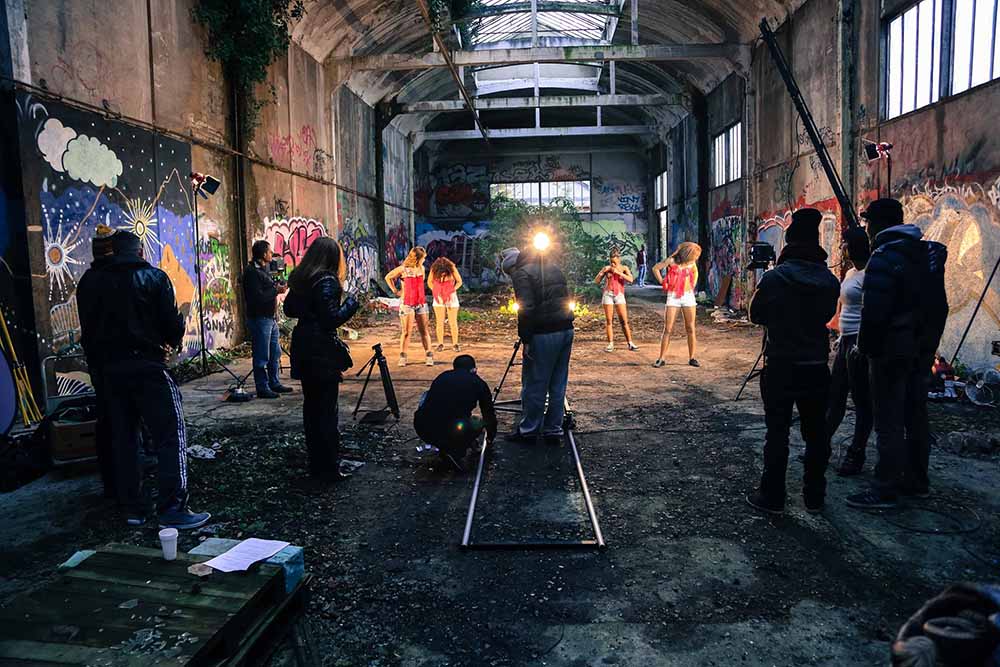
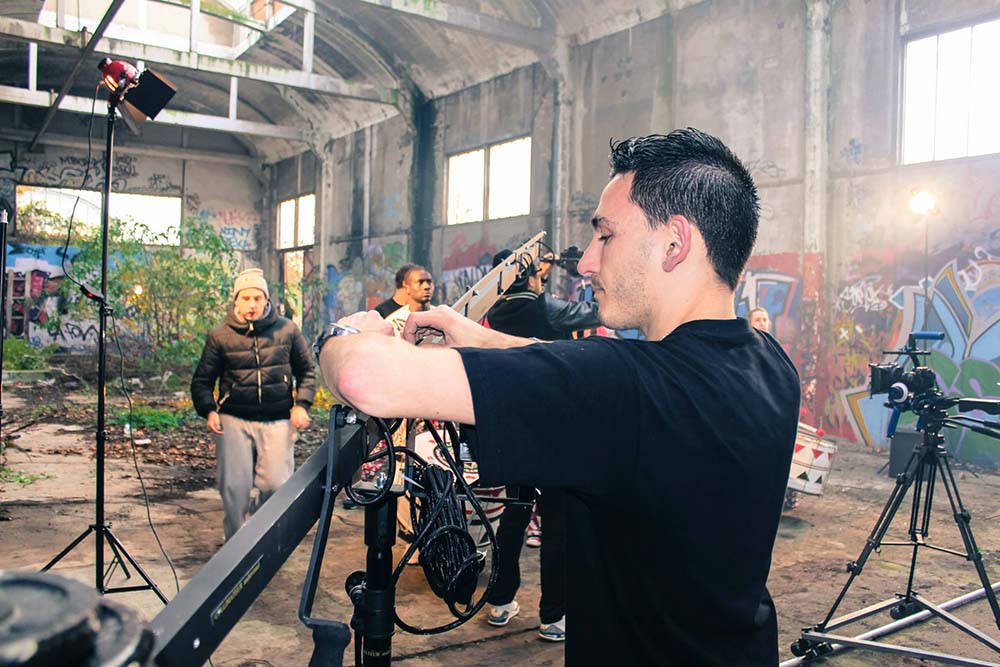
“Real Film Sets. Real Productions. Real Results.”
"I Have made a full fim with Sebastien and he helped tranmendusly with the shoting as the DP and the film editor and made the full score of the film without Sebastien I could not makke it happen." - Brian F
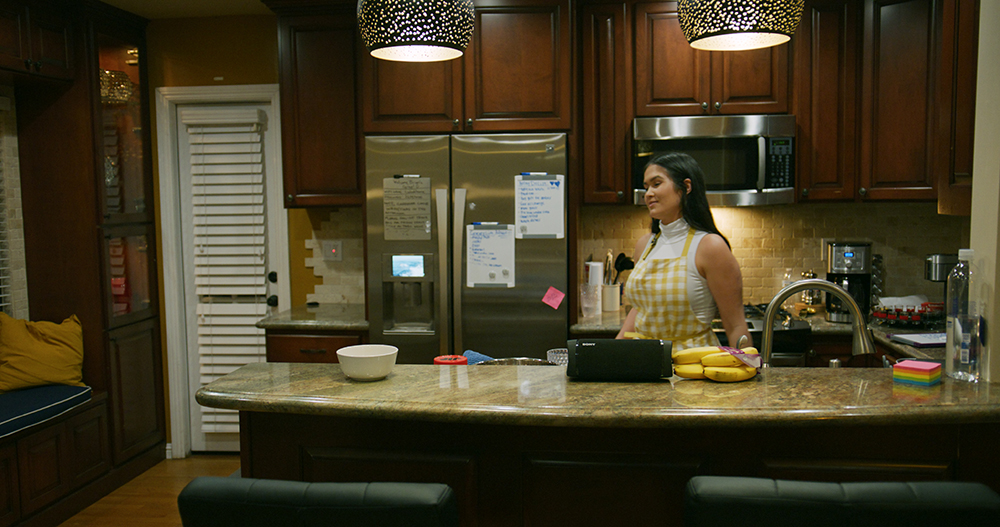
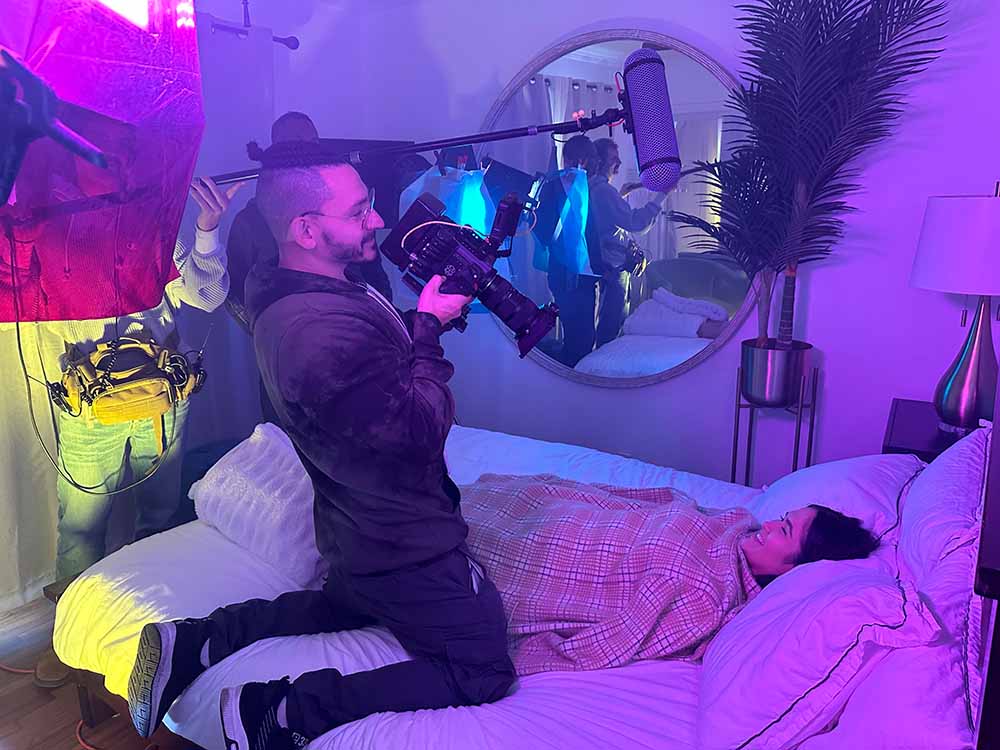
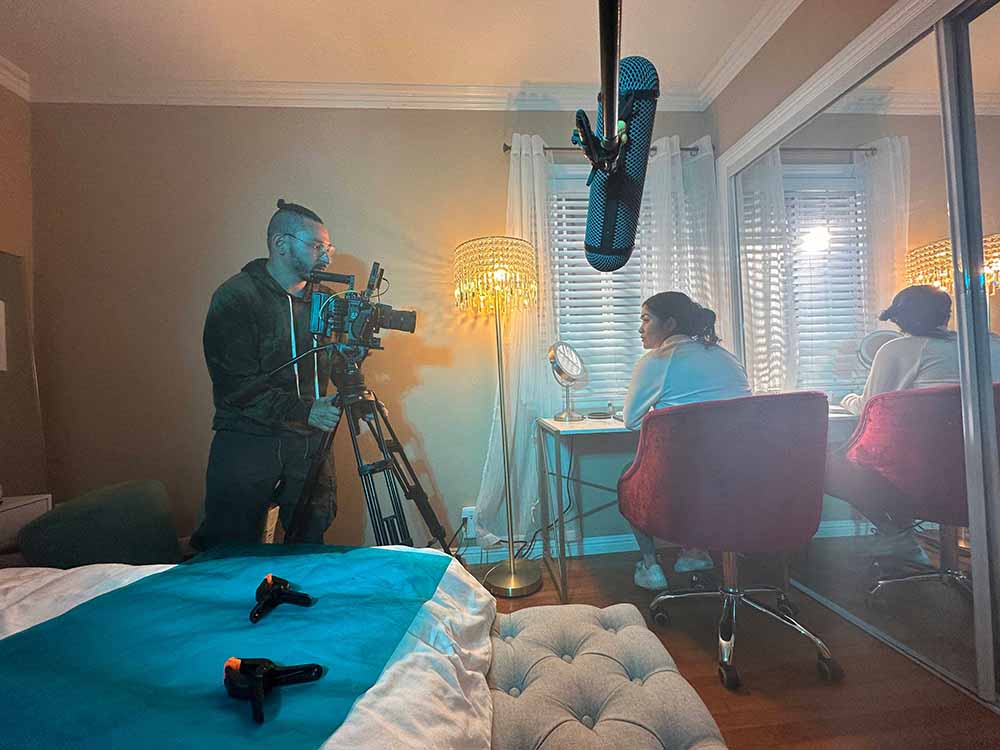
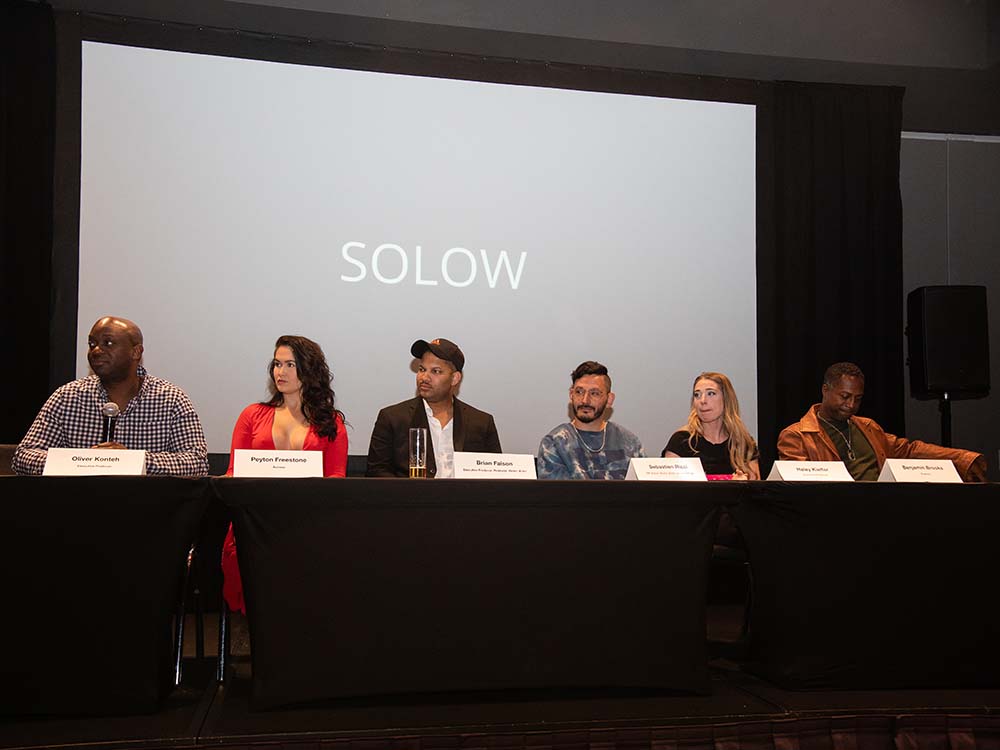
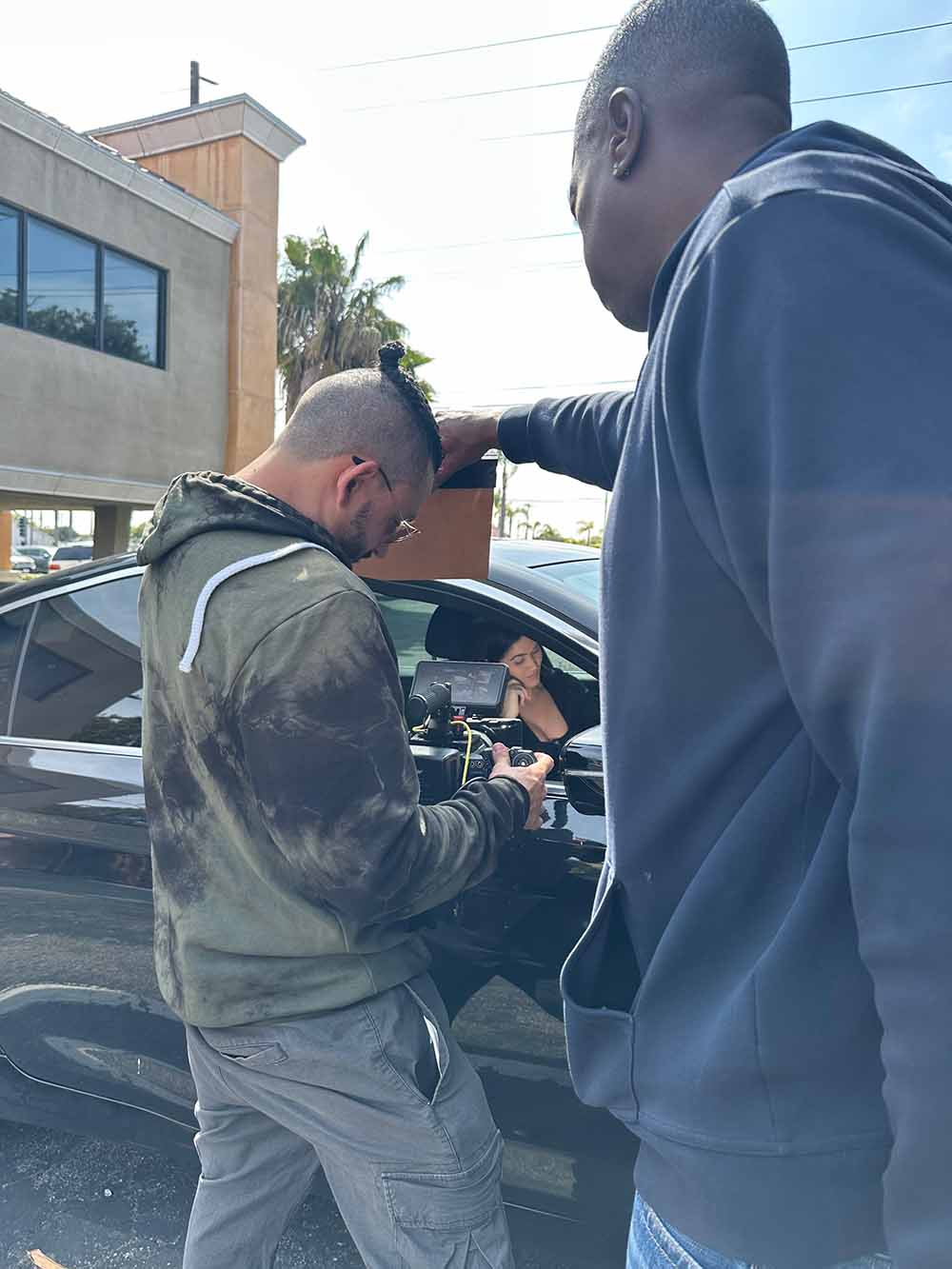
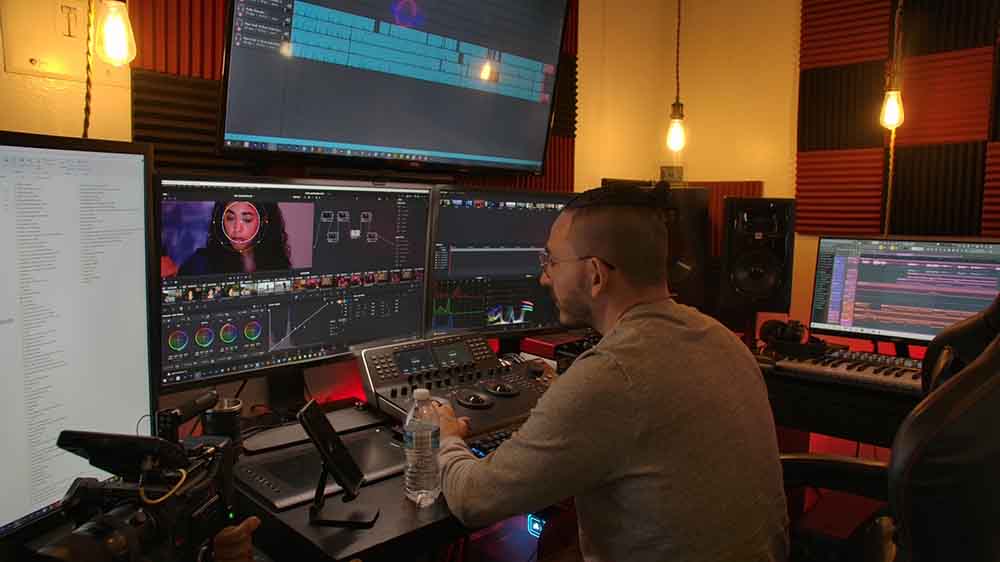
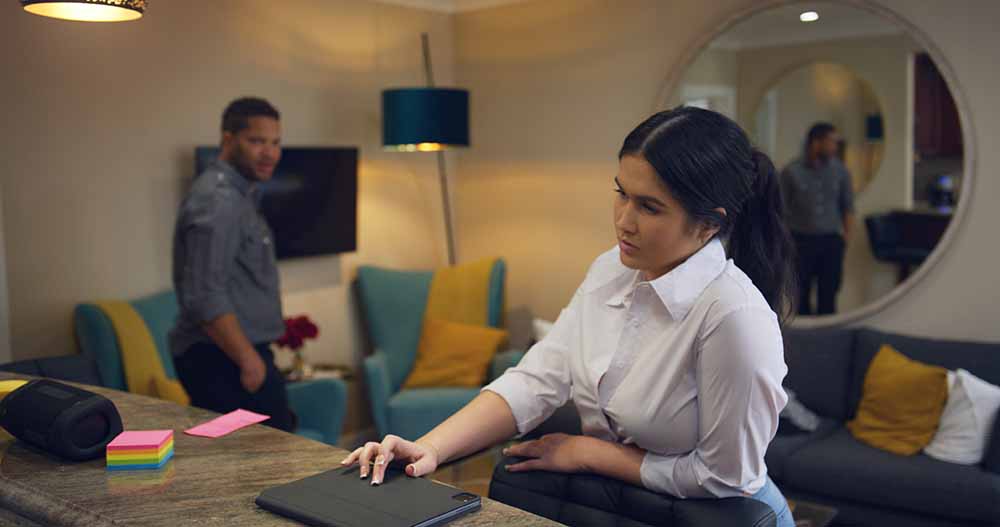

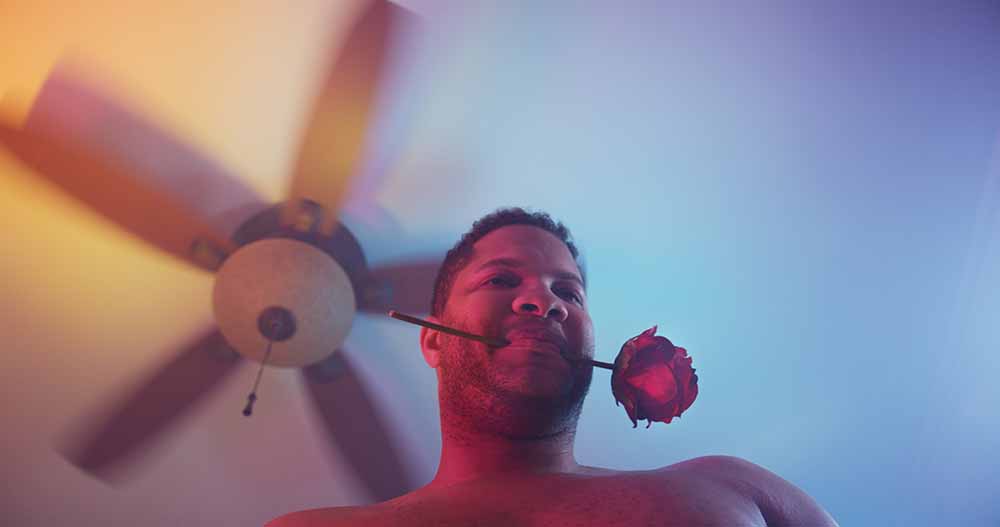
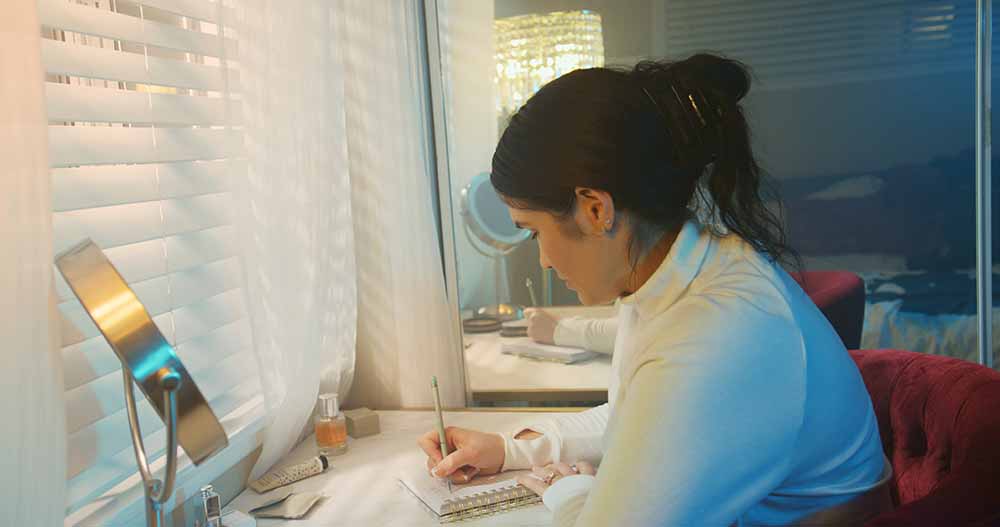

“One of the Best DPs I’ve Ever Worked With — Period.”
"I worked with Sebastien Ricci on film sets he is one of the best DP i have worked with I recomend him." - Oliver Konteh
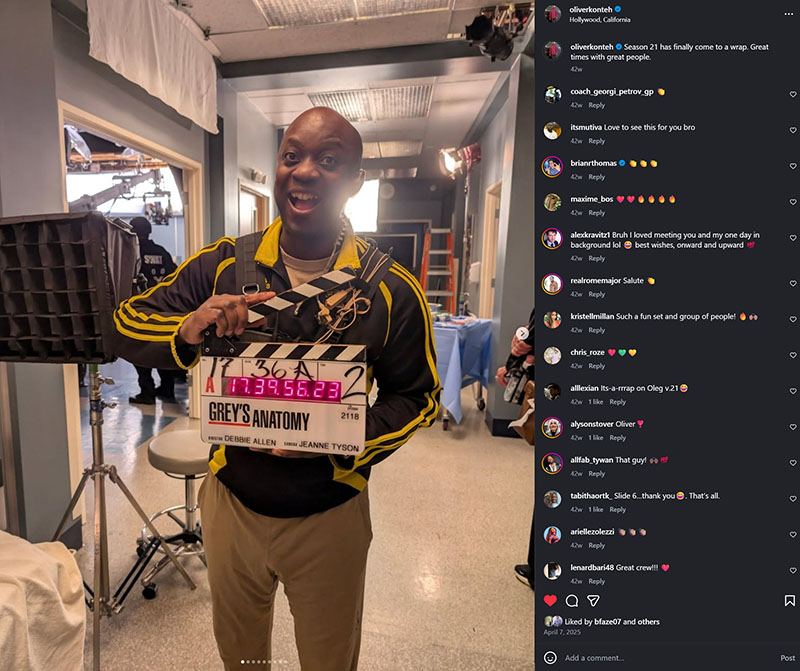
"Sebastien teached me so much..."
"Sebastien Ricci helped me many times during my learning journey he is very patient and professional" - Michelle D
"I enjoyed working with Sebastien Ricci"
"I worked with Sebastien on a Absolut Vodka Commercial and had a great experience Sebastien is easy to work with" - Robertino F
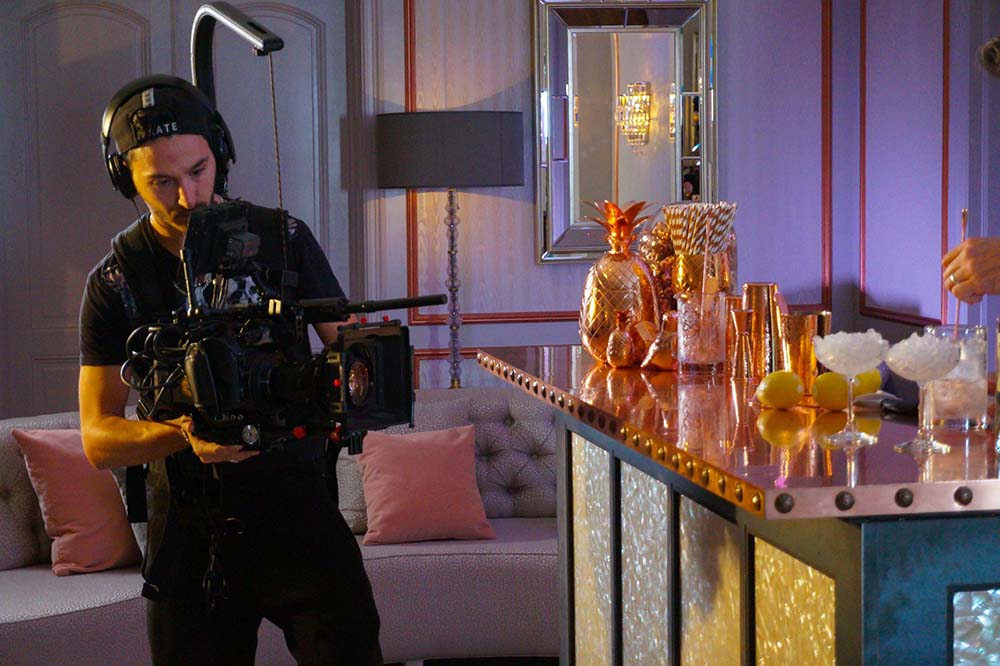
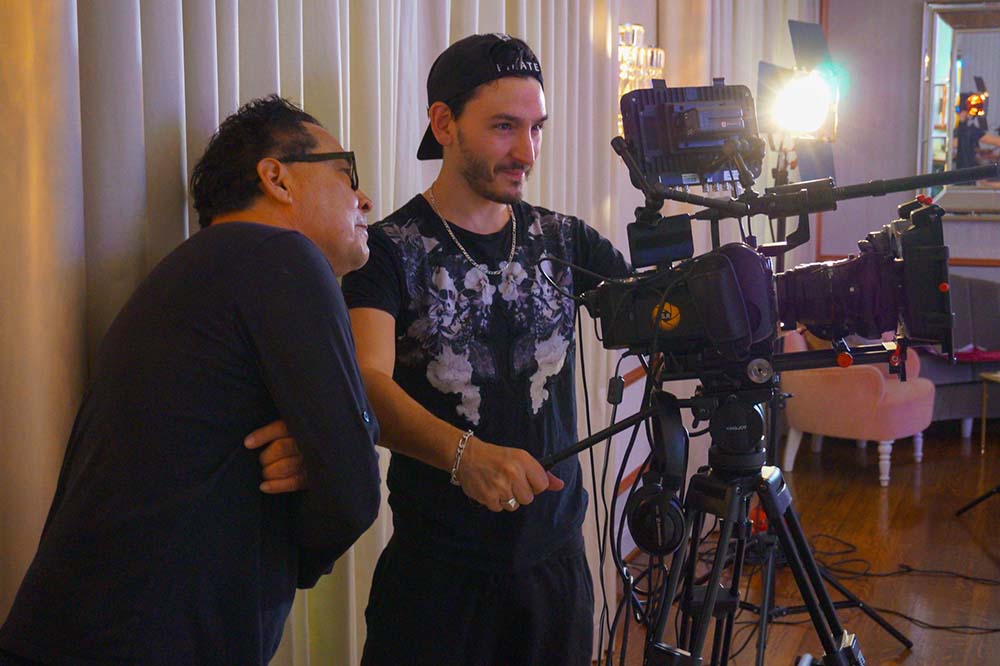
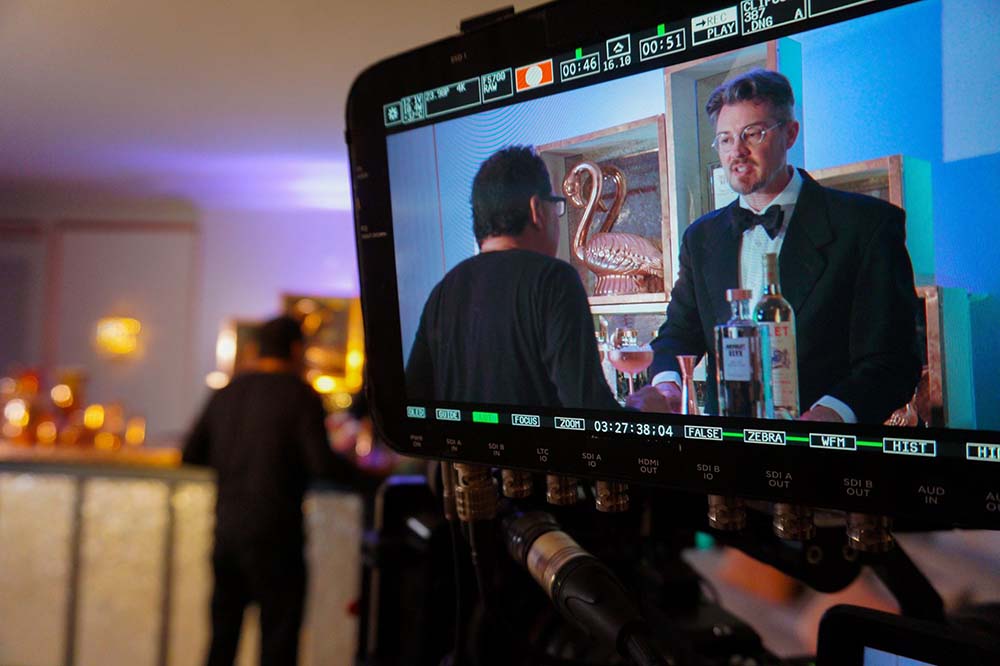
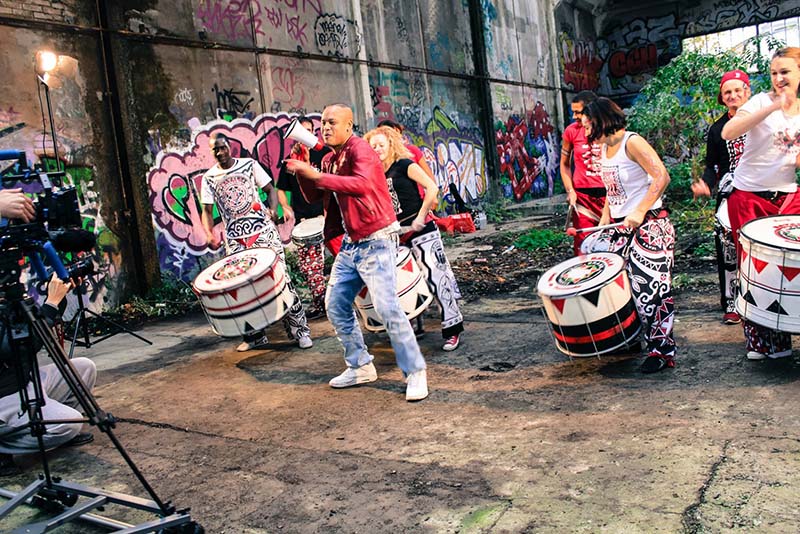
"My best music videos made so easy with Sebastien"
"Sebastien made some of my music videos since 2012 and i never been disapointed he always give me the best music videos i could dream of every time he is my favorite filmmaker out here." - Vanny Jordan


AI Creator Bonus Pack
Extra bonus training to help you create stronger social content, expand your AI skill set, and unlock more real-world creator opportunities.
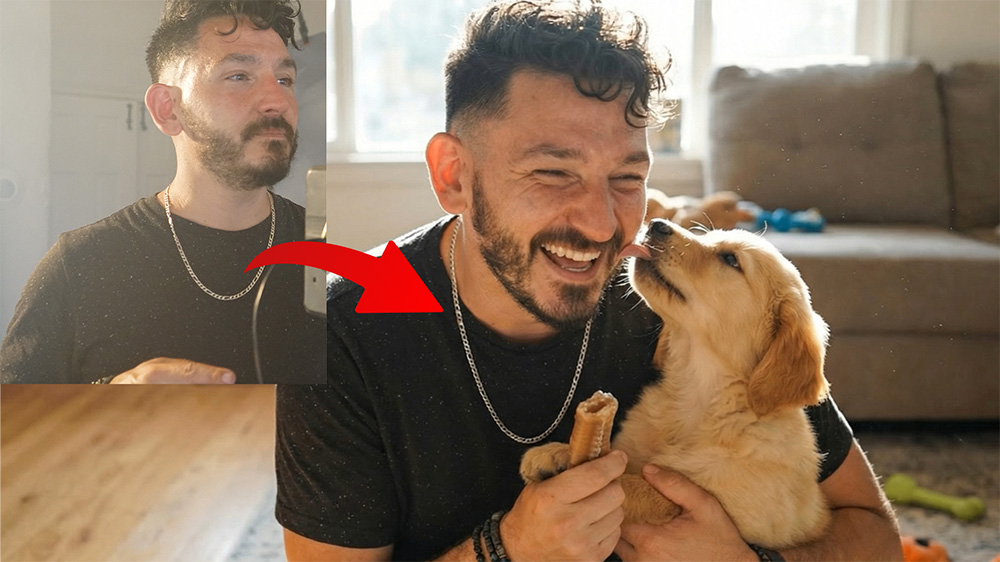
Clone Yourself for Photo & Video
Photo-real clones
Video realism
Voice cloning (Free Elevenlabs Masterclass included in this course)
Business use cases (content, ads, scaling)
Swap any bacground from any videos
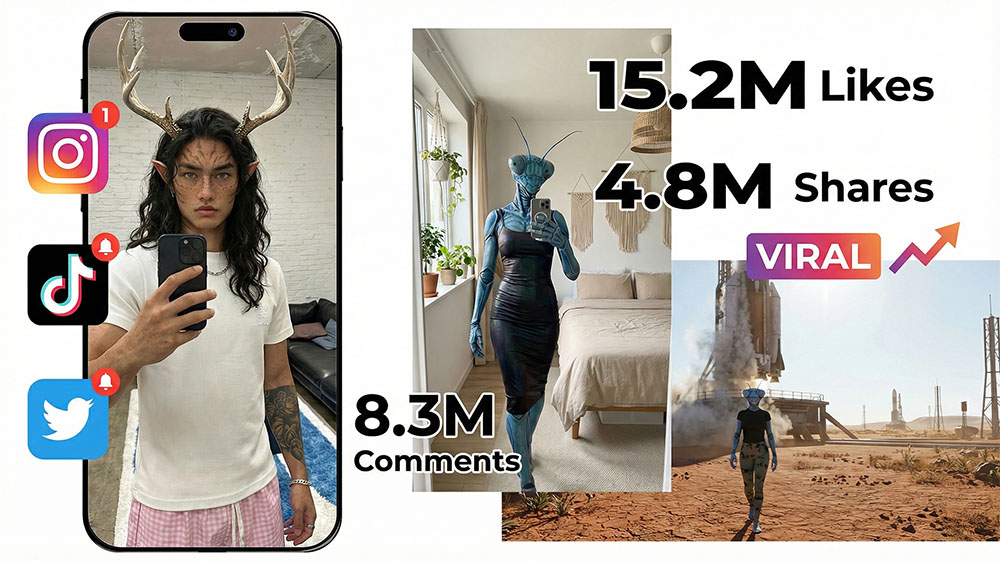
Realistic AI Avatars & Social Content
Design photorealistic avatars
Lock visual consistency
Talking avatars + voice cloning
Turn avatars into recurring viral assets
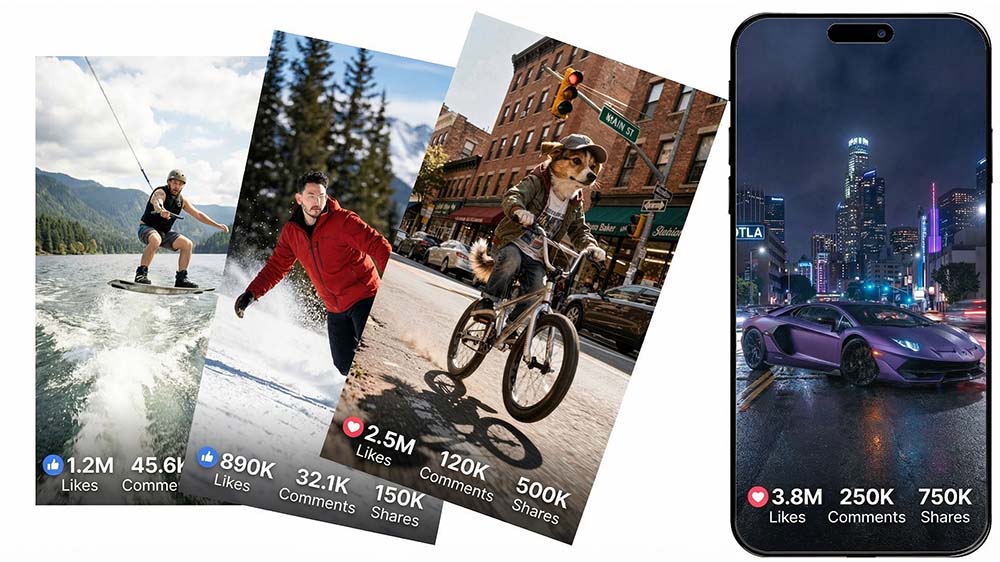
Create Viral-Ready Shorts
Clone-based content without being on camera
Characters & scenarios designed for virality
Short-form formats that trigger algorithm lift
Thumbnails That Drive Clicks
Scroll-stopping visuals without Photoshop mastery
Platform-specific thumbnail psychology
Fast testing for click-through optimization

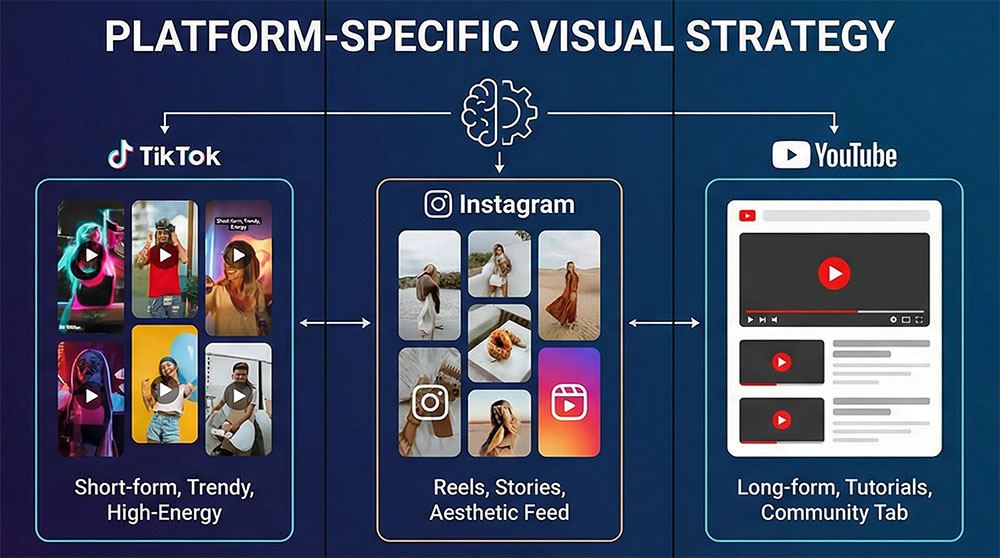
Platform-Specific Visual Strategy
Why some visuals explode on TikTok but fail on YouTube
How to adapt the same asset across platforms
Visual pacing rules for Shorts, Reels, Ads, and long-form
Limited Time Pre-Launch Bonuses
(Weekly Live Q&A available for Founder Edition Only)
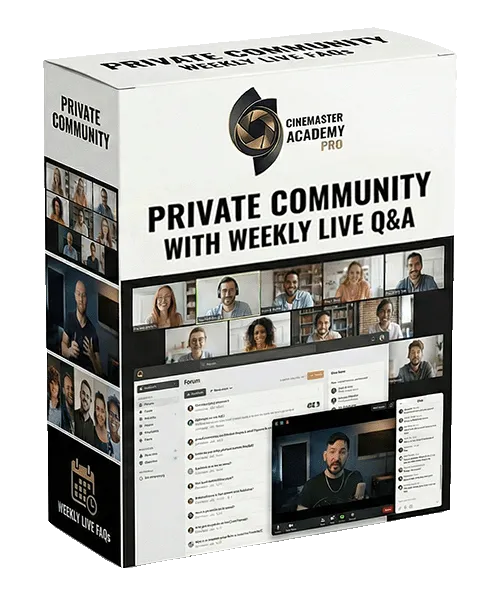
Private Community + Live Access
Real Support, Real Feedback — Not a Silent Course
• Private Community Access
Ask questions, share work, and get clarity when you’re stuck — so you’re never guessing, overthinking, or losing time experimenting blindly.
• Weekly Live Q&A Sessions
Live sessions where Sebastien Ricci answers real questions, reviews workflows, and breaks down real problems students are actively facing — not pre-recorded, not generic.
• Founder-Level Course Influence
As an early member, your feedback directly shapes upcoming lessons, workflows, and priorities inside the course.
This level of influence does not exist once the course is finalized
Why This Matters
Most courses give you videos — and disappear.
This gives you access, feedback, and direction while the system is still being refined.
Once the Founder Edition closes:
• Community access becomes limited
• Weekly live sessions become monthly
• Course direction is locked
Included FREE during Pre-Launch
Not available after the Founder Access closes.
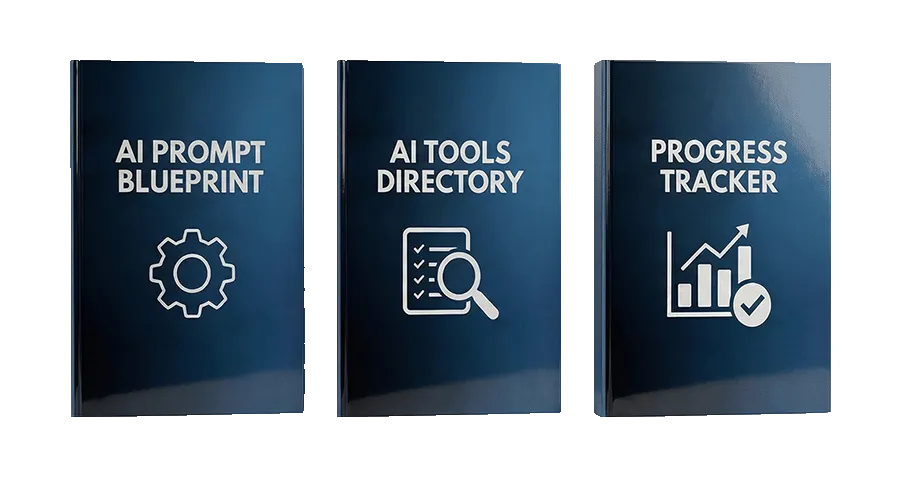
AI Workflow Blueprint Pack (Included Free $58 value)
These are not generic PDFs — they are the exact frameworks and tools used throughout the course to remove guesswork, accelerate results, eliminate beginner mistakes and confusion when applying the lessons.
🧠 AI Prompting Blueprint
Control AI outputs — without trial-and-error prompts
Step-by-step prompt structure + Templates from beginner → advanced
Platform-specific examples for every AI tool used in the course
Learn why prompts work, not just what to type
Eliminate randomness, overprompting, and broken outputs
This is the foundation behind every cinematic result you’ll create.
🔗 AI Tools & Resources Directory
Skip bad tools. Save time. Save money
Curated list of the best free and low-cost AI tools
Only tools that deliver real, usable results
Updated as the AI landscape evolves
No affiliate spam. No hype. Just what works
Saves weeks of research and hundreds in trial-and-error.
✅ Course Progress & Execution Checklist
Know exactly what to do — and in what order.
Track your progress through each core skill
Ensure you’re applying techniques correctly
Designed to increase completion and confidence
Used alongside lessons to stay focused and consistent
Finish the course knowing you didn’t miss anything important.
🎁 Founder Edition Bonus (Limited-Time)
Enroll now to permanently unlock the full AI Workflow Blueprint Pack.
After Founder Edition closes, only the Course Progress Tracker remains included. Founder students keep the full pack permanently once unlocked.
Founder-only workflow updates are delivered after the 7-day refund window.
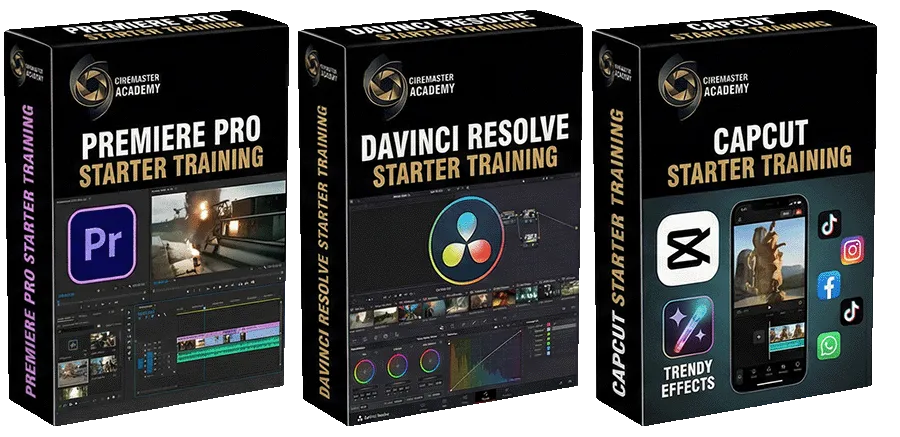
Editing & Polishing Essentials
(Included FREE – Limited Time Pre-Launch Bonuses)
Normally sold separately $197— included FREE during Founder Edition
The exact tools and workflows used to clean, polish, and finish AI-generated visuals — without guessing or over-editing. So your AI visuals look intentional, realistic, and production-ready.
Clean AI artifacts, motion errors, and visual inconsistencies
Polish AI-generated footage without over-editing or destroying realism
Know exactly when to fix — and when to leave the shot alone
Platform-agnostic techniques usable across Premiere, Resolve, and CapCut
Focused on AI cleanup, not traditional editing theory
This is not a full editing course.
It’s a practical system for finishing AI visuals cleanly, consistently, and professionally.
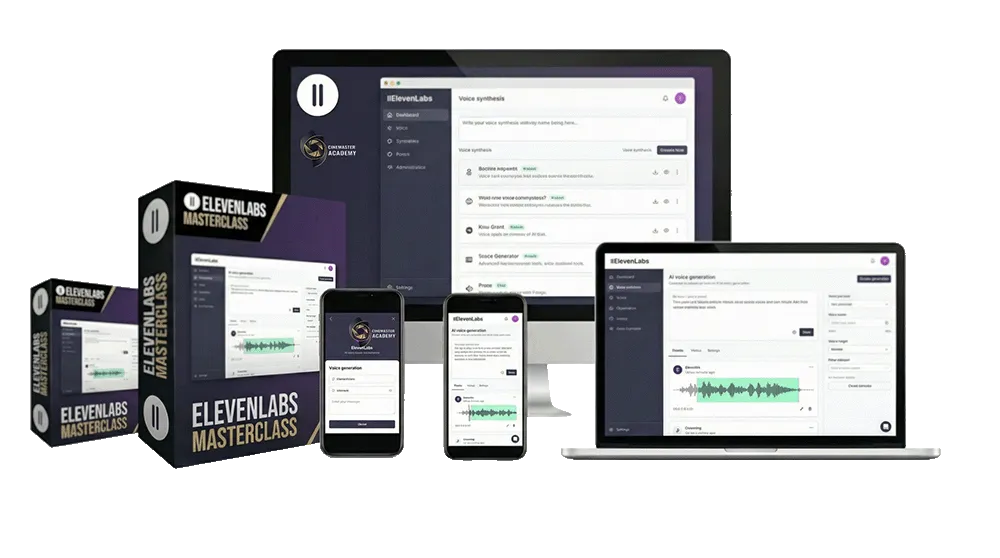
ElevenLabs Voice & Dialogue Masterclass
Included FREE — Founder Edition Only Normally $127
A focused system for using AI voice tools at production level — without robotic delivery or trial-and-error.
You’ll learn how to:
Generate realistic voice performances for cinematic and commercial visuals
Create controlled voice doubles for narration, dialogue, or character work
Control tone, pacing, emotion, and clarity
Avoid common AI voice artifacts and synthetic sound
Match voice style to visuals, edits, and story intent
Use AI voice as a production tool — not a gimmick
This is NOT:
A general audio or sound design course
A beginner voice acting class
It’s a practical voice-generation system designed specifically for AI-driven visuals.
Voice AI is optional — but when used correctly, it dramatically increases realism, speed, and scalability.
It’s a practical voice-generation system designed specifically for AI-driven visuals.
This bonus is removed after the Founder Edition closes.
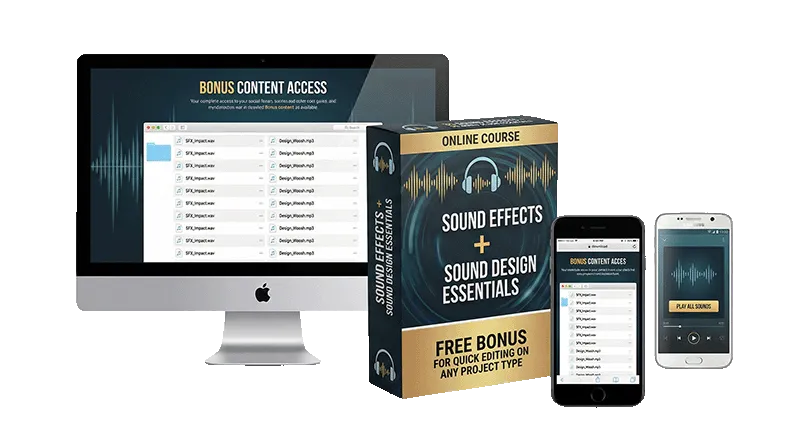
AUDIO EDITING ESSENTIALS PACK (Included FREE)
Normally $39 • Included Free During Founder Access
A practical sound pack to help your videos feel more polished, immersive, and cinematic — without wasting time searching for the right sounds.
SOUND FX PACK
50 sound effects for travel and lifestyle content
Footsteps, ocean, birds, city ambience, thunder, crowds, and more
Designed to make edits feel richer and more immersive
SOUND DESIGN PACK
50 sound design elements for more cinematic edits
Add texture, atmosphere, and impact to your videos
Easy to use in real-world editing workflows
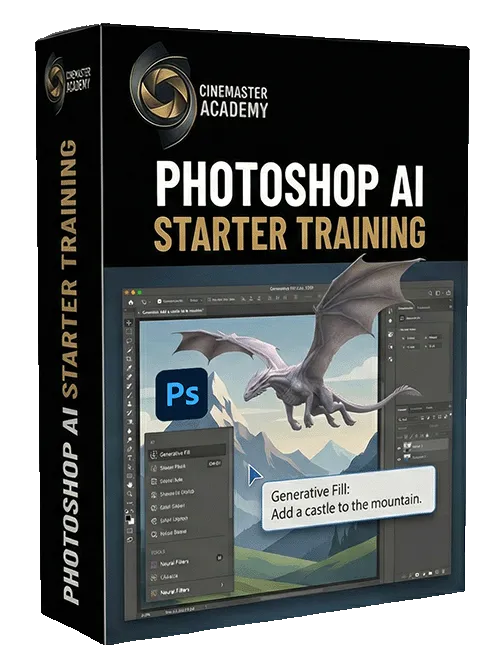
Photoshop AI Tools Override Masterclass
Normally $99-Included FREE — Founder Edition Only
A focused, practical system for using Photoshop as a precision override layer when AI generators fall short — without trial-and-error or gimmicks.
What you’ll learn:
Use Generative Fill, Expand, and AI masking for clean, realistic results
Fix AI image flaws, edges, and inconsistencies before final export
Combine Photoshop AI with other AI tools to achieve production-ready visuals
Know when Photoshop improves AI results — and when it doesn’t
Apply real workflows used in commercial and cinematic visuals
Add or remove specific elements when AI generators refuse to cooperate
This is NOT:
A general Photoshop beginner course
A design theory class
A long software walkthrough
A targeted system for AI cleanup, precision edits, and visual control.
You don’t need Photoshop — but if you have it, this is powerful.
AI Tools Evolve Fast
AI Visual Mastery is continuously updated so your workflows stay relevant — no repurchasing, no chasing tools.
"Loved everything so far"
“I wasn’t sure what to expect at first, but this quickly made things feel clearer, more structured, and easier to apply.”
— Early Access Student

"My life changed forever"
“This feels much more serious than most online creator courses. Clear, practical, and built for real-world use.”
— Content Creator
"Highly recommend this"
“What I liked most is that CMA focuses on real workflows, not hype. It feels genuinely useful and professional.”
— Filmmaker
TESTIMONIALS
Trusted by Real Filmmakers, Not Just AI Creators
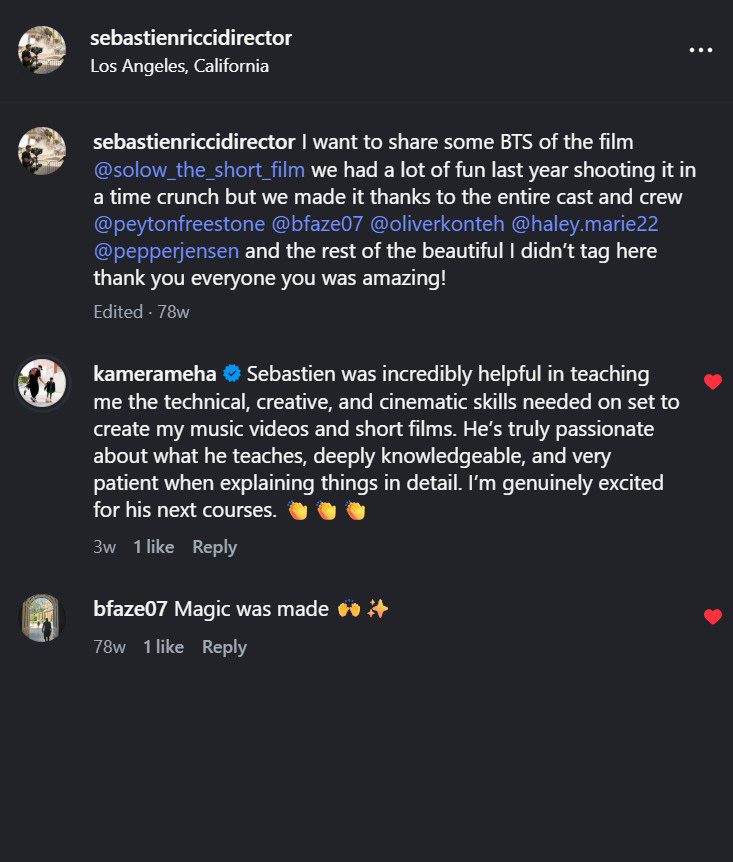
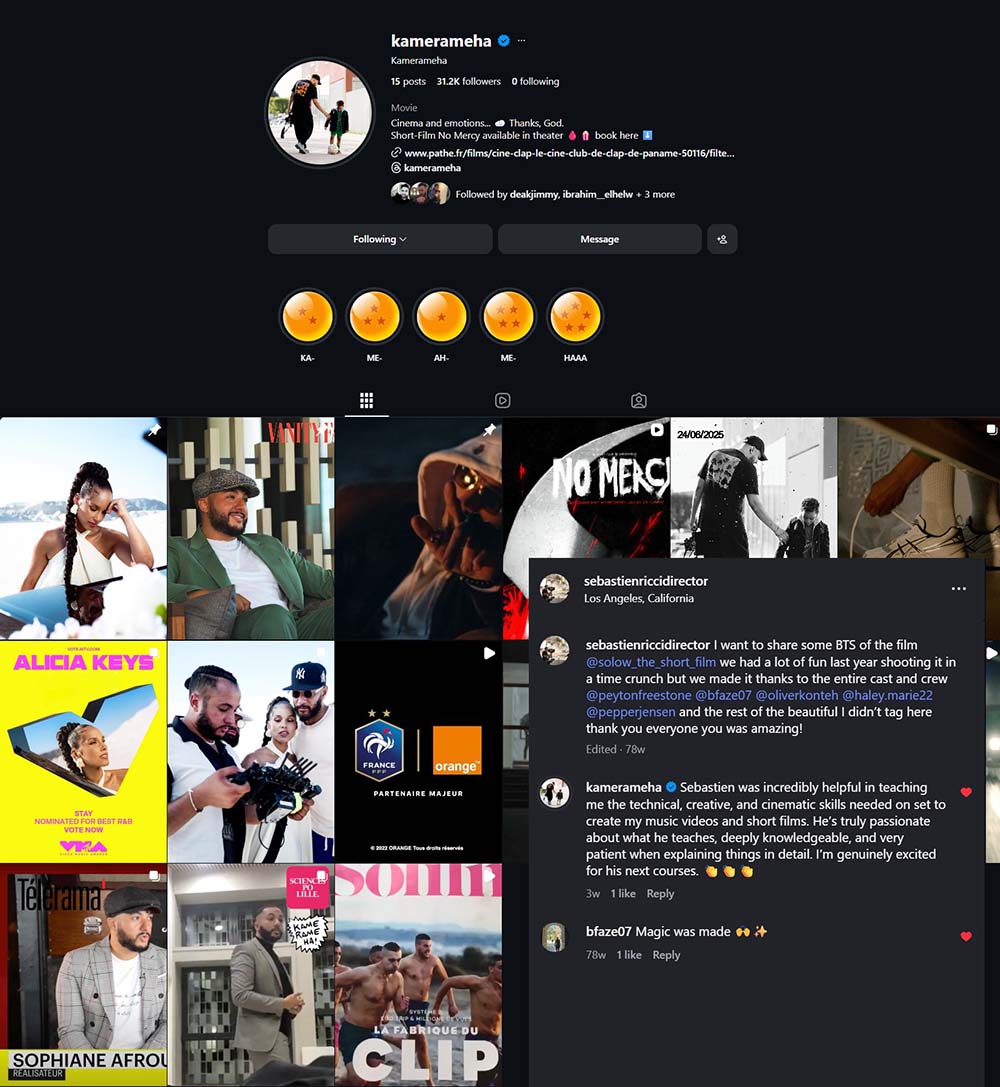
I was skeptical about AI courses, but CineMaster Academy is different. It finally showed me how to combine real cinematography with AI instead of replacing it. The workflows are clear, practical, and immediately usable on real projects.

“What I appreciated most is the balance between strong fundamentals and practical modern workflows. Nothing feels gimmicky.”

“CineMaster Academy helped us improve visual quality without making the process more complicated or expensive.”

“I’m now delivering visuals that feel more polished and intentional. The difference is not just tools — it’s understanding the process.”

It completely changed how I approach production. I stopped chasing tools and started focusing on visual storytelling first, then using AI only where it actually adds value.

This paid for itself on the first project. I applied the workflows immediately and was able to upgrade the visual quality without adding production time or costs.

Meet Your Instructor
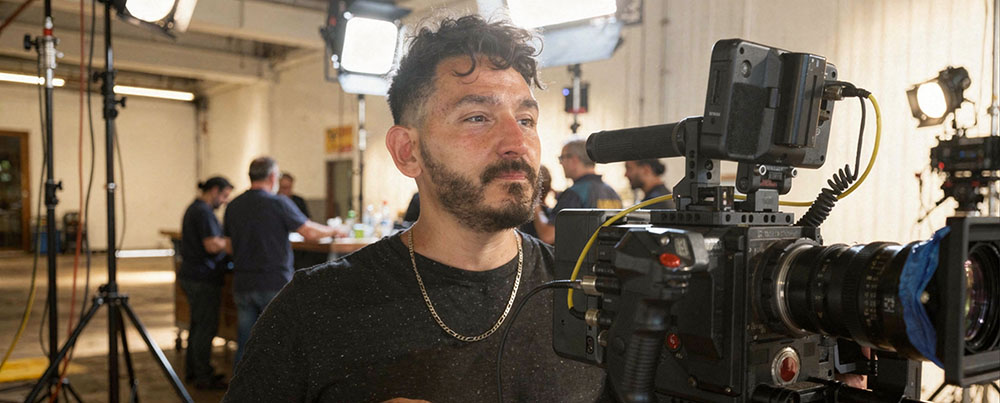
CineMaster Academy is built on over 20 years of professional film production — not trends.
I didn’t start with connections or money, not even film school.
I started like most creators do — learning step by step.
Over time, that persistence led to projects across Europe and the U.S., including work connected to brands and artists like Dior, Absolut Vodka, Travis Scott, Roddy Ricch,Stromae and more.
Not because of shortcuts.
Because of fundamentals.
Everything inside CineMaster Academy translates those real-world production systems into structured, modern workflows — now enhanced with AI. If I could build it from scratch, so can you.
This course is built from real production experience — not AI experiments.
This course is built from real production — not AI experimentation.
Born in Paris and now based between Los Angeles and Las Vegas, Sebastien Ricci is a Producer, Director, Director of Photography, and Senior Editor with over 21+ years of experience across films, commercials, and music videos.
Formally trained in cinematography and sound engineering, he combines advanced lighting, cinematic composition, digital effects, and professional sound design into a distinctive production style.
Since founding his first audiovisual company in 2010, he has worked internationally and collaborated with artists and brands including Travis Scott, Soulja Boy, Roddy Ricch, Stromae, Absolut Vodka, Dior and more...
Inside CineMaster Academy, he teaches practical, industry-level workflows designed to elevate your visual standards — not just your tool knowledge.
Founder Edition Extras Included
Included with Founder Edition during pre-launch
Private Community + Monthly Live Q&A Access
AI Prompting Blueprint (PDF)
Editing & Polishing Starter System
(Premiere · Resolve · CapCut workflows)Photoshop AI Tools Override Masterclass
CMA Cinematic Overlays Starter Pack
ElevenLabs Voice & Dialogue Masterclass
Founder Edition extras are removed once the course is finalized.
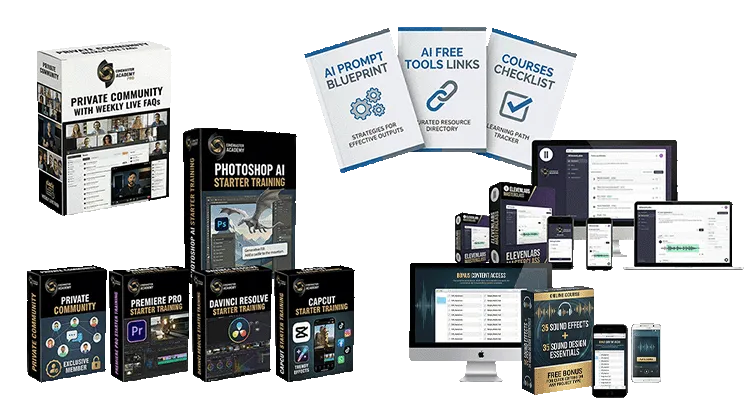
These tools and trainings are normally sold separately.
Founder Edition includes everything above at no additional cost you save today $520 on bonuses value.
Enroll Today and save $290
$448 $158

Designed as a complete production system—not a tool tutorial.
Who Is This Course For?
You want to create high-end, cinematic films or commercials that look like they had a multi-million-dollar budget — even with limited resources.
You value premium quality, professional workflows, and real filmmaking techniques enhanced by AI (not shortcuts or gimmicks).
You want to understand how to combine real-world filmmaking (camera, lighting, directing, editing) with AI tools to dramatically elevate your final result.
You are an independent filmmaker, content creator, small production company, entrepreneur, or brand that wants Hollywood-level visuals without Hollywood budgets.
You are willing to follow structured guidance and apply proven techniques to achieve consistent, professional results.
No prior AI experience required — you only need curiosity and drive.
Will AI Replace Creators?
No.
AI won’t replace creators. But creators who know how to direct AI will move faster, produce more and win more opportunities
AI is becoming essential in modern visual production.
Most creators are still experimenting blindly.
I tested the tools and built a clean, production-ready system.
That’s what AI Visual Mastery gives you.
What is CineMaster Academy?
CineMaster Academy is an online learning platform dedicated to advanced filmmaking, commercial production, and modern AI-assisted creative workflows. The academy offers practical courses that combine classic filmmaking expertise with today’s most powerful AI tools to help creators produce cinematic-quality visuals on a modest budget.
Who are the courses designed for?
The courses are suitable for:
Filmmakers and cinematographers
Content creators
YouTubers and social media creators
Indie filmmakers
Small business owners
Advertisers and marketers
Real estate professionals
Anyone wanting to create cinematic visuals with modern tools
Do I need filmmaking experience?
No. CineMaster Academy offers both beginner-friendly lessons and advanced modules. Each course is structured step-by-step so students can follow at their own pace.
What kind of equipment do I need?
You can follow the courses with:
A professional camera or
A smartphone capable of filming in high quality
Does CineMaster Academy guarantee specific income or results?
No. While the courses teach practical skills, business strategies, and efficient workflows, results depend entirely on each student’s effort, consistency, and real-world application. The academy does not guarantee financial outcomes.
Can beginners follow the advanced courses?
Yes. Even the advanced courses include step-by-step explanations, screen recordings, and examples so beginners can learn progressively, while advanced students can directly access the deeper modules.
Will I learn real filmmaking techniques or only AI?
You learn both. CineMaster Academy blends:
Classic filmmaking (camera, lighting, composition, editing, color)
Modern AI enhancements (cleanup, planning, assistance, automation, AI Film and photo tools)
This combination allows creators to achieve high-end cinematic results efficiently and affordably.
Do you teach business and client acquisition?
Yes. Many courses include:
Pricing structure explanations
Outreach templates
Portfolio-building strategies
Email scripts and pitch strategies
How to present work to clients
Social media optimization
However, no business or financial outcomes can be guaranteed.
Are the courses updated?
Yes. Because AI and filmmaking tools evolve quickly, modules are periodically updated to reflect the latest techniques and best practices all our courses include a lifetime updates.
What is the refund policy?
CineMaster Academy offers two types of products, and each follows a different refund rule:
Online Courses
Courses come with a 7-day, no-questions-asked money-back guarantee.
If a refund is issued, access to the course and any included bonus materials or Pro Packs is immediately removed.
Pro Packs (Digital Downloads)
Pro Packs are final sale. Because they are digital products delivered instantly, no refunds, returns, or exchanges are offered.
If a course includes complimentary Pro Packs and a refund is requested within the 7-day period, all access and usage rights to those Pro Packs are revoked at the same time as the course.
For refund requests or questions, contact us at:
📩 [email protected]
What happens if I refund a course?
If you request a refund within the 7-day refund period:
Your access to the course will be removed
Any complimentary Pro Packs or digital assets included with the course will also be removed
Your license to use all refunded materials ends immediately
After a refund, you may no longer use, copy, share, or distribute any course content or included digital assets on any platform.
Can I use CMA Pro Packs materials in my own projects?
Yes.
As long as you are an active, paid student and have not requested a refund, you may use CineMaster Academy Pro Packs materials in:
Personal projects
Client work and paid gigs
Content published on any platform
No additional license fee is required.
Is the content copyright-free?
You are granted a royalty-free license to use the materials while you remain an active student.
CineMaster Academy retains full ownership of all content.
Can I resell or share CineMaster Academy assets?
No.
Reselling, sharing, redistributing, or giving access to CineMaster Academy materials is strictly prohibited, even if modified.
Do Pro Packs Include Lifetime Updates?
Our Pro Packs are premium collections of digital filmmaking tools, including video overlays, FX with alpha channels, LUTs, sound design elements, and more—essentially plug-and-play assets to enhance your video projects. When you purchase or get a Pro Pack through one of our courses, you’ll also receive all future updates and new additions to that pack at no extra cost. This means your Pro Pack will keep evolving along with our business, ensuring you always have access to the latest and greatest tools.
What Languages Does CMA Support?
Currently, all CMA courses are produced in English for the initial launch phase.
We do plan to develop French-language versions based on demand. If you’re interested in a course in French, please let us know by submitting a request via our contact form:
👉 https://cinemasteracademy.com/contact
As soon as we receive enough requests for a specific course, we’ll prioritize translating and producing it in French.
Over time, our goal is to build a full French-language CMA catalogue.
Do I need to buy editing software to use this course?
No. You do not need to buy expensive software to get started.
Inside the course, you’ll learn workflows that can be applied using both free and paid editing tools, on phone or desktop. The goal is not to lock you into one program — it’s to help you understand the editing principles so you can get strong results with the tools that fit your budget and workflow.
You’ll be guided with options for popular software such as:
CapCut Mobile
CapCut Desktop
DaVinci Resolve
Adobe Premiere Pro
Final Cut Pro
So whether you want to start free or already use a professional editing suite, you’ll be able to follow the course and apply the lessons.
TRY IT RISK FREE
7 days Money Back Guarantee
If it’s not the right fit, request a refund within 7 days.