Founder Access Includes Limited-time Bonuses
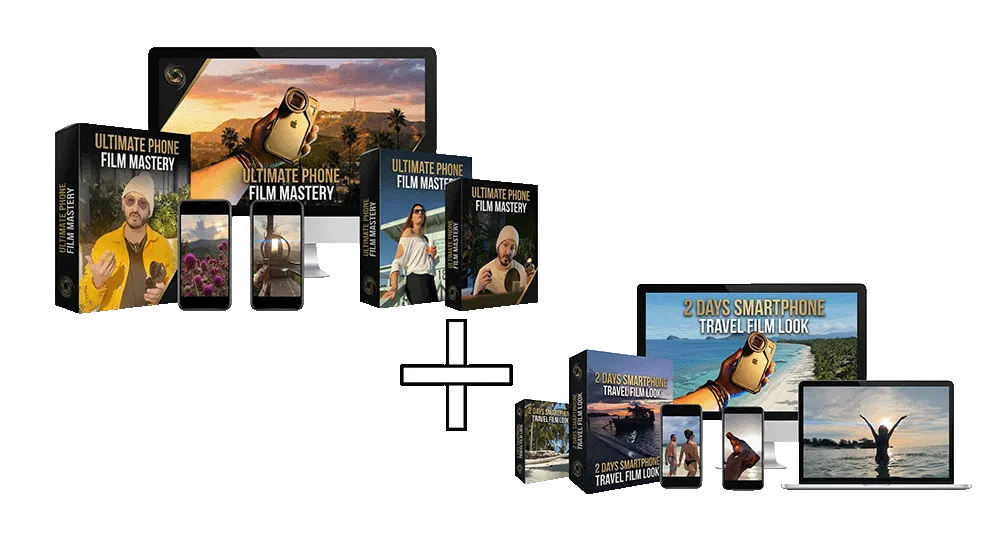
Ultimate Phone Film Mastery
The Most Cinematic Phone Filmmaking Course Ever Built — 22+ years on real film sets.
From flat phone clips to cinematic footage in 15 days. Or at your own pace. Lifetime access — nothing expires.
Phone footage that looks like cinema — not phone content
Works with iPhone + Android • Beginner-friendly
Real DP techniques applied to mobile filmmaking
Complete system: video, photo, lighting, editing, monetization
Regular price: $197 - Now Only $77
One payment • Lifetime access • Lifetime updates
Prices increase when access closes
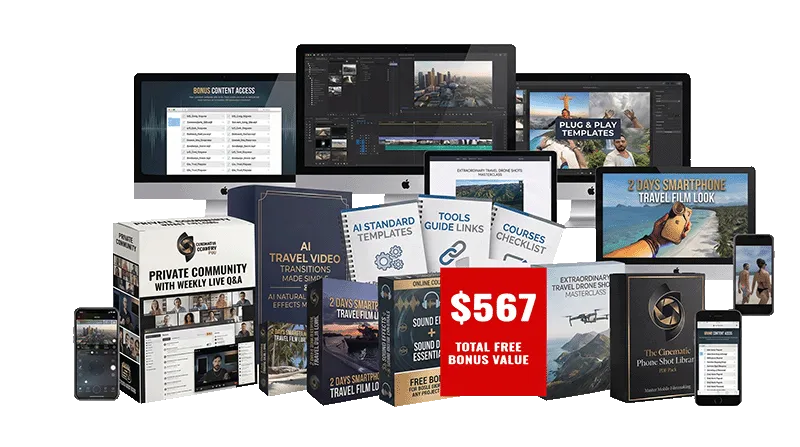
Limited Time Pre-Launch Bonuses
These founder bonuses are normally sold separately — yours free during Founder Access. Course Value: $197 + Bonuses: $567 = $764 Total Yours Today for Just $77
You Save $687 — 90% Off
See What You Can Create
Real preview clips from inside Ultimate Phone Film Mastery & 2 Days Travel Film Look
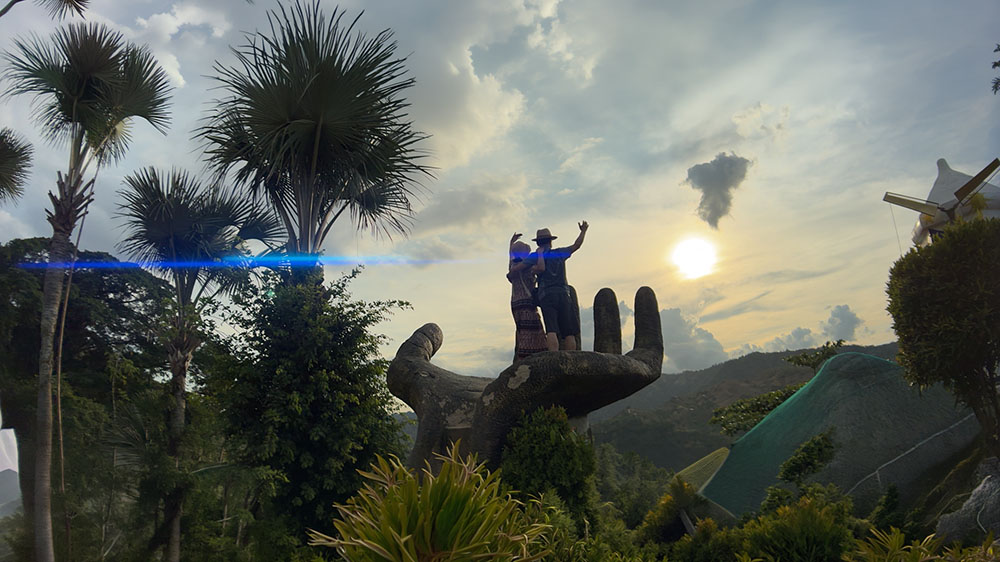
This Was Shot on a Phone
The cinematic look you'd swear came off a real cinema camera.
Lighting That Looks Expensive
Flat, amateur lighting vs. a rich, expensive look — same phone.
Transitions People Rewind to Watch
Cuts so smooth they look edited by a pro, not a phone app.
Photos That Don't Look Like Phone Photos
The difference between a quick snapshot and a shot people stop to stare at.
Travel AI FX That Stop the Scroll
Modern, eye-catching effects that make simple travel clips feel next-level.
Aerials That Look Epic
Sweeping aerials that make even an ordinary location look epic.
Trusted by Real Filmmakers — Because This Is Built on Real Cinematography
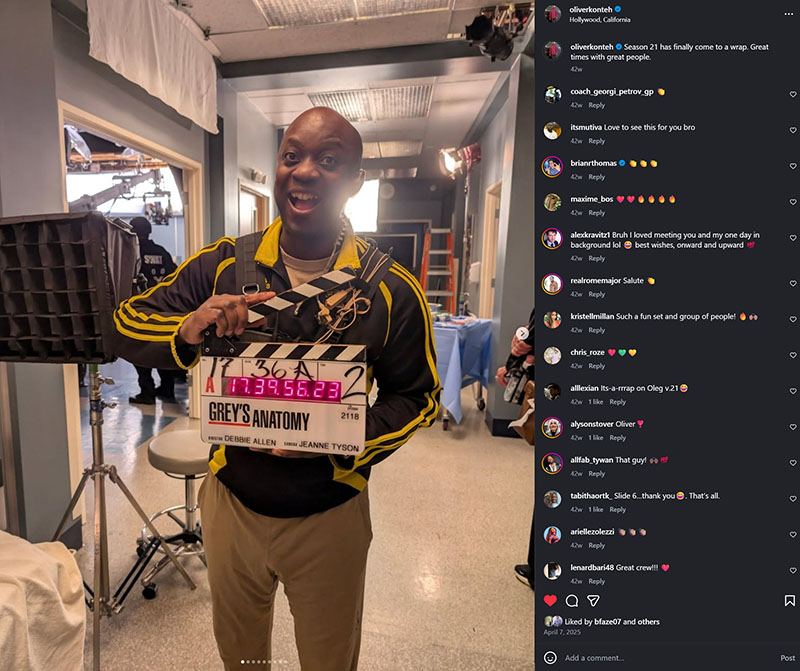
“One of the Best DPs I’ve Ever Worked With — Period.”
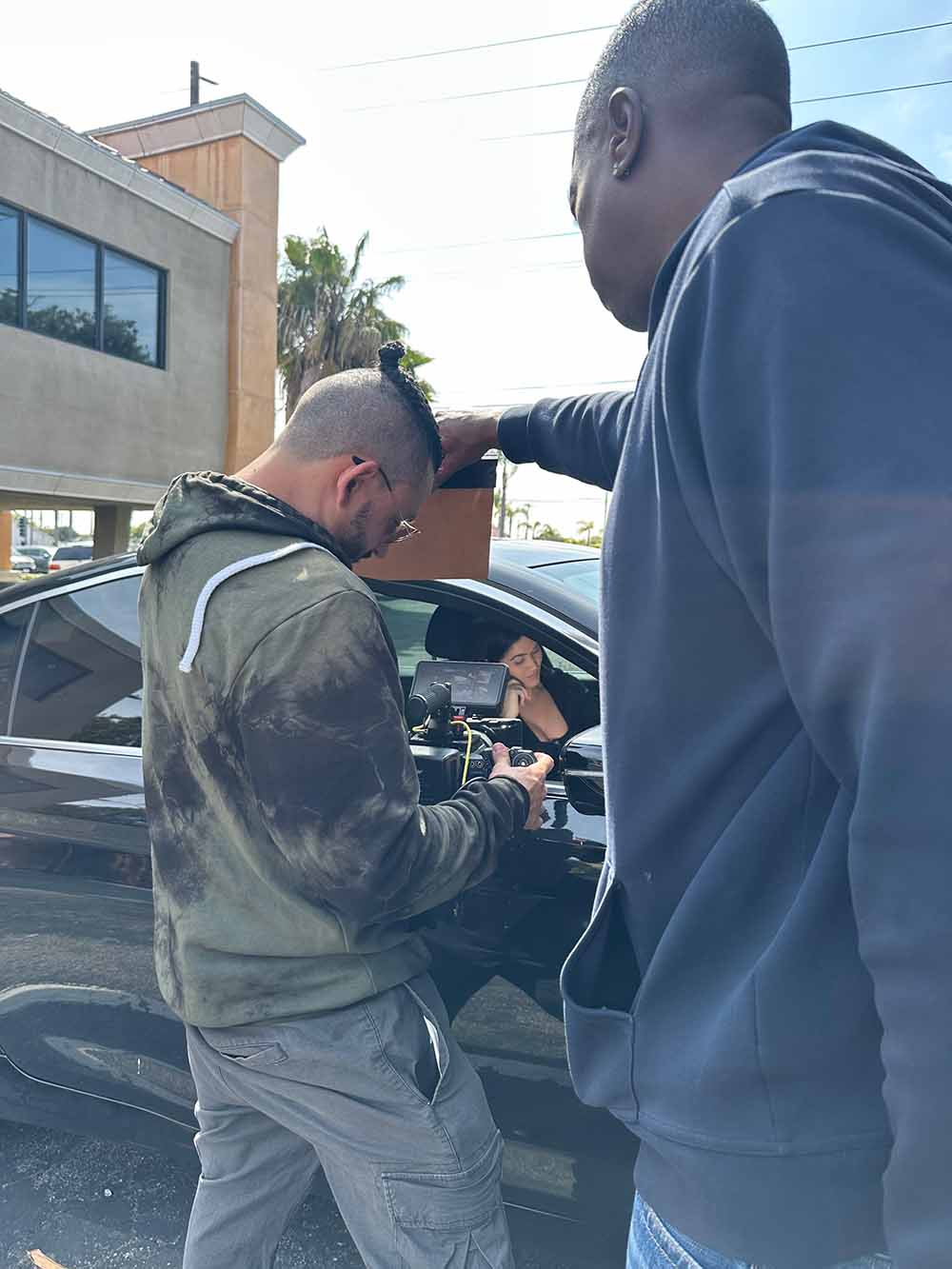
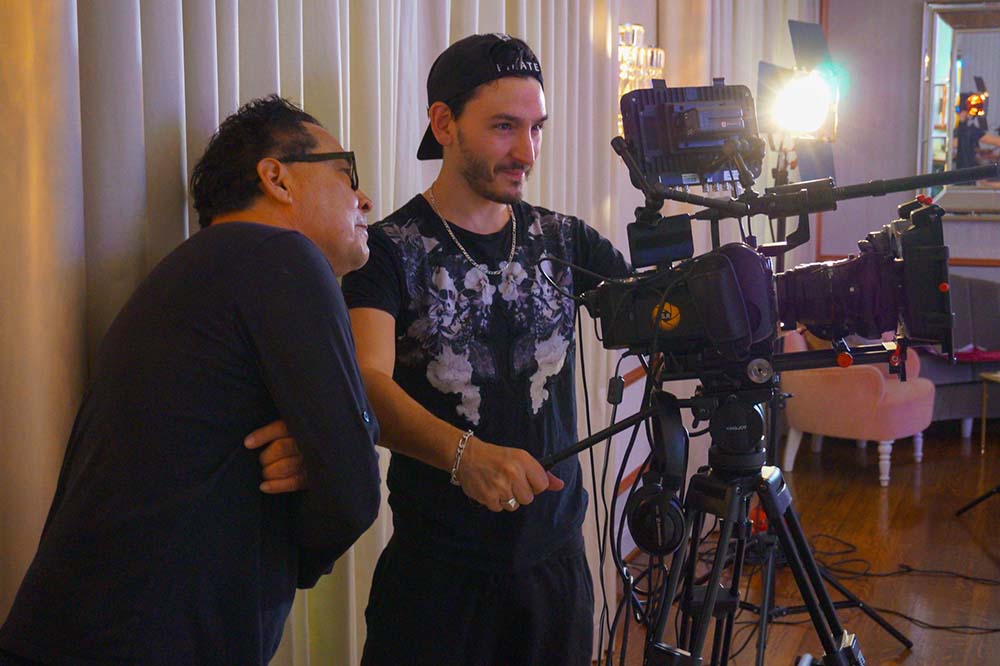
Filmed on the Set of Grey's Anatomy
Oliver works on major network productions. His credits include Grey's Anatomy, American Horror Story, and The Kardashians. Here is what he says about Sebastien as a DP, recorded between takes on a working set. - Oliver Konteh
Founder Access — Limited Prices increase when access closes.
Why Most Phone Content Still Looks Average
Most phone filmmaking courses → taught by content creators with 1–5 years of film experience.
Most Phone Content
Taught by content creators (1–5 years)
Random angles
Flat lighting
Weak camera movement
Basic editing
No visual intention
Looks forgettable fast
Looks like phone content
Ultimate Phone Film Mastery
Taught by a working DP (21+ years)
Better composition
Better lighting
Better movement
Stronger editing rhythm
More cinematic visuals
More premium-looking results
Looks like cinema
Taught by a Working Cinematographer
Not a Content Creator
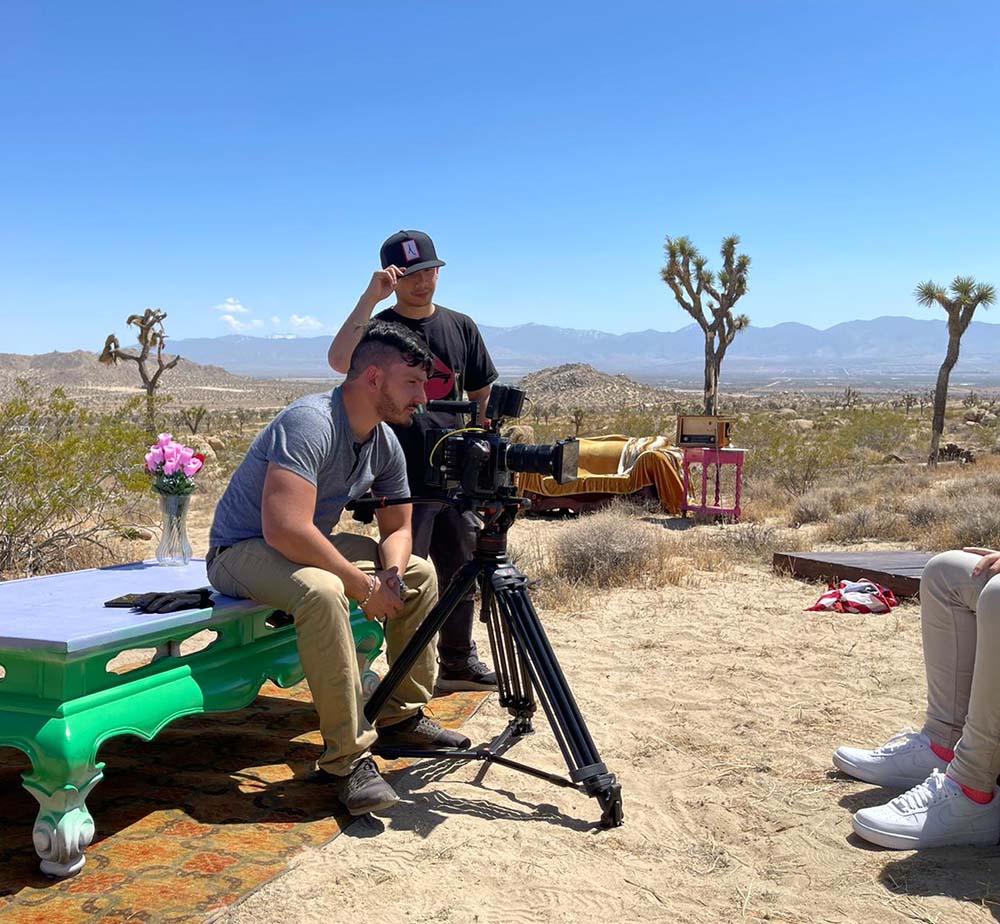
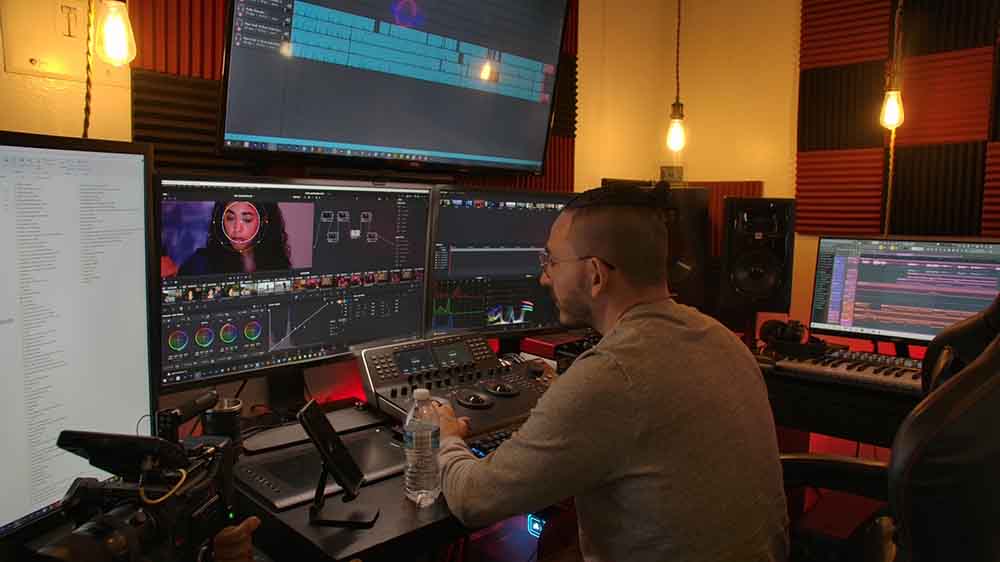
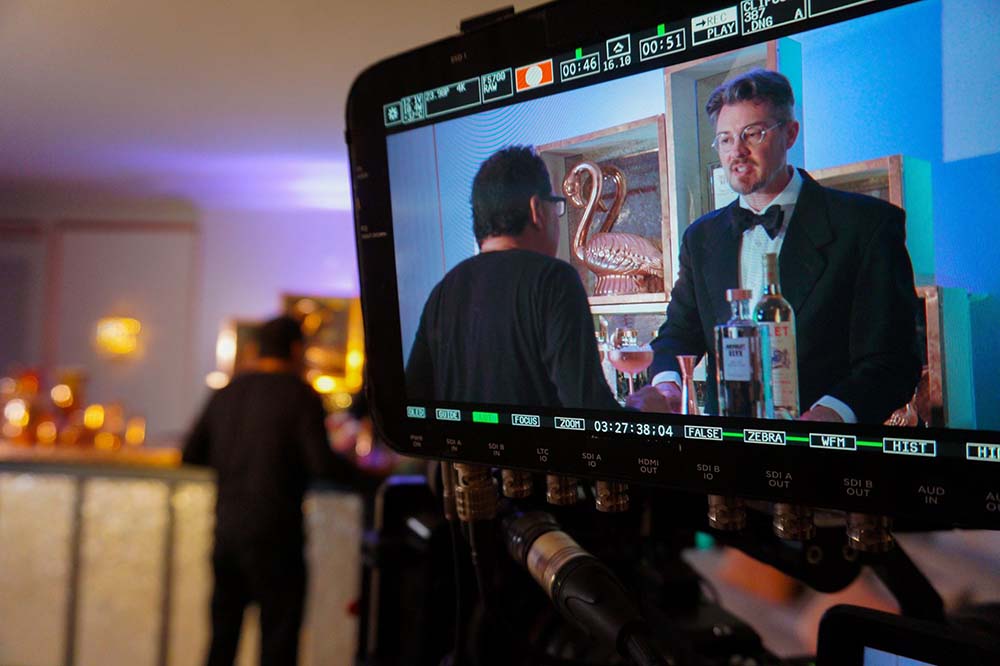
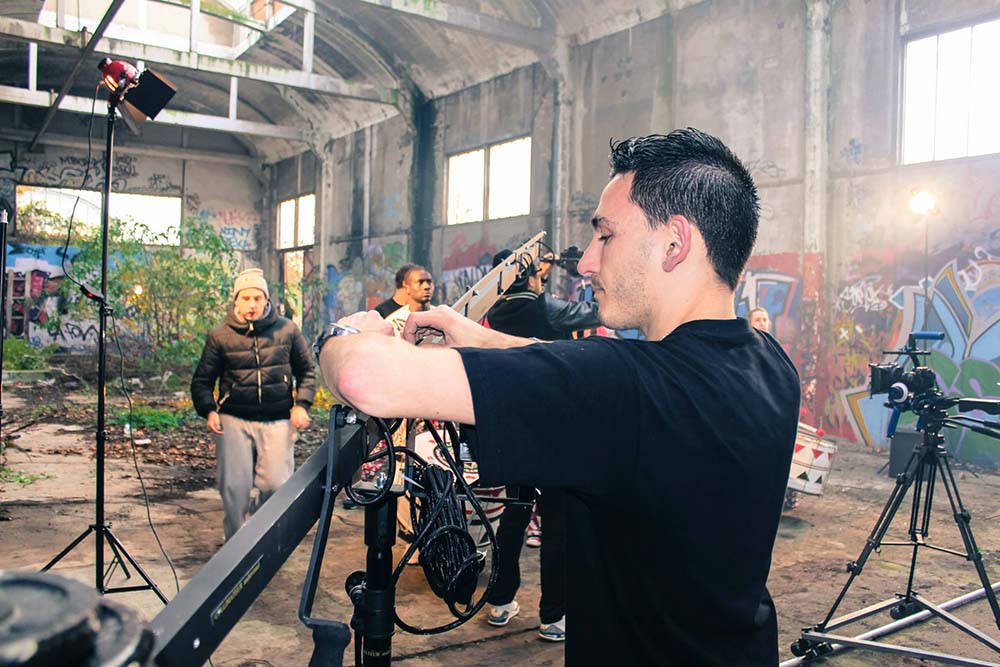
I'm Sebastien Ricci — 21+ years shooting on real sets. I've been the DP on the Absolut Vodka commercial, independent films, and an Amazon Prime series, handled aerial cinematography for major-label productions, and directed music videos across the US and Europe.
Everything in this course is the same cinematography I use on real productions — applied to the phone in your pocket.
Works With the Tools You Already Use
Learn practical tools and workflows that support better smartphone content — without making things complicated.





Create Content People Actually Want to Watch
Most phone content looks forgettable because it lacks light, movement, composition, and intention. This course helps you fix that.
Create cleaner, more cinematic visuals
Use simple, practical workflows
Get more control over quality, style, and movement
What This Course Is — And What It Isn't
This course teaches you to push a phone to its absolute cinematic limit using to real cinematography techniques. It is the most cinematic phone filmmaking course you'll find — by a wide margin.
It is not a substitute for high-end film production with cinema cameras, full crews, and professional sets. Those workflows belong to a different category and a different course. What you'll get here: phone content that looks dramatically more professional than 95% of mobile content out there — using the same cinematography principles I use on real productions.
A complete smartphone filmmaking system built for real-world results
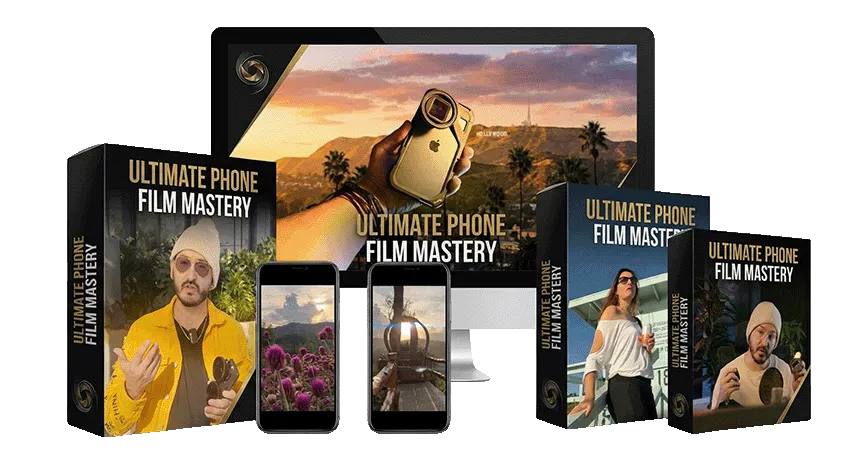
Ultimate Phone Film Mastery
Core Curriculum
Everything you need to create more cinematic content with your phone.
Shoot Cinematic Shots Like a DP
Shots that look expensive, not like a phone
The angles a real DP uses on any scene
Light, composition & movement in one shot
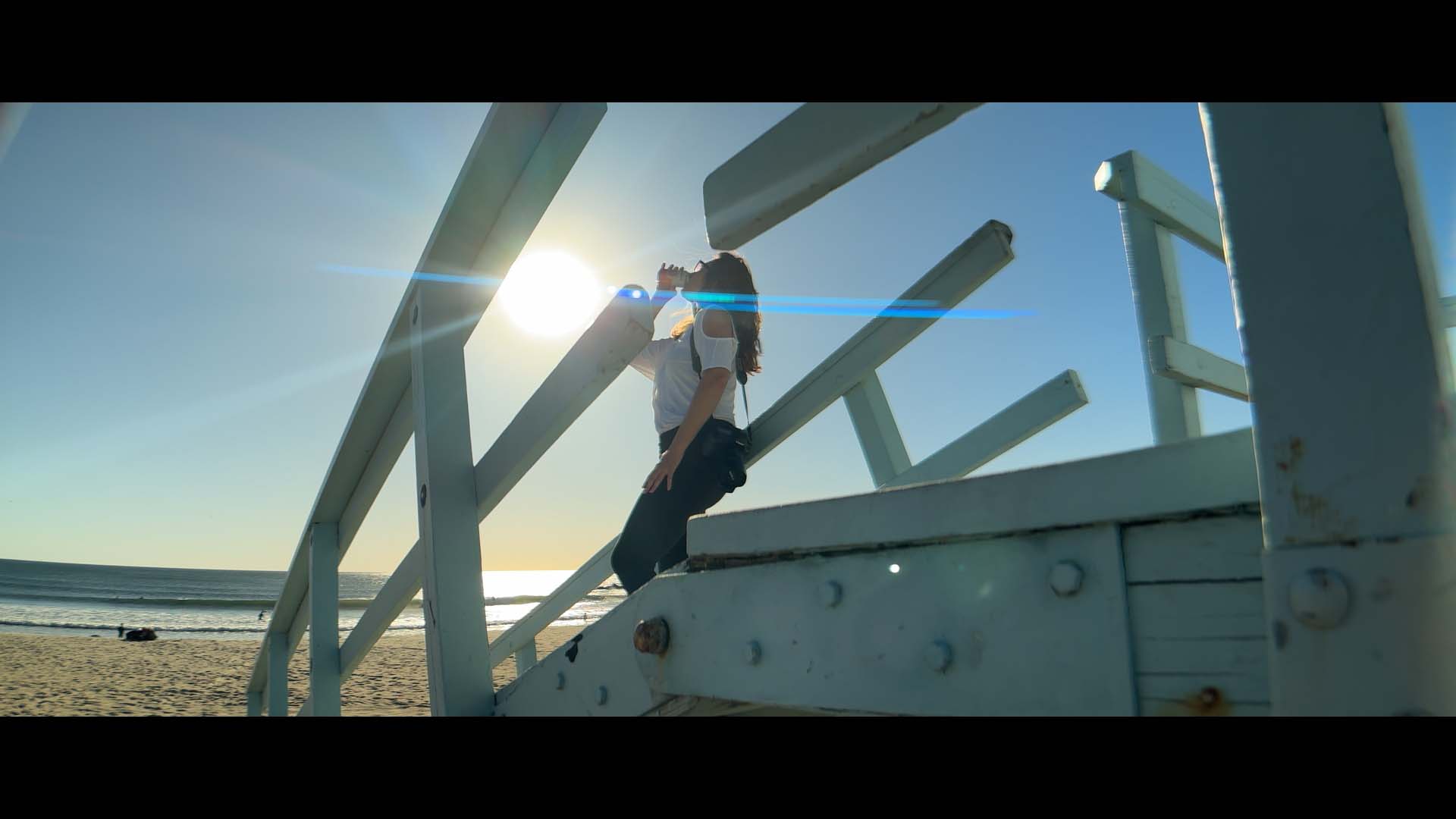
Frame Shots That Look Intentional
Build frames that look deliberate, not random
Use light, shadow, and depth for a 3D feel
The framing choices that read "intentional"
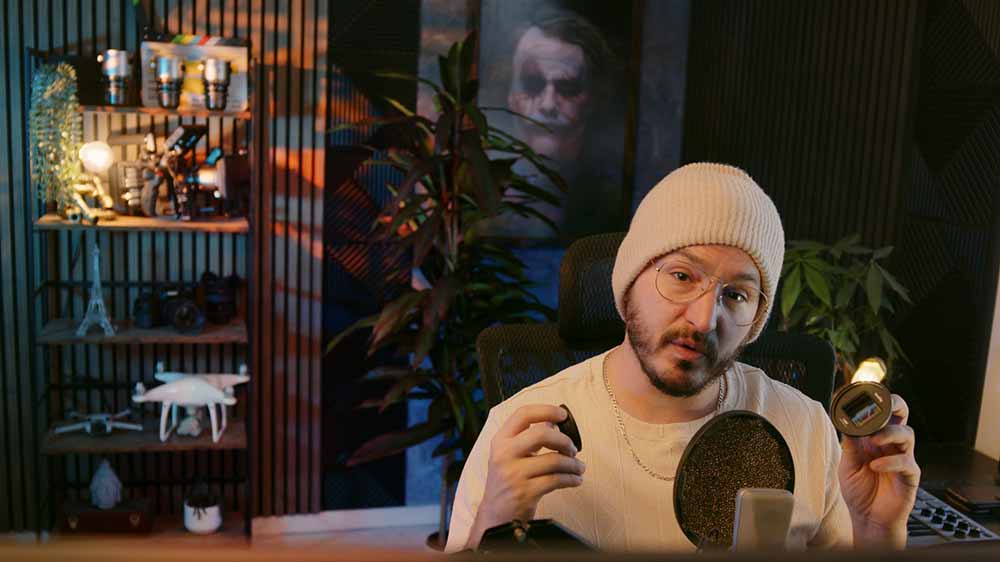
The Gear That Instantly Levels Up Your Phone
The add-ons that transform footage — and what to skip
The lenses behind that anamorphic look
Exactly what to buy, at any budget
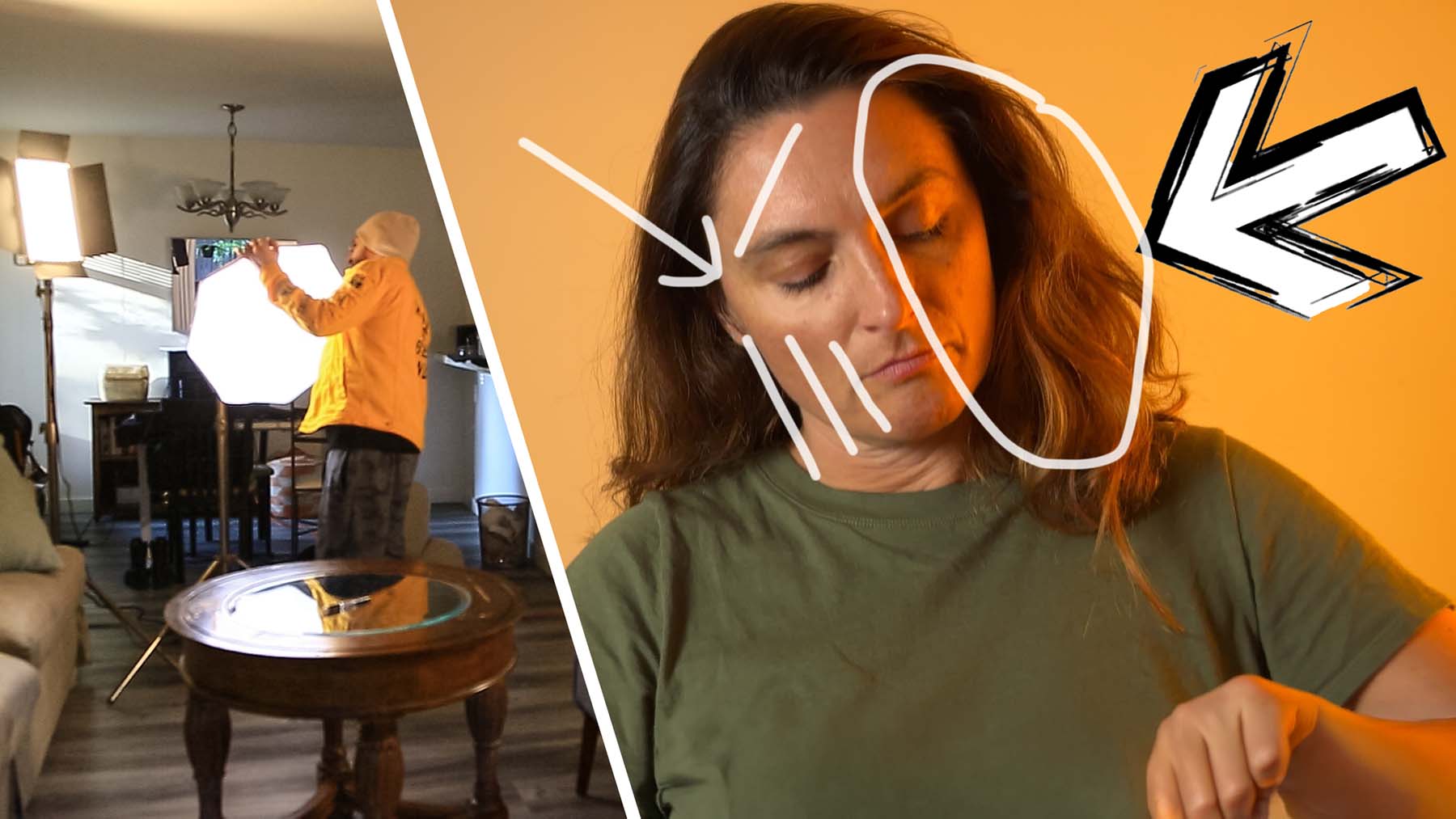
Light Like a DP, With Just Your Phone
Read any light and make it cinematic
Fix the mistakes that scream "amateur"
A cinematic face with just a window or the sun
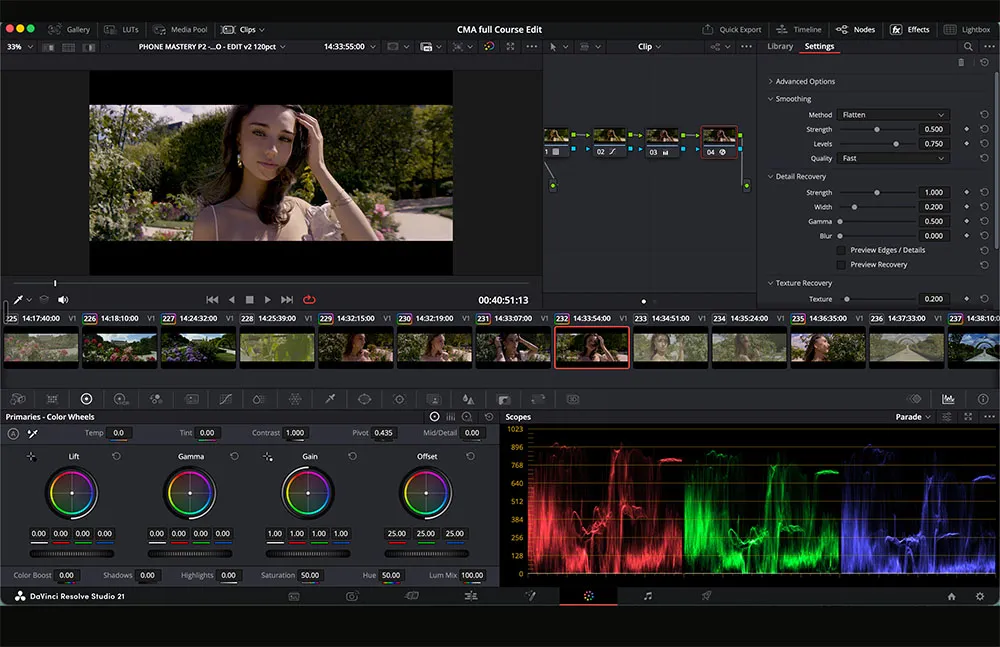
Edit & Color Grade Like a DP
Cut your footage with rhythm that holds attention
Color grade flat phone footage into a cinematic look
Match every clip so the whole video feels consistent
The finishing touch that separates pro from amateur
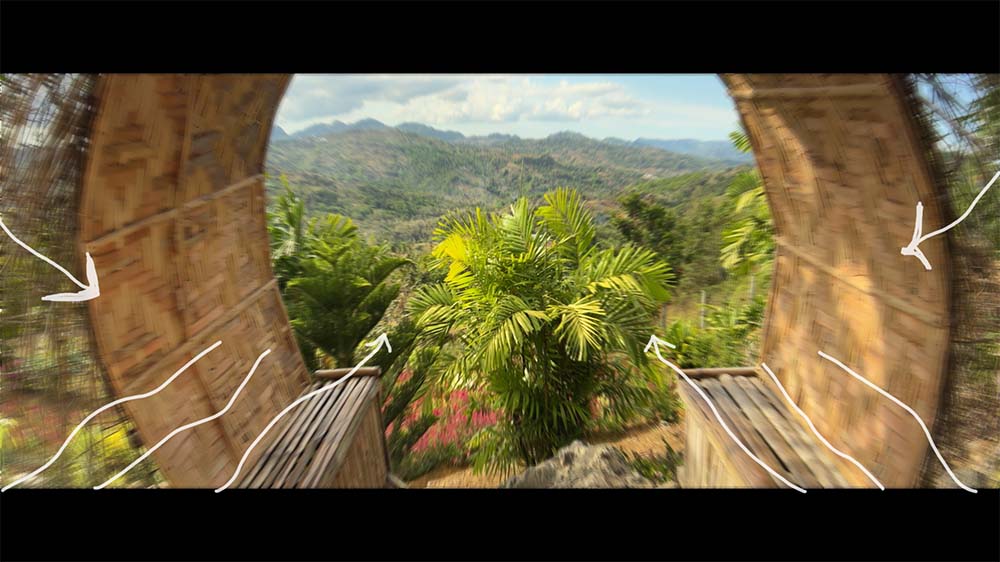
Move the Camera Like a Filmmaker
Smooth, gimbal-like motion — even handheld
Kill the shaky "shot on a phone" look
Know when to move and when to hold
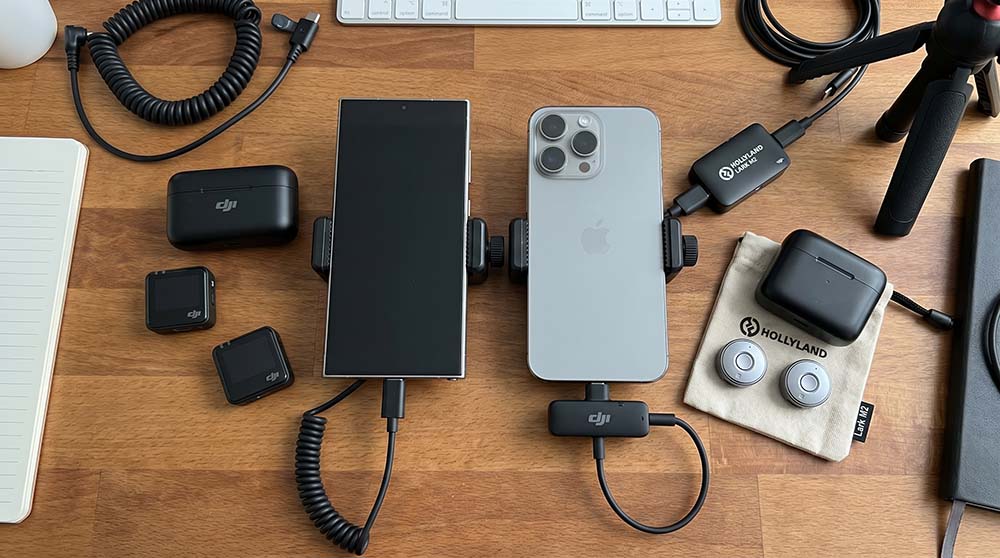
Capture Audio That Doesn't Sound Cheap
Why bad audio kills great footage
Clean, pro sound on a budget
Cinematic atmosphere with layered audio
Turn Your Skills Into Income
Land your first paying client with a phone
What to charge, with confidence
Clients, stock, branded content, your channel
CURRICULUM
All the Other Modules You Get
24 Modules Included — With More on the Way
Also Included
Unlock Your Phone's Hidden Power
Turn Any Phone Into a Pro Camera
The Setting That Makes Footage Look Cinematic
The Right Filters for Every Situation
Transitions That Look Pro, Not Gimmicky
Tell Stories That Keep People Watching
Plan a Shoot Like a Pro
Also Included
Shoot Landscapes That Stop the Scroll
Use Architecture to Elevate Any Shot
Shoot Lifestyle Content That Feels Premium
Make Food Look Good Enough to Sell
Get Buttery-Smooth Gimbal Shots
Edit Photos That Look Premium
Thumbnails That Get the Click
Coming Soon — New Courses
Vertical Cinematography for Reels & TikTok
DP-Style Shot Planning & Pre-Production
Cinematic Creative Video Shoots
Shoot Portraits That Look Expensive
MORE SOON...
This Course Continues to Grow Founder students get every future module for life — at no extra cost.
Coming soon as part of lifetime updates:
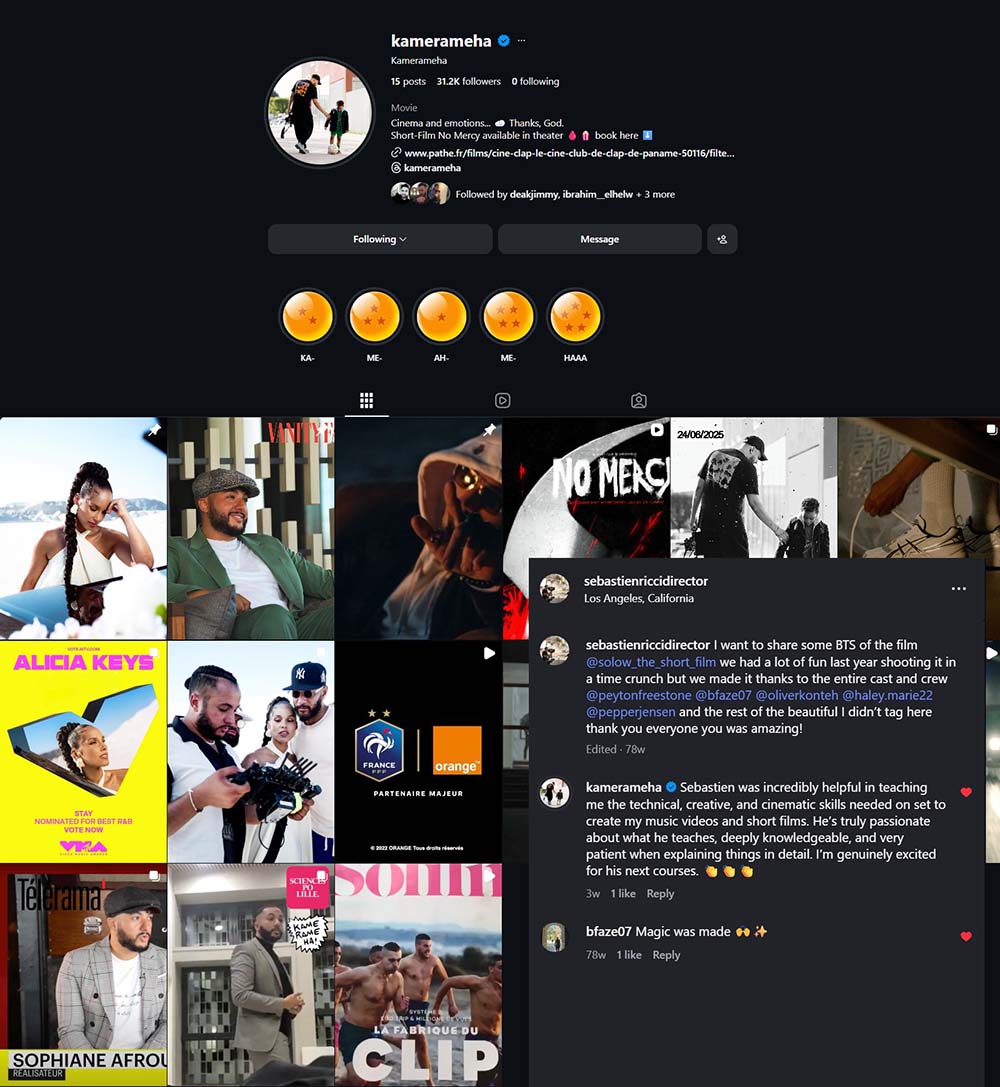
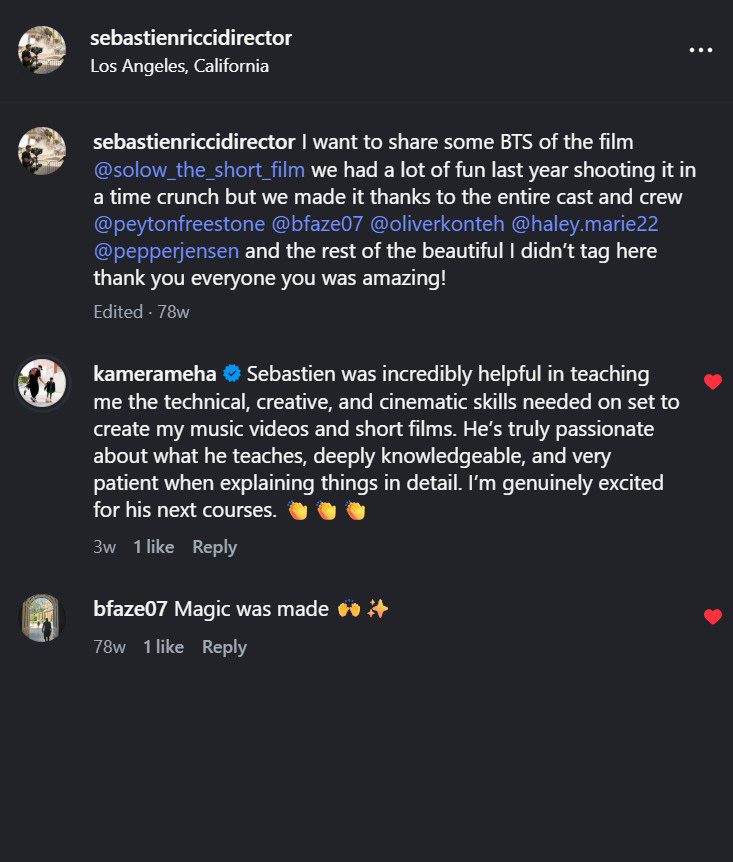
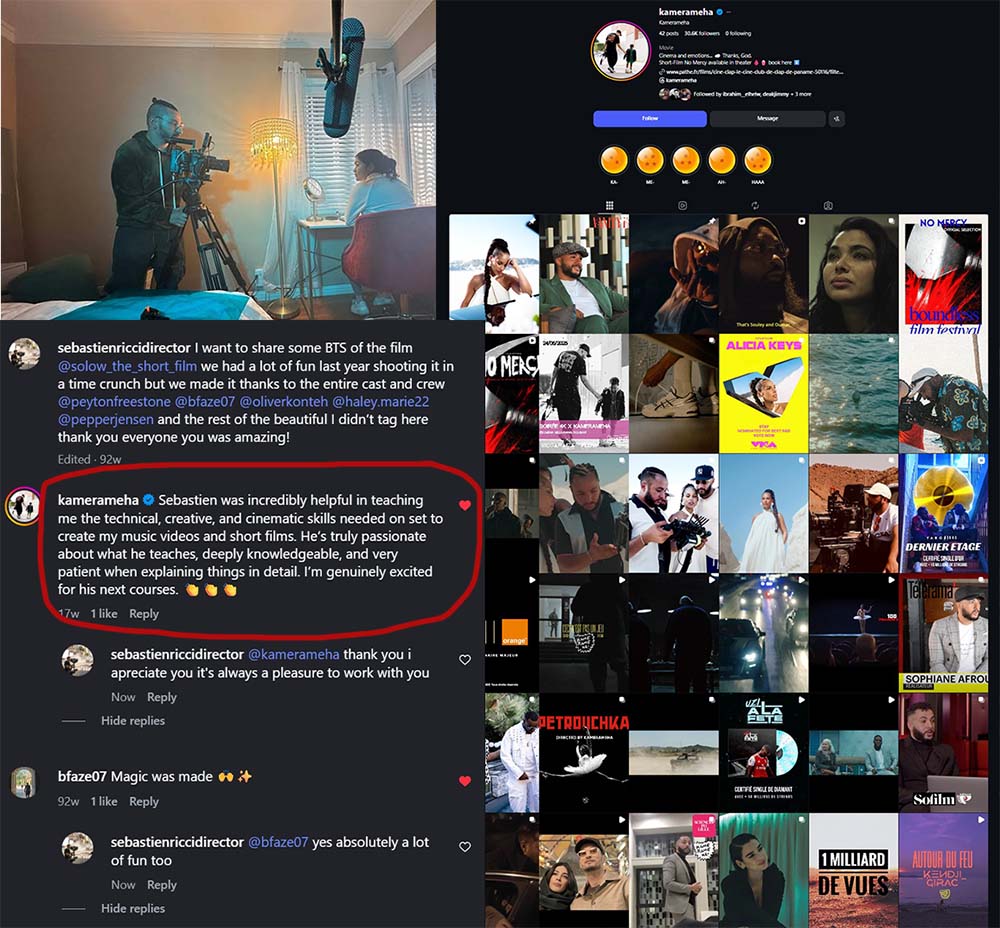
TRUSTED BY WORKING INDUSTRY DIRECTORS
Publicly recommended by a working director who's shot for Alicia Keys, Dua Lipa, Vanity Fair & PNL.
WHAT YOU'LL LEARN TO CREATE
Real shots pulled straight from the course — phone and drone. Press play and see what's possible.
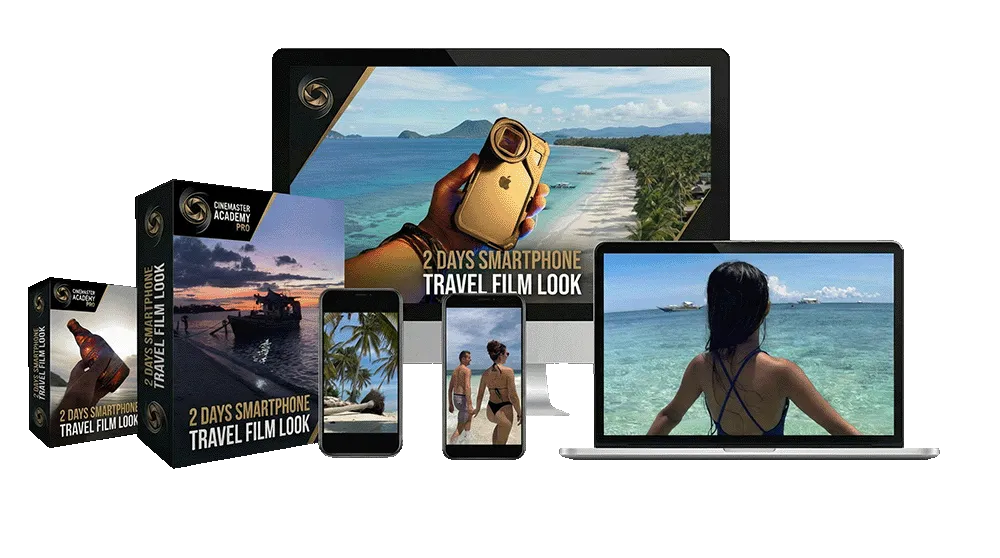
2 DAYS TRAVEL SMARTPHONE FILM LOOK
Free Bonuses Included to all early students Normally $97
Shoot Travel Content Like a Pro
Approach a trip like a pro, not a tourist
Capture footage you can actually build with
Start every trip with a plan for the shots
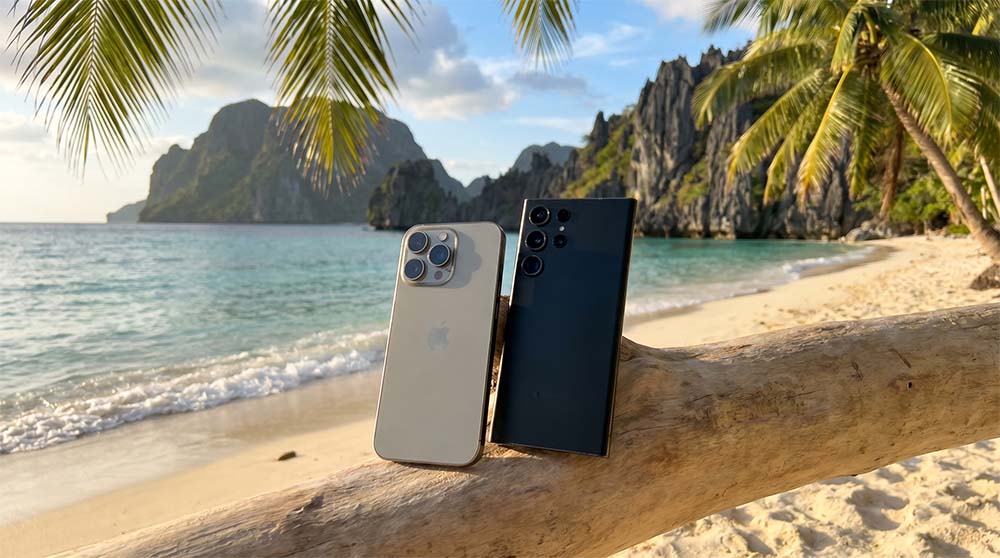
Pack a Travel Kit That Actually Works
The kit that fits your bag and your budget
What to bring — and what to leave home
Be ready to shoot anything on the road
Travel Photos People Stop to Look At
Fix the mistakes that ruin travel photos
Stronger light and angles
Scenery people stop scrolling for
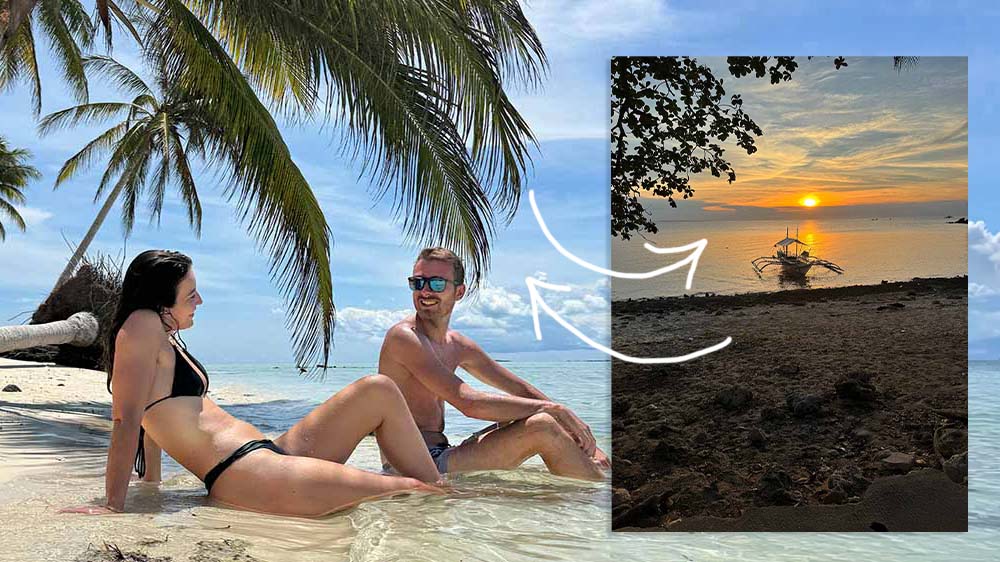
Master Natural Light Anywhere You Go
Use sunlight more creatively
Avoid harsh, flat shots
A cinematic result in any light
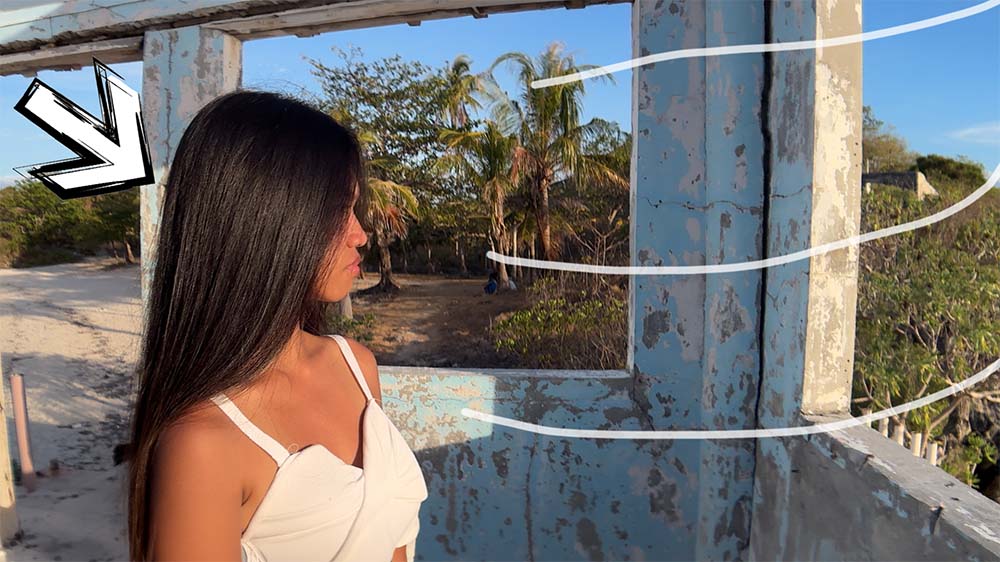
Shoot Travel Videos That Feel Truly Cinematic
Immersive sequences, not random clips
Stronger movement and mood
Every shot feels intentional
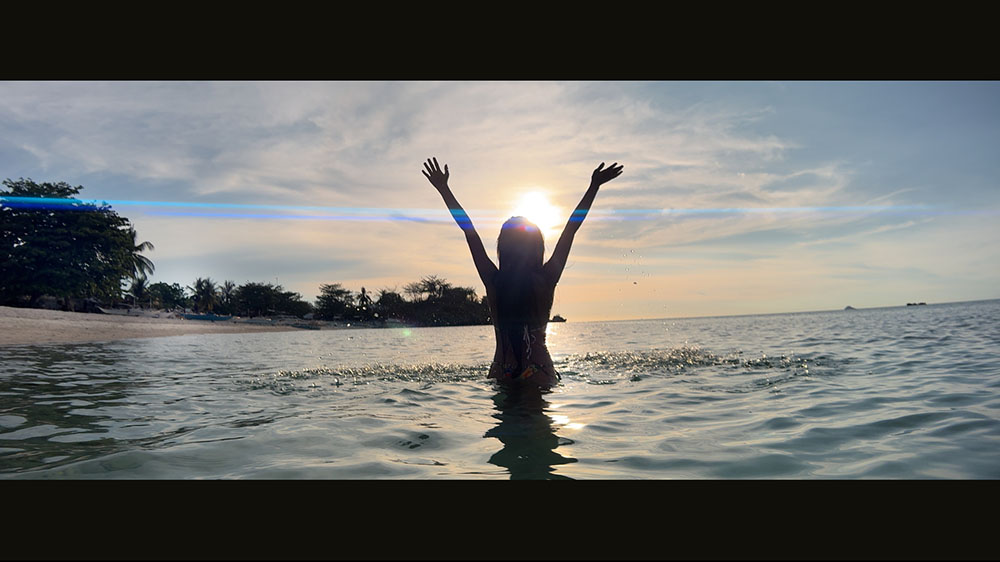
Find Angles That Make Travel Pop
The angles that make a location come alive
Turn a flat scene into a striking shot
Add variety so your edits never feel flat
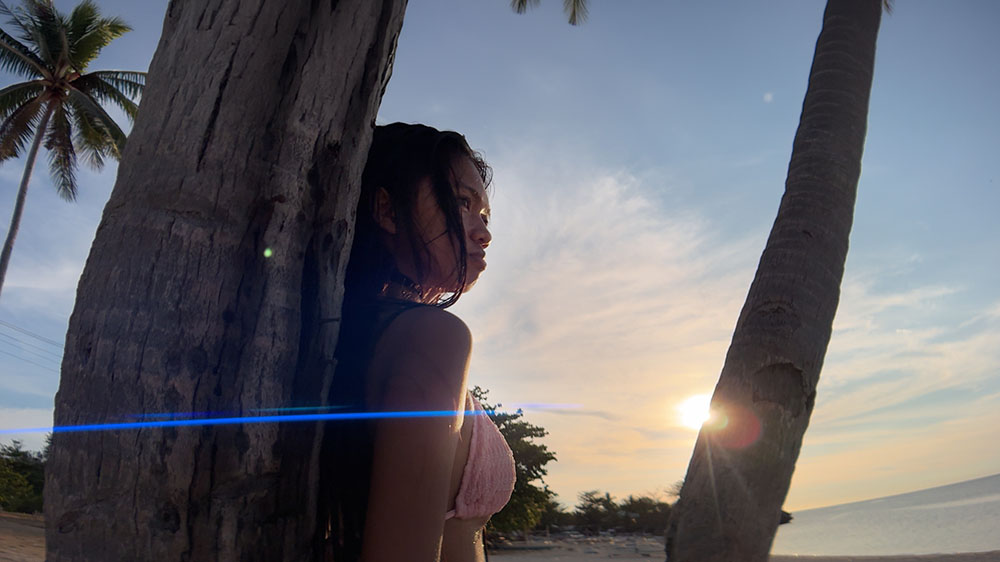
Turn a Trip Into a Story
Turn a pile of clips into a real story
A clear beginning, middle, and end
Keep viewers watching the whole trip
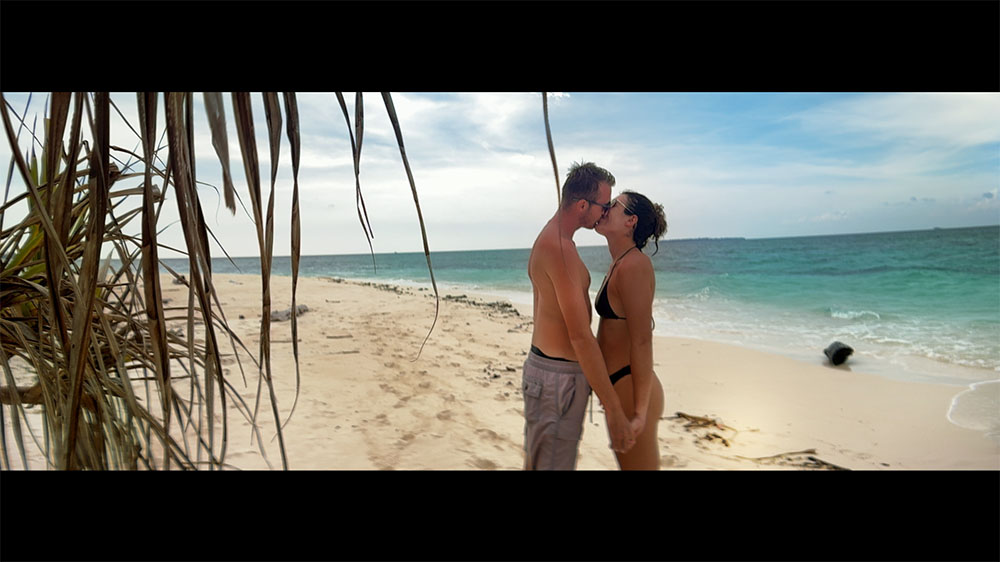
Edit Travel Photos That Look Premium
Edit travel photos to look rich and premium
Color and polish that elevate any scene
Make your trip look unforgettable
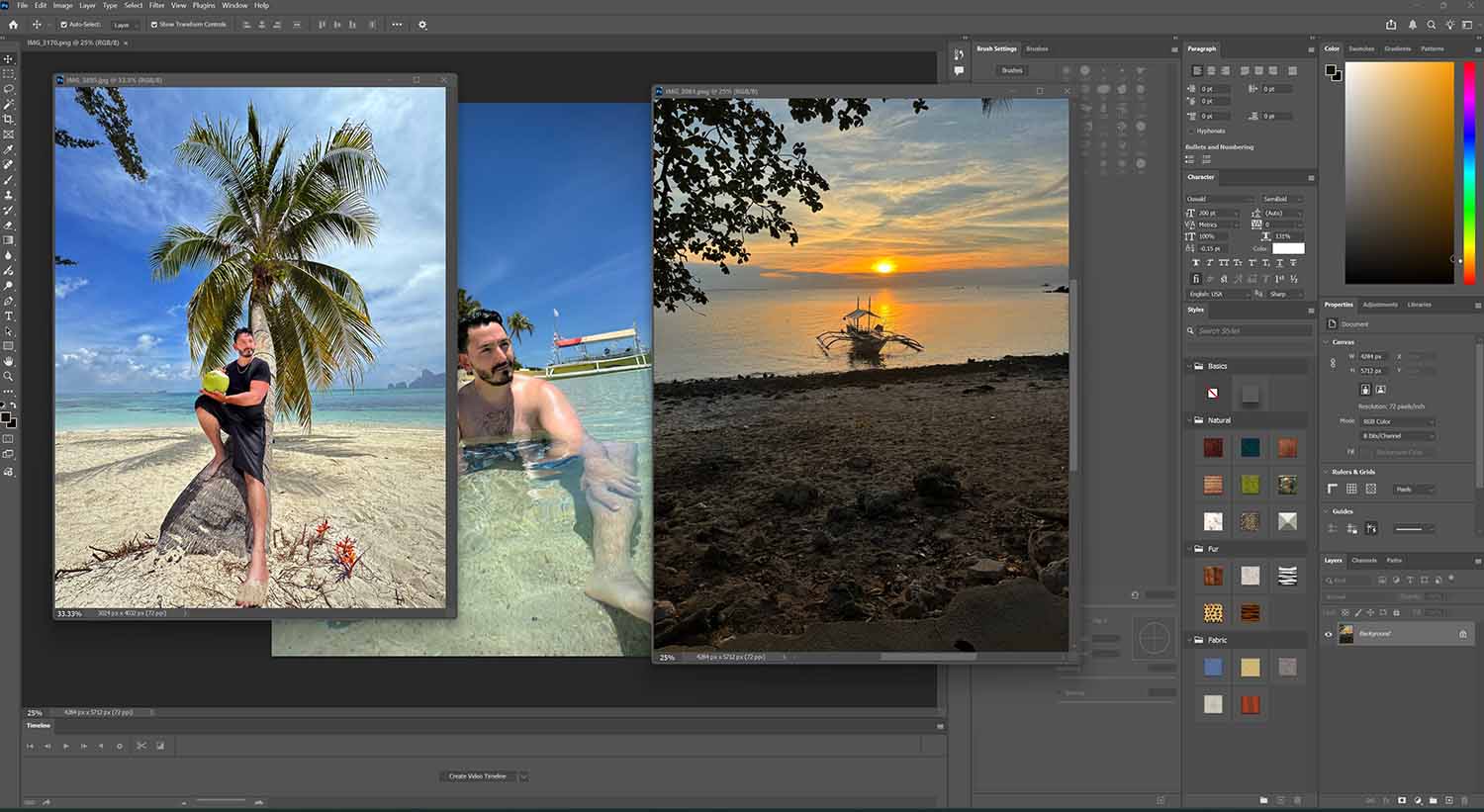
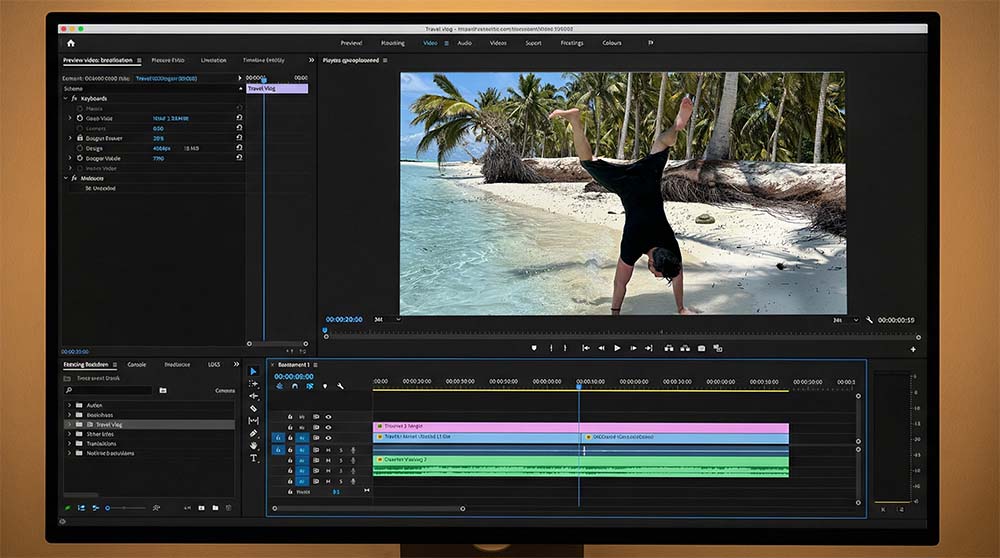
Edit Travel Videos That Feel Alive
Cut footage into a piece that feels alive
Pace, music, and color that carry the viewer
A finished video you're proud to post
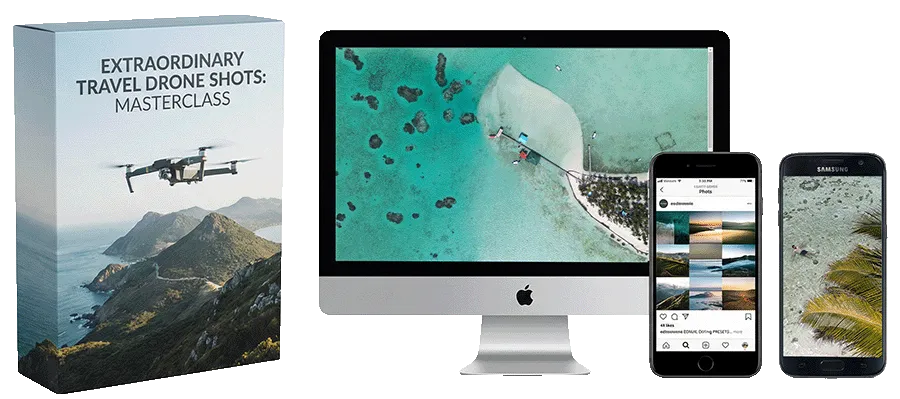
(Free Founder Bonus)
Travel Drone Cinematic Shots
Capture Stunning Aerials From the Sky
Breathtaking aerials of beaches & landscapes
The moves that make scenery look epic
Clips into one smooth cinematic sequence
Free Bonuses Included In The 2 DAYS SMARTPHONE TRAVEL FILM LOOK to all early students Normally $147
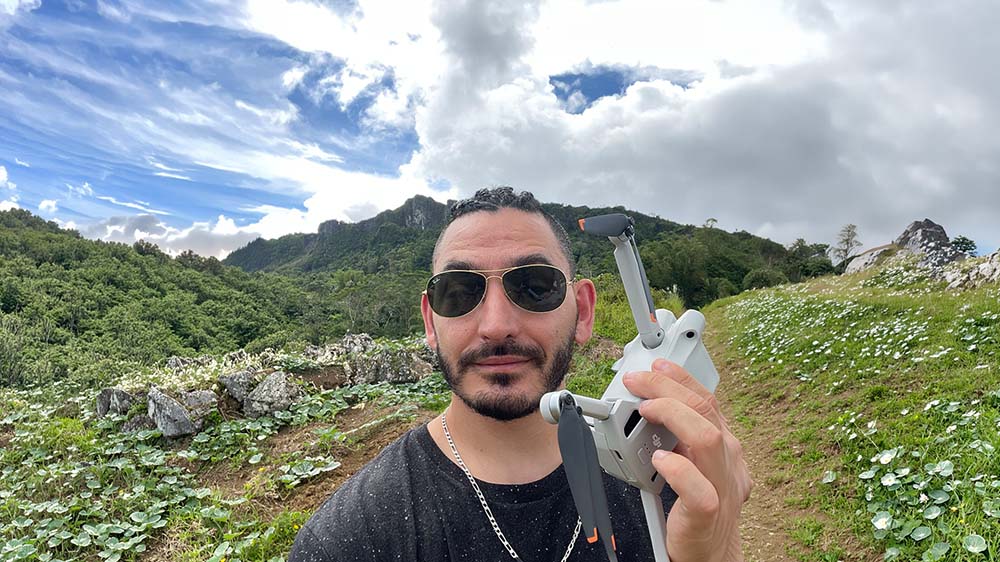
Set Up & Fly Your DJI Mini With Confidence
Get in the air safely on your first flight
The settings that make drone footage cinematic
Simple, confident control from takeoff to landing
Delivered with the course at release
🎁 BONUS: AI Travel FX & Transition Toolkit ($47 Value)
Done-For-You AI Effects — drop-in templates, no skills needed. A taste, not an AI course (that's AI Visual Mastery). Delivered with the course at release.
AI Travel Video Transitions Made Simple
✔ Use plug-and-play templates to create smoother travel transitions fast
✔ Make simple phone clips feel more dynamic and scroll-stopping
✔ Built to help beginners get cool AI effects without complicated prompting
AI Natural Morphing Effects Made Easy
✔ Create clean selfie morphing effects that feel creative and eye-catching
✔ Use easy templates designed for travel shots, lifestyle clips, and personal content
✔ Get impressive results faster without advanced technical skills
Trusted by Real Filmmakers — Because This Is Built on Real Cinematography
“Real Film Sets. Real Productions. Real Results.”
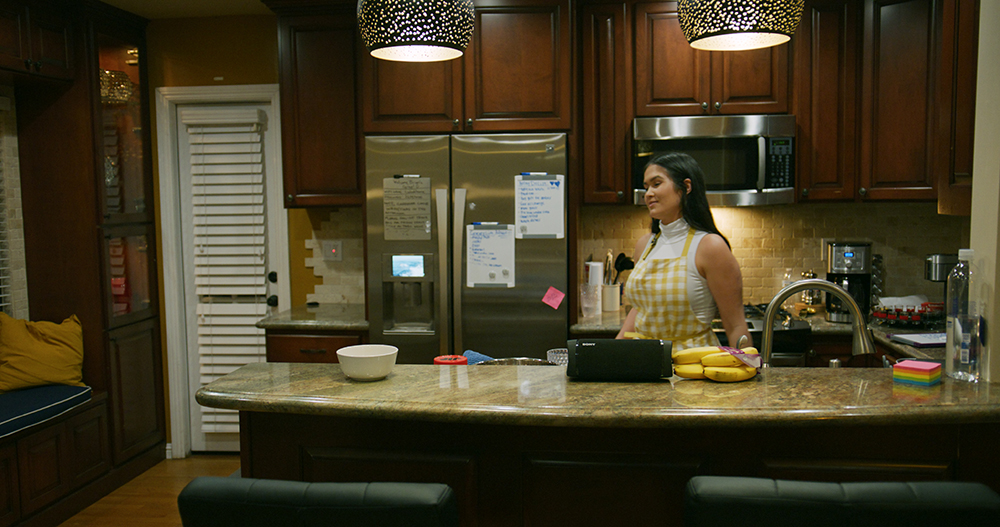
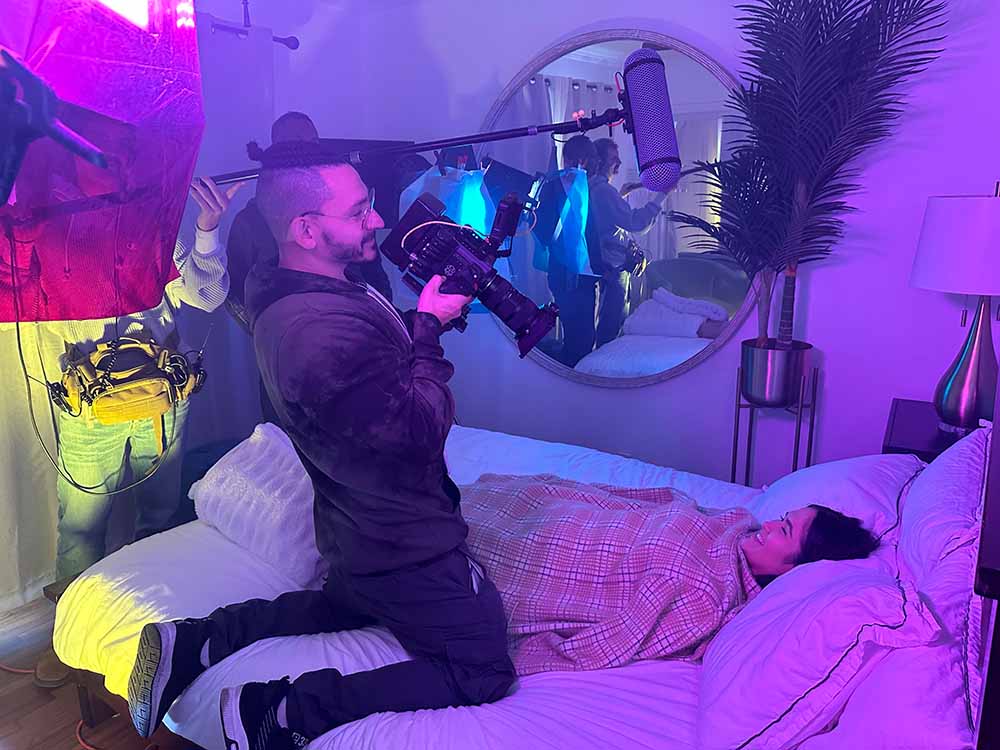
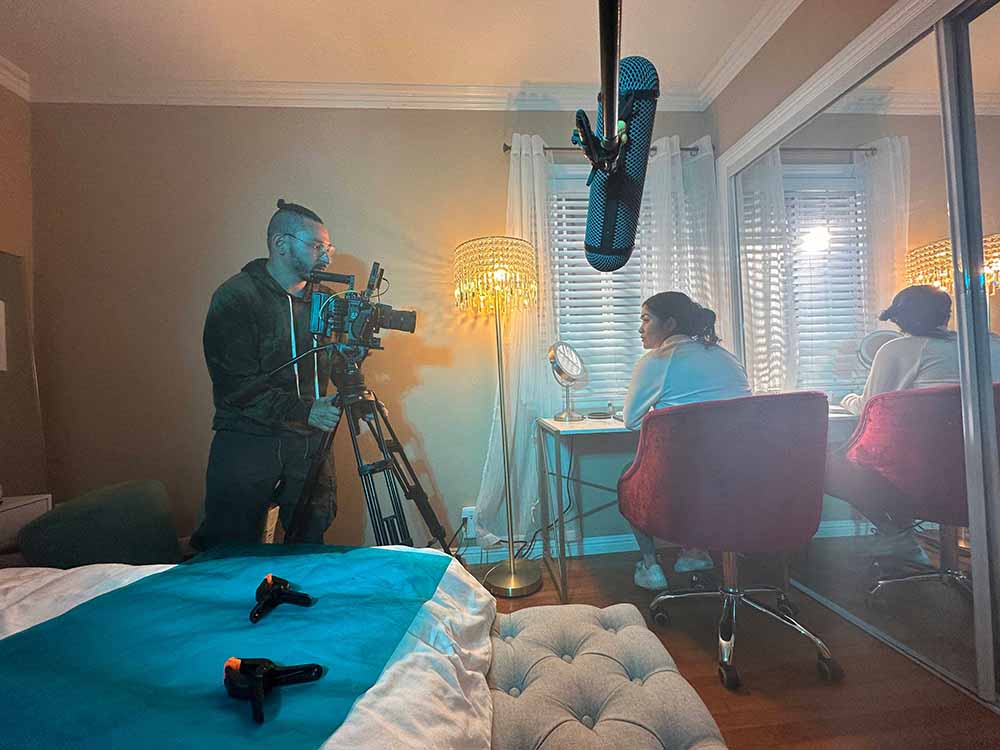
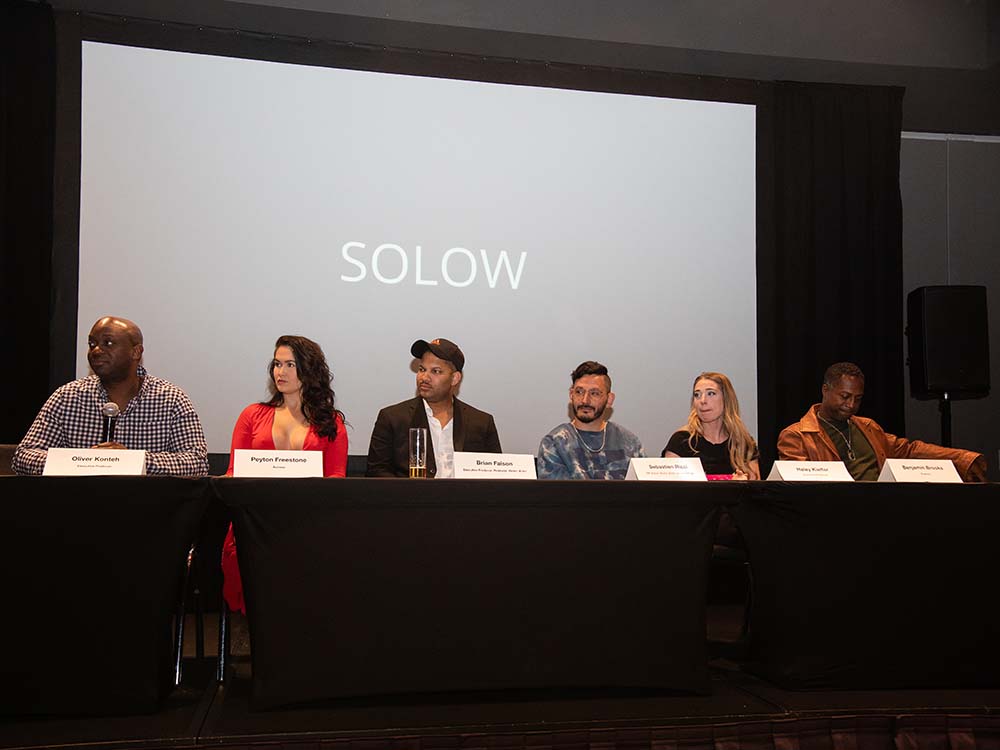
"I Have made a full film with Sebastien and he helped tremendously with the shooting as the DP and the film editor and made the full score of the film without Sebastien I could not make it happen." - Brian F
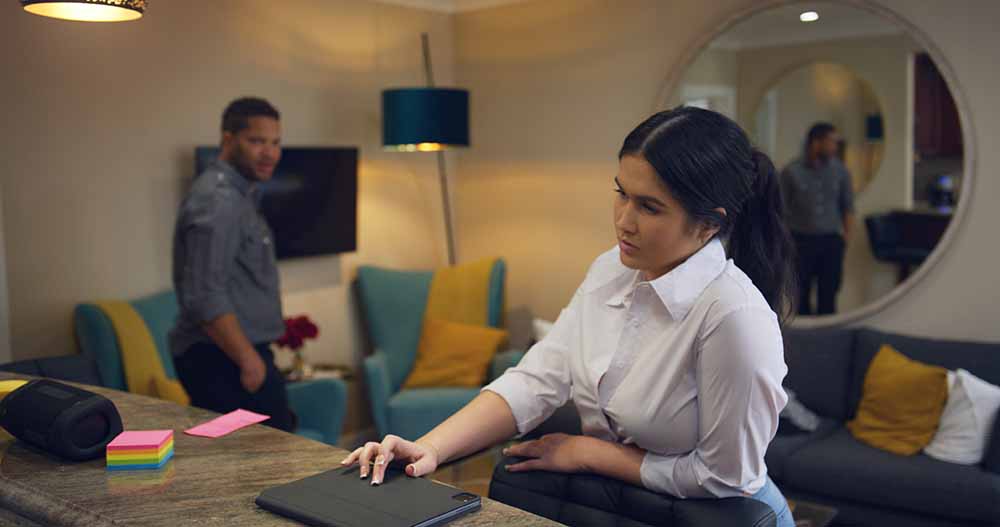
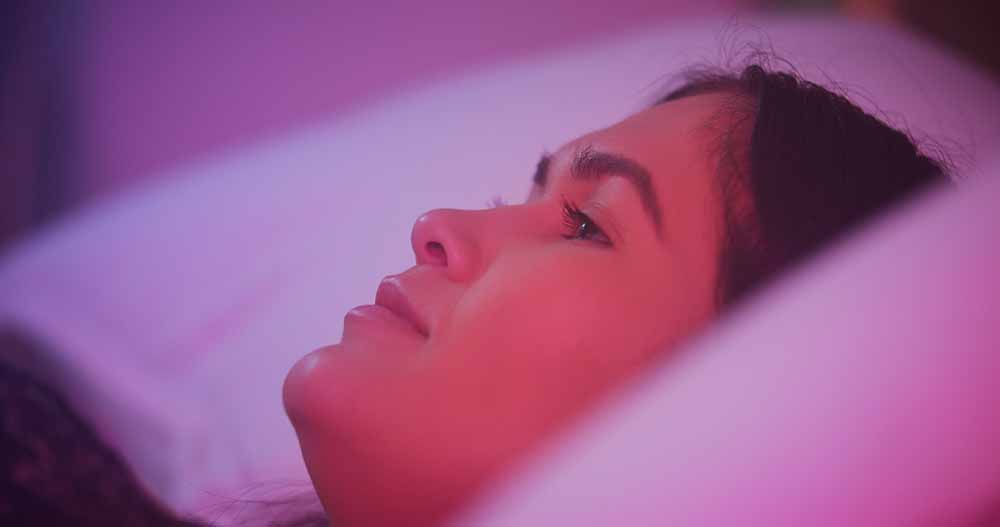
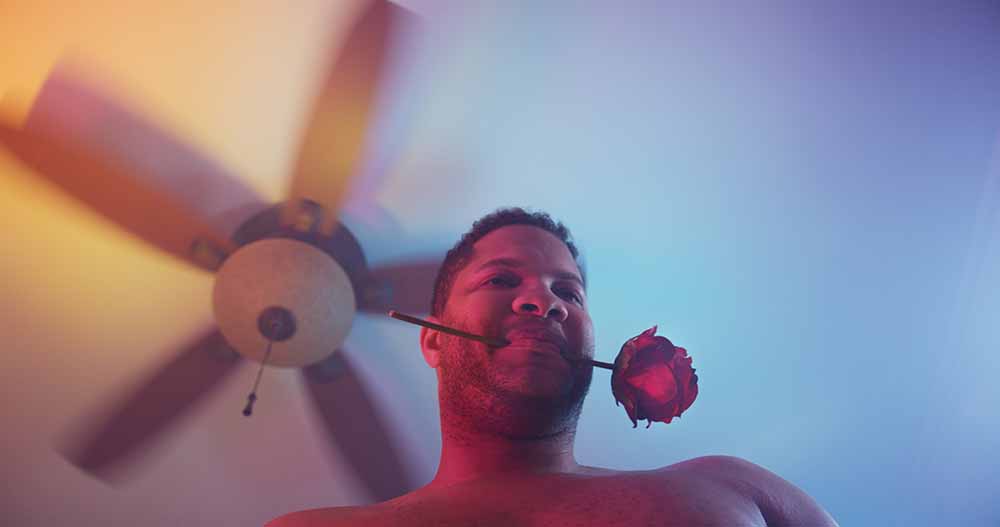
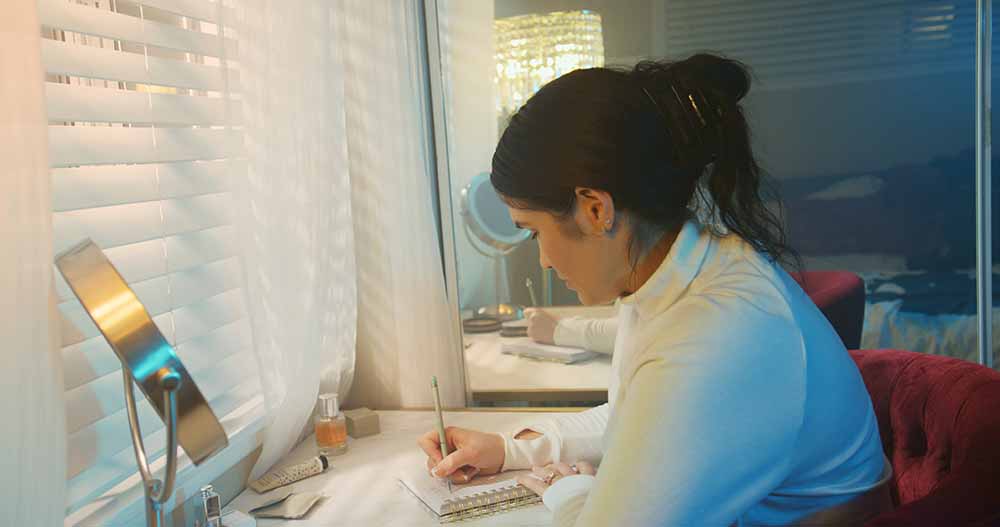
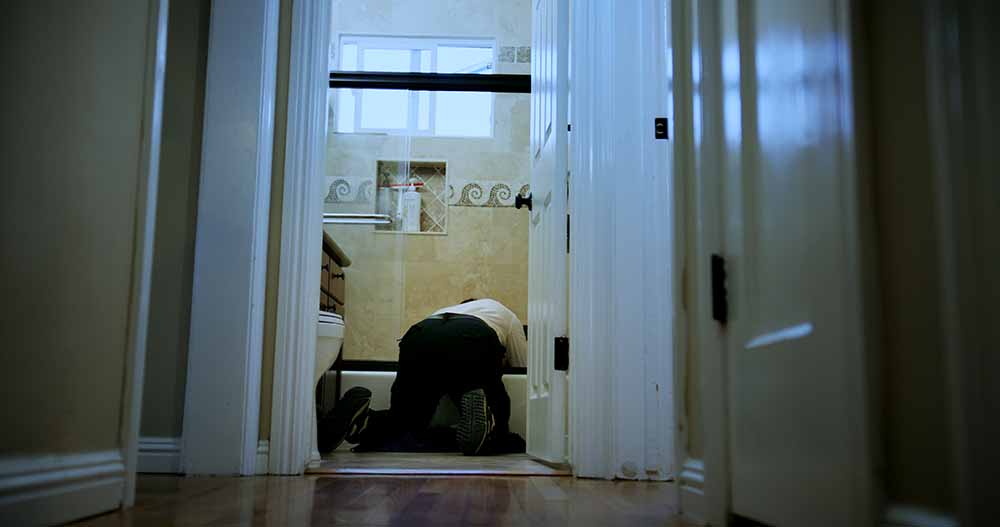
I enjoyed working With Sebastien Ricci"
"I worked with Sebastien on a Absolut Vodka Commercial and had a great experience Sebastien is easy to work with" - Robertino F
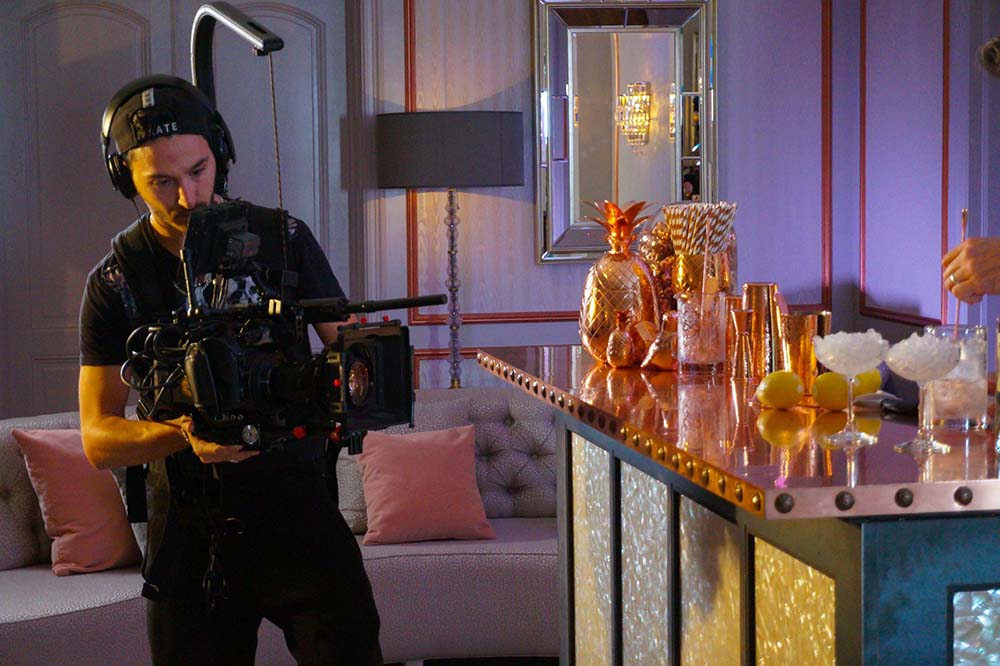
"Highly recommend this"
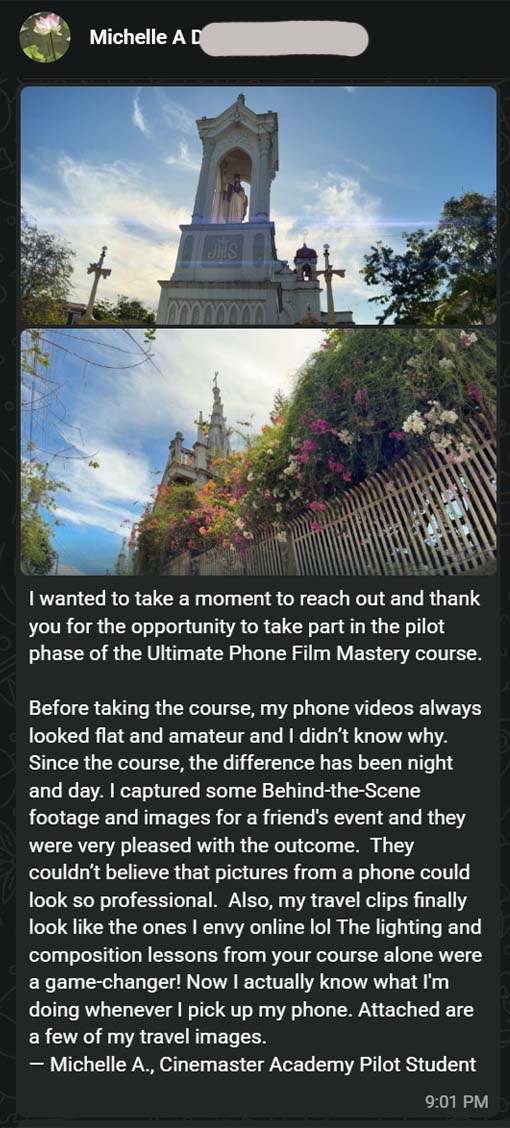
"Sebastien Ricci helped me many times during my learning journey he is very patient and professional" - Michelle A
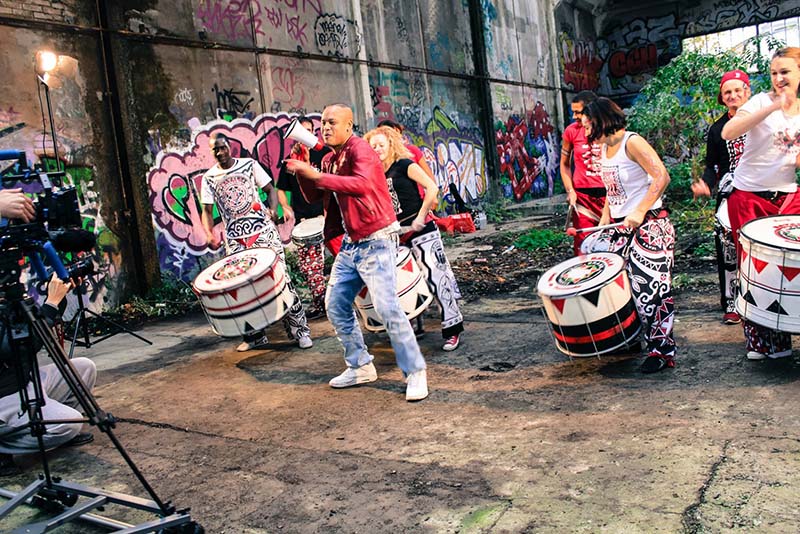
"My best music videos made so easy with Sebastien"
"Sebastien made some of my music videos since 2012 and I never been disapointed he always give me the best music videos I could dream of every time he is my favorite filmmaker out here." - Vanny Jordan
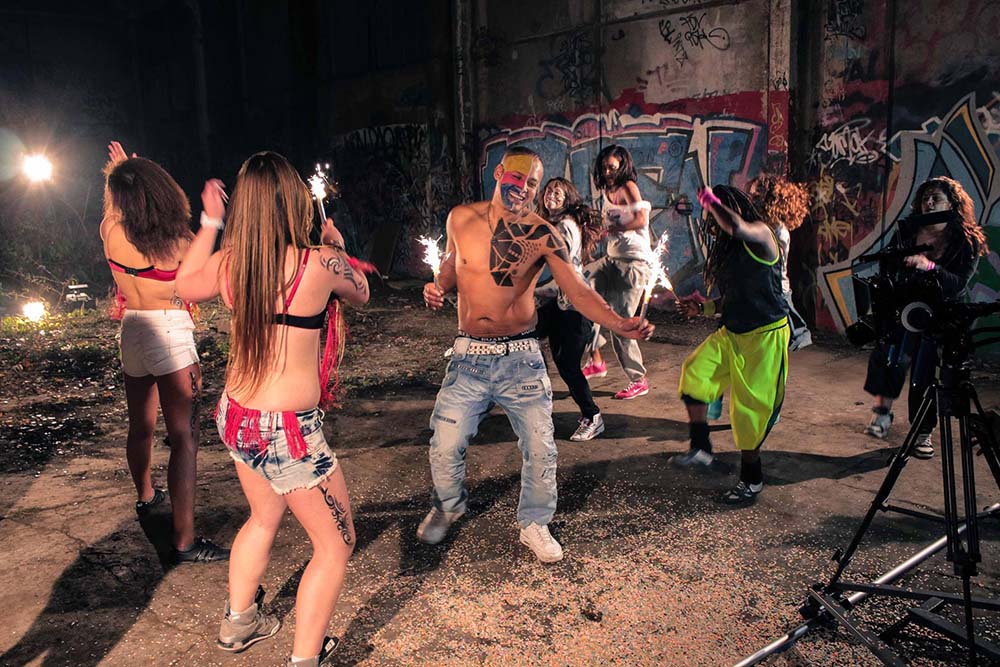
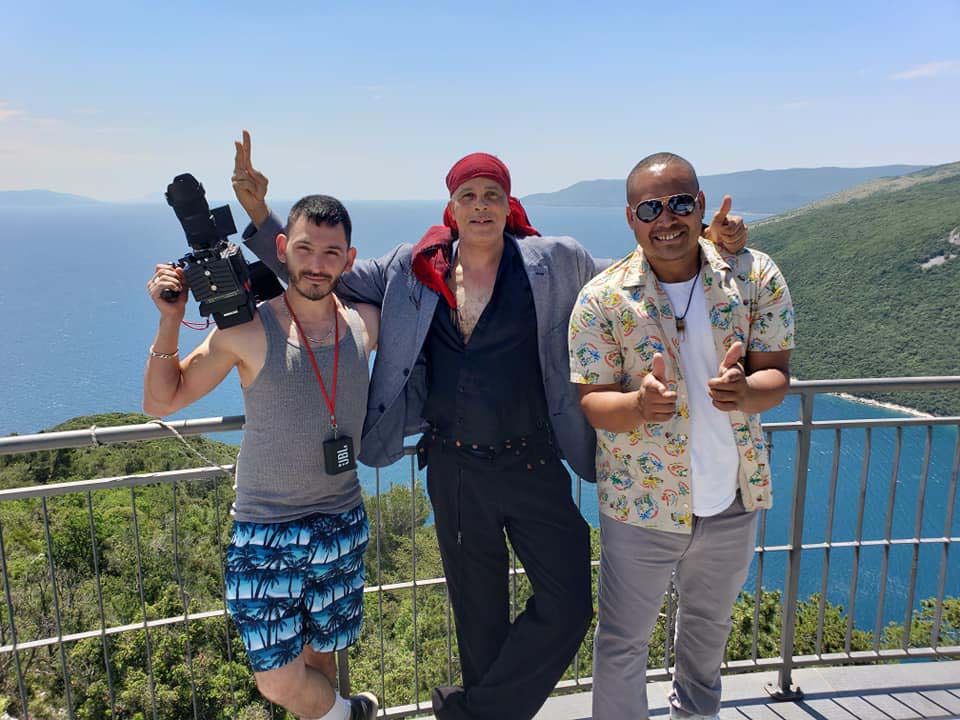
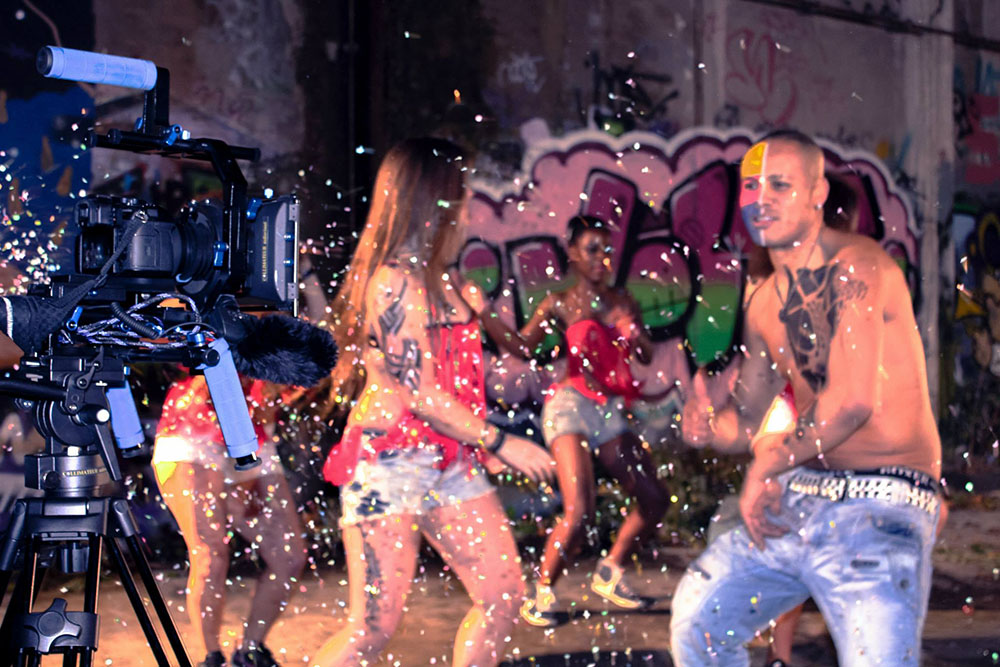
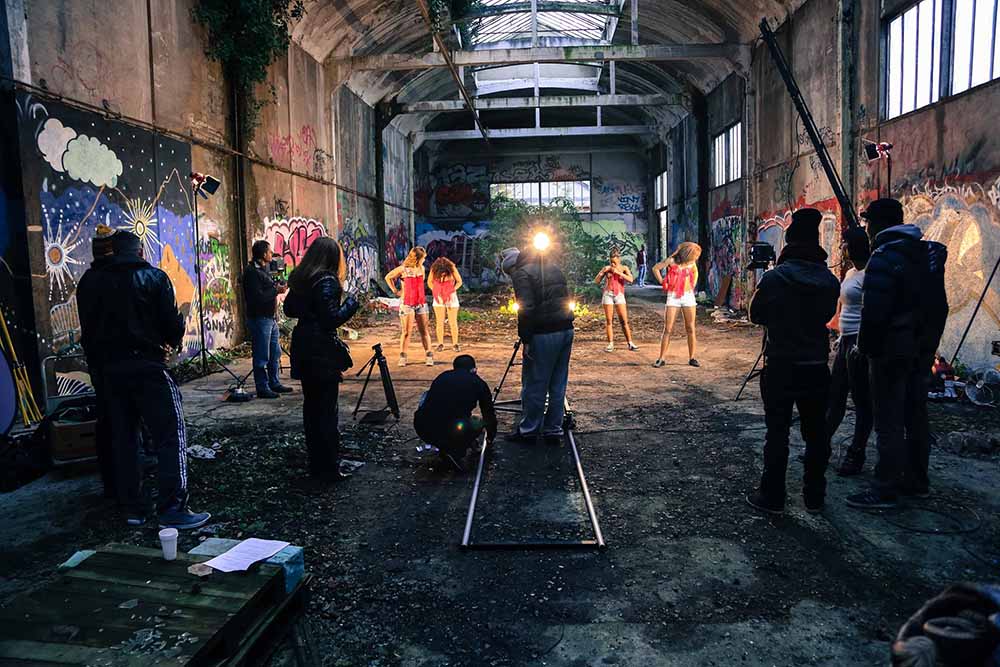
Limited Time Pre-Launch Bonuses
(Weekly Live Q&A available for Founder Edition Only $150 value)
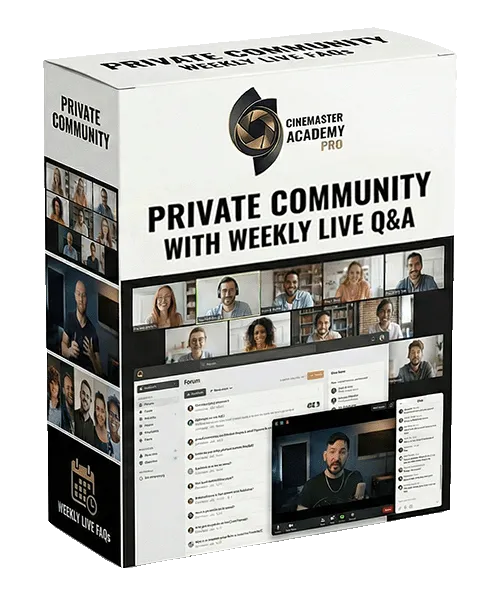
Private Community + Live Access
Real Support, Real Feedback — Not a Silent Course
Private Community Access Ask questions, share your work, and get clarity when you're stuck — so you're never guessing, overthinking, or losing time experimenting blindly.
Weekly Live Q&A Sessions — every Sunday, 11am PT (2pm ET) Live sessions where I answer your real questions, review your work, and break down the exact problems you're facing — not pre-recorded, not generic. Because the modules are still rolling out, these weekly calls bridge the gap: if there's something you need answered now, bring it live and get it directly from me.
1-on-1 coaching with me is $150/session. With Founder Access you get a live group Q&A every week — four sessions a month, included free. Do the math on what that access is worth.
Why This Matters
Most courses give you videos — and disappear.
This gives you access, feedback, and direction while the system is still being refined.
Once the Founder Edition closes:
• As more students join, live answer-time per person shrinks — Founders get the most direct access to me there will ever be
• Weekly live sessions become bi-weekly
• Course direction is locked
Founder-Level Course Influence As an early member, your feedback directly shapes upcoming lessons, workflows, and priorities inside the course. This level of influence does not exist once the course is finalized.
Included FREE during Pre-Launch
Not available after the Founder Access closes.
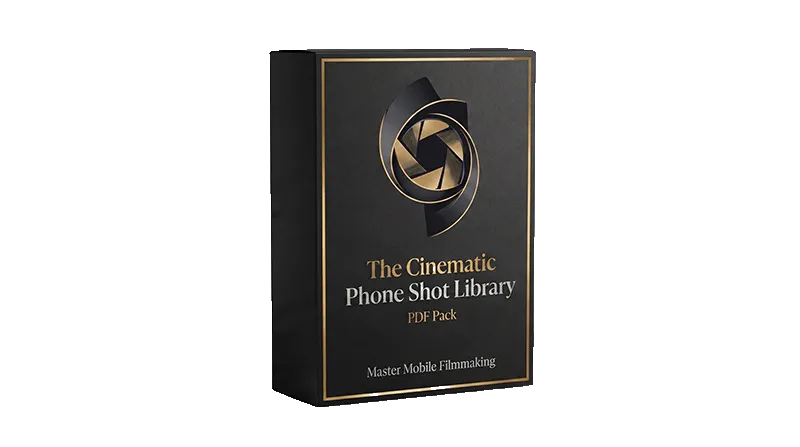
The Cinematic Phone Shot Library (FREE Bonus)
Normally $49 • Free with Founder Access
79 pages. 56 cinematic shots you can copy tonight. From the DP behind Absolut, Amazon Prime, and major-label music videos.
Recreate cinematic shots in minutes — exact camera position, framing, and settings
Light diagrams on real photos — see where the sun goes, where the subject stands
Stop guessing in harsh midday sun — 5 techniques that save the shot
Avoid the mistake that ruins each shot — called out on every page
Sent after 24H from purchase, most students would buy the course just for this.
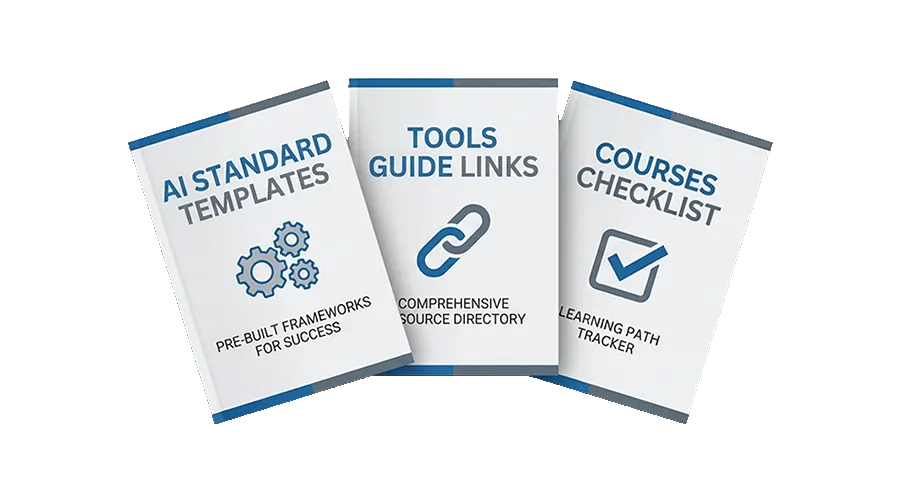
Bonus Companion Tools (Included $19 Free)
Simple tools, links, and checklists to help you move faster, avoid mistakes, and apply the course with more confidence.
🧠Templates & Quick Guides
Save time and avoid guesswork
Beginner-friendly AI templates
Simple travel FX prompt starters
Built to help you apply the lessons faster
NO AI knowledge needed
Quick-Reference phone Cheat Sheets
Lighting Setups,Composition,
Camera Moves etc
Saves weeks of research and hundreds in trial-and-error.
🔗 Tools & Gear Links
Recommended smartphone gear
Affordable options used in the course
Direct links for faster setup
Alternatives links of gear for different budgets
Saves weeks of equipment research
✅ Progress Checklist
Know what to do and in what order
Stay organized as you move through the course
Apply the lessons more consistently
Finish without missing key steps
Delivered inside the course modules as you reach them, not as a separate checkout download.
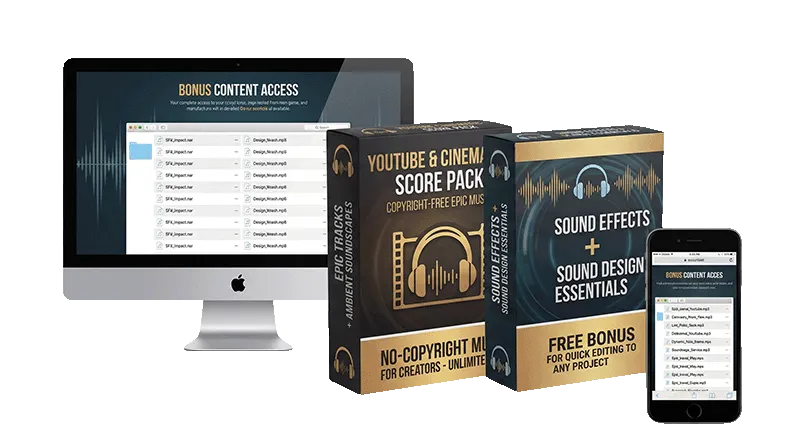
AUDIO EDITING ESSENTIALS PACK (Included FREE)
Normally $77 • Included Free During Founder Access
A practical sound pack to help your videos feel more polished, immersive, and cinematic — without wasting time searching for the right sounds.
SOUND FX PACK
50 sound effects for travel and lifestyle content
Footsteps, ocean, birds, city ambience, thunder, crowds, and more
Designed to make edits feel richer and more immersive
SOUND DESIGN PACK
50 sound design elements for more cinematic edits
Add texture, atmosphere, and impact to your videos
Easy to use in real-world editing workflows
A ready-to-use music pack to make your videos feel more cinematic, emotional, and polished — without wasting time searching for the right tracks.
30 copyright-free tracks for Content Creators, youtube, travel, and cinematic edits
Add more emotion, rhythm, and polish to your videos
Get WAV Files Plus All The Separate Stems
Easy to use in CapCut, Premiere Pro, and DaVinci Resolve etc
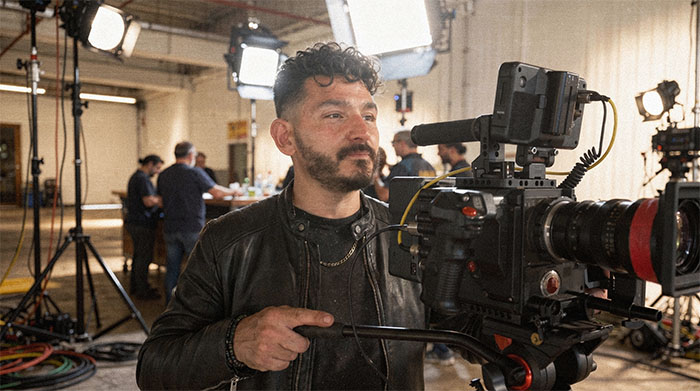
Meet Your Instructor
MEET YOUR INSTRUCTOR — SEBASTIEN RICCI
I didn't start with connections, money, or film school. I started in a basement with a borrowed camera, learning every part of production the hard way — lighting, composition, sound, editing, color — one project at a time. 22 years later, I'm still on real sets. The gear has changed. The principles haven't.
I've shot the Absolut Vodka commercial, served as DP on independent films and an Amazon Prime series, handled aerial cinematography for major-label productions, and directed music videos for artists including Kyle Massey (That's So Raven) and independent artists across the US and Europe. Trained in both cinematography and sound engineering. Based between Los Angeles and Las Vegas, originally from Paris.
Inside CineMaster Academy, I teach the production principles I learned the slow way — distilled into structured systems you can actually apply. The tools change every year. The fundamentals don't.
If I could build this from scratch with nothing but persistence, so can you.
If you've bought filmmaking courses before, you know the feeling: they get
you started, then leave you stuck — because most are taught by marketers and
creators, not working cinematographers. The footage stops looking cinematic
the moment you look closely. That's the gap I'm building CineMaster Academy
to close — real DP craft, taught at the level the others never reach, across
phone, cinema, and AI. What you're getting today already goes past what's
out there. And as a Founder, you don't just get today's version — you own
everything it becomes.
Founder Edition Extras Included
Included free during Founder Access
Private Community + Weekly Live Q&A Access $150
2-Day Travel Film Look $97
Travel Drone Shots $147
Audio Editing Essential Pack $77
The Cinematic Phone Shot Library $49
Bonus AI + Travel FX Companion Tools $47
Founder Bonuses Included Free for a Limited Time
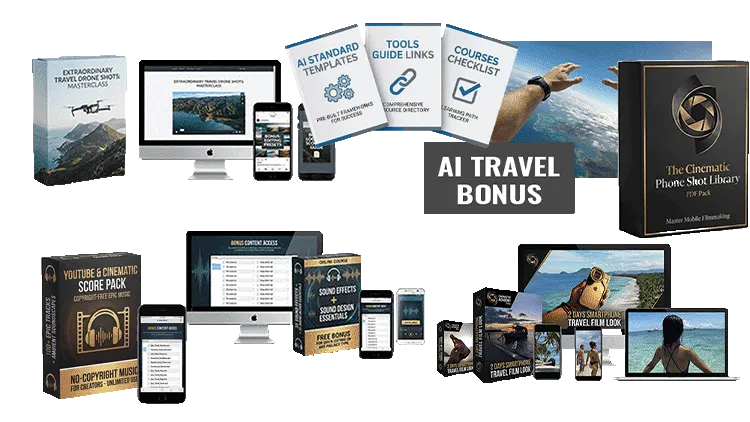
These founder bonuses are normally sold separately, but are included free during Founder Access.
Total Founder Bonus Value: $567
Get Founder Access for $77
Course Value: $197 + Bonuses: $567 = $764 Total Today
Just $77 You Save $687 —90% Off
Designed as a complete production system — not a tool tutorial.
How Founder Access works: New modules roll out from Oct 31, 2026 — released steadily as each is finished to a real production standard (no rushed, low-quality uploads). Every module lands in your dashboard automatically the moment it's live, and your access is lifetime. You're locking in the lowest price this course will ever be — Founder pricing never returns.
Who Is This Course For?
You want to create more cinematic, high-end videos and photos with your phone
You value real techniques, not random tricks or gimmicks
You want better lighting, composition, movement, and editing
You are a creator, filmmaker, entrepreneur, or brand that wants stronger visuals
You want structured guidance you can actually apply
No prior experience required — you only need curiosity and consistency.
Who Is This Course NOT For?
You want instant results without practice or effort
You prefer random trial-and-error over a clear system
You are satisfied with average-looking content
You are not interested in learning how stronger visuals are actually built
TRY IT RISK FREE

30 days Money Back Guarantee
Try it. Apply it. If your videos don't dramatically improve and you've genuinely applied the course, request a full refund. See terms below.
Founder Edition: Modules begin rolling out Oct 31, 2026 Lifetime access starts immediately upon purchase. Live Q&A access begins your first Sunday, 11am PT after enrollment.
What is CineMaster Academy?
CineMaster Academy is an online learning platform dedicated to advanced filmmaking, commercial production, and modern AI-assisted creative workflows. The academy offers practical courses that combine classic filmmaking expertise with today’s most powerful AI tools to help creators produce cinematic-quality visuals on a modest budget.
Who are the courses designed for?
The courses are suitable for:
Filmmakers and cinematographers
Content creators
YouTubers and social media creators
Indie filmmakers
Small business owners
Advertisers and marketers
Real estate professionals
Anyone wanting to create cinematic visuals with modern tools
Do I need filmmaking experience?
No. CineMaster Academy offers both beginner-friendly lessons and advanced modules. Each course is structured step-by-step so students can follow at their own pace.
What kind of equipment do I need?
You can follow the courses with:
A professional camera or
A smartphone capable of filming in high quality
Does CineMaster Academy guarantee specific income or results?
No. While the courses teach practical skills, business strategies, and efficient workflows, results depend entirely on each student’s effort, consistency, and real-world application. The academy does not guarantee financial outcomes.
Can beginners follow the advanced courses?
Yes. Even the advanced courses include step-by-step explanations, screen recordings, and examples so beginners can learn progressively, while advanced students can directly access the deeper modules.
Do you teach business and client acquisition?
Yes — to a point. Ultimate Phone Film Mastery includes a module on turning your skills into income: landing your first paying client, what to charge, and where the work comes from (clients, stock, branded content, your own channel). The complete client-acquisition system — advanced outreach, pricing, and positioning — is taught in a separate program, so it's done properly rather than tacked on. No business or financial outcomes are guaranteed.
Are the courses updated?
Yes. Because AI and filmmaking tools evolve quickly, modules are periodically updated to reflect the latest techniques and best practices all our courses include a lifetime updates.
What is the refund policy?
CineMaster Academy offers two types of products. Each has its own refund
rule. Both apply during Founder Edition and after.
🎬 ONLINE COURSES — 30-Day Money-Back Guarantee
Standard-tier courses (under $997) are covered by a 30-Day Money-Back
Guarantee, subject to a Good-Faith Use Requirement.
To qualify for a refund within 30 days of purchase, you must have:
✓ Watched or accessed the core modules of the course
✓ Attempted to apply some of the techniques taught
✓ Provided a brief written description of what you tried
To request a refund, email [email protected] within 30 days
of purchase. Refunds are processed within 7–14 business days to your
original payment method.
Each customer is eligible for one course refund maximum across all
CineMaster Academy educational products.
📦 PRO PACKS & BONUSES — Final Sale, No Refunds
Pro Packs and digital downloadable products (LUTs, presets, sound libraries,
SFX packs, music tracks, video overlays, AI templates, transitions, e-books,
PDFs, and similar instantly-deliverable digital files) are sold as FINAL SALE.
Once delivered, Pro Packs cannot be refunded, returned, or exchanged due
to the nature of immediate digital delivery.
Bonuses bundled with course enrollment (including any Pro Packs included
free during Founder Edition) are non-refundable on their own. If a course
refund is issued, all access and usage rights to those bundled bonuses
are revoked at the same time as the course.
Limited discretionary exceptions apply only in cases of verified duplicate
purchase, technical delivery failure, or unauthorized purchase. Contact
support within 7 days of the qualifying event.
📄 FULL TERMS
For complete refund terms, see:
• Course Refund Policy: cinemasteracademy.com/course-refund-policy
• Pro Packs Refund Policy: cinemasteracademy.com/refund-policy-pro-packs
• Terms and conditions, Section 11: cinemasteracademy.com/terms-and-conditions
For all refund requests: [email protected]
Can I use CMA Pro Packs materials in my own projects?
Yes.
As long as you are an active, paid student and have not requested a refund, you may use CineMaster Academy Pro Packs materials in:
Personal projects
Client work and paid gigs
Content published on any platform
No additional license fee is required.
Is the content copyright-free?
You are granted a royalty-free license to use the materials while you remain an active student.
CineMaster Academy retains full ownership of all content.
Can I resell or share CineMaster Academy assets?
No.
Reselling, sharing, redistributing, or giving access to CineMaster Academy materials is strictly prohibited, even if modified.
Do Pro Packs Include Lifetime Updates?
Our Pro Packs are premium collections of digital filmmaking tools, including video overlays, FX with alpha channels, LUTs, sound design elements, and more—essentially plug-and-play assets to enhance your video projects. When you purchase or get a Pro Pack through one of our courses, you’ll also receive all future updates and new additions to that pack at no extra cost. This means your Pro Pack will keep evolving along with our business, ensuring you always have access to the latest and greatest tools.
What Languages Does CMA Support?
Currently, all CMA courses are produced in English for the initial launch phase.
We do plan to develop French-language versions based on demand. If you’re interested in a course in French, please let us know by submitting a request via our contact form:
👉 https://cinemasteracademy.com/contact
As soon as we receive enough requests for a specific course, we’ll prioritize translating and producing it in French.
Over time, our goal is to build a full French-language CMA catalogue.
Do I need to buy editing software to use this course?
No. You do not need to buy expensive software to get started.
Inside the course, you’ll learn workflows that can be applied using both free and paid editing tools, on phone or desktop. The goal is not to lock you into one program — it’s to help you understand the editing principles so you can get strong results with the tools that fit your budget and workflow.
You’ll be guided with options for popular software such as:
CapCut Mobile
CapCut Desktop
DaVinci Resolve
Adobe Premiere Pro
Final Cut Pro
So whether you want to start free or already use a professional editing suite, you’ll be able to follow the course and apply the lessons.